There are a couple of ways to access WACM:
As a WACM user, you simply sign in with your account credentials.
As an enterprise customer, you can sign in using Wasabi’s Single Sign On (SSO) feature.
Signing In
When you are ready to sign in to WACM, follow the instructions below.
Access the WACM sign-in page (https://wacm.wasabisys.com).
Enter your account (the email address you entered during sign-up) and password.
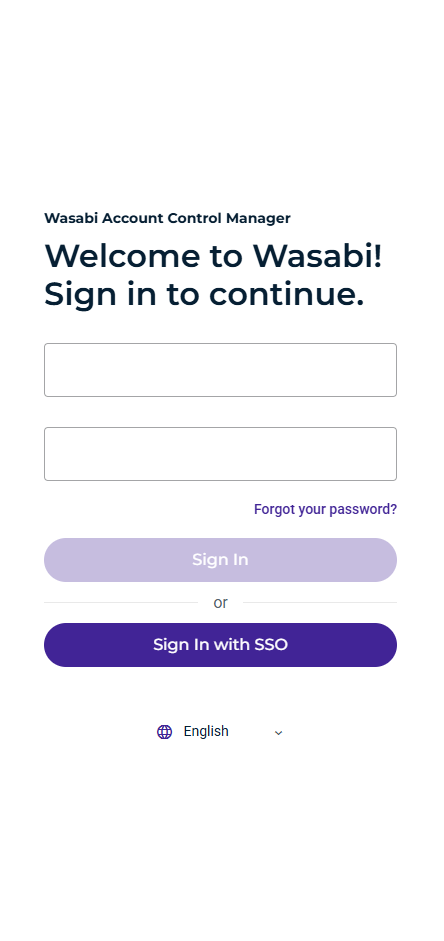
Click Sign In or click Sign In with SSO.
Logging Out
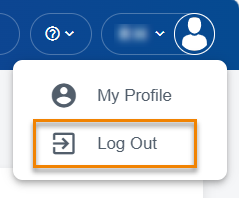
Open the account sign-in drop-down.
Click Log Out.