Signing In
For questions or concerns about accessing your WCSM account from the Sign In page, contact your WCSM Support Engineer.
Navigate to the Sign In page (http://wcsm.wasabisys.com).
Enter your login credentials.
email
password
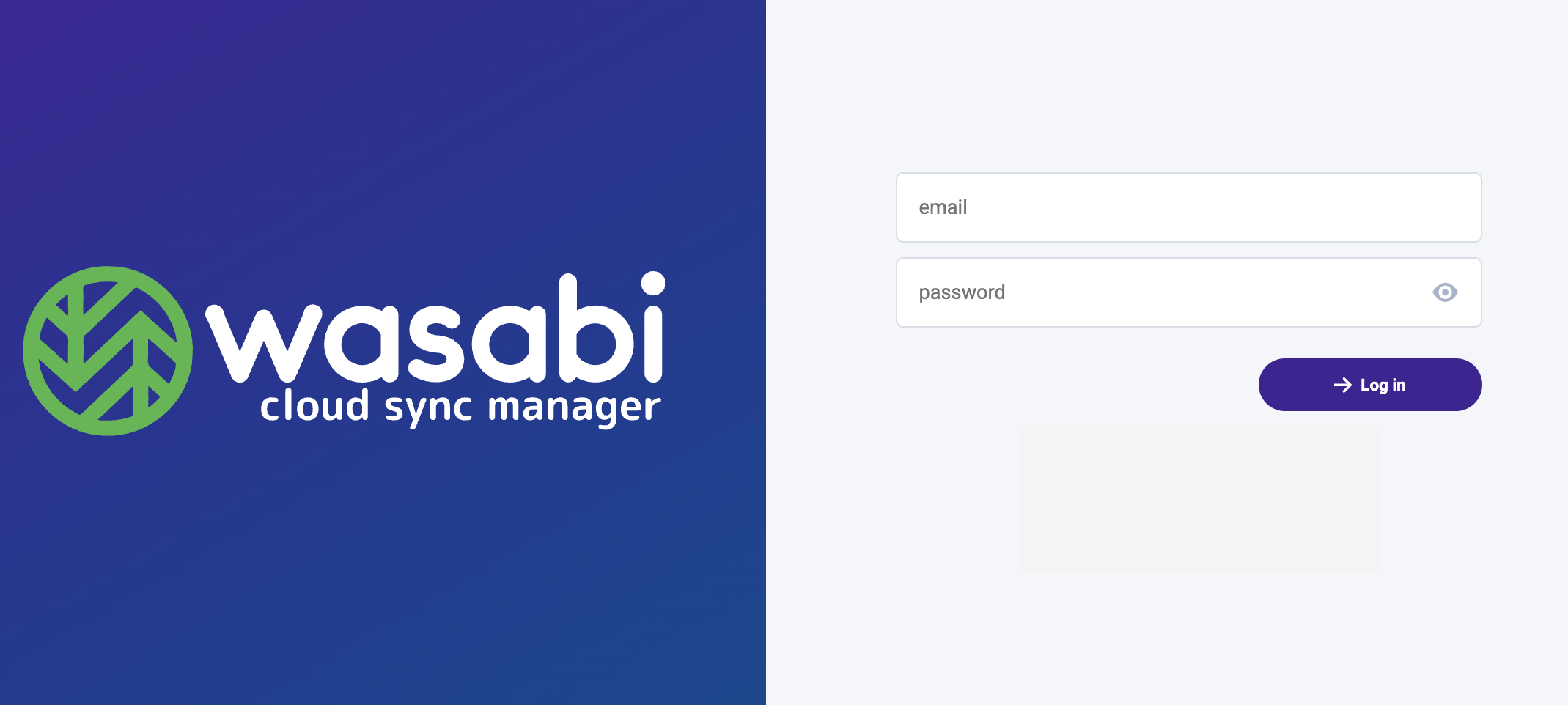
Click Log in.
You will be presented with the WCSM Dashboard.
Updating Your Password in the WCSM Portal
Wasabi recommends that you change the password that was assigned to once you log into the WCSM Portal. To do so:
Hover over
 in the left navigation menu.
Click Profile.
Click
 .
.Click Change Password.
Enter the following credentials.
Password
Password Confirmation

Click Change Password.
Logging Out
Hover over
 on the navigation menu.
Click Logout.