Editing Source and Target Credentials
Click Credentials.
Select a credential from the list.
.png)
Click
 .
.Click Edit.
Edit the name, if needed.
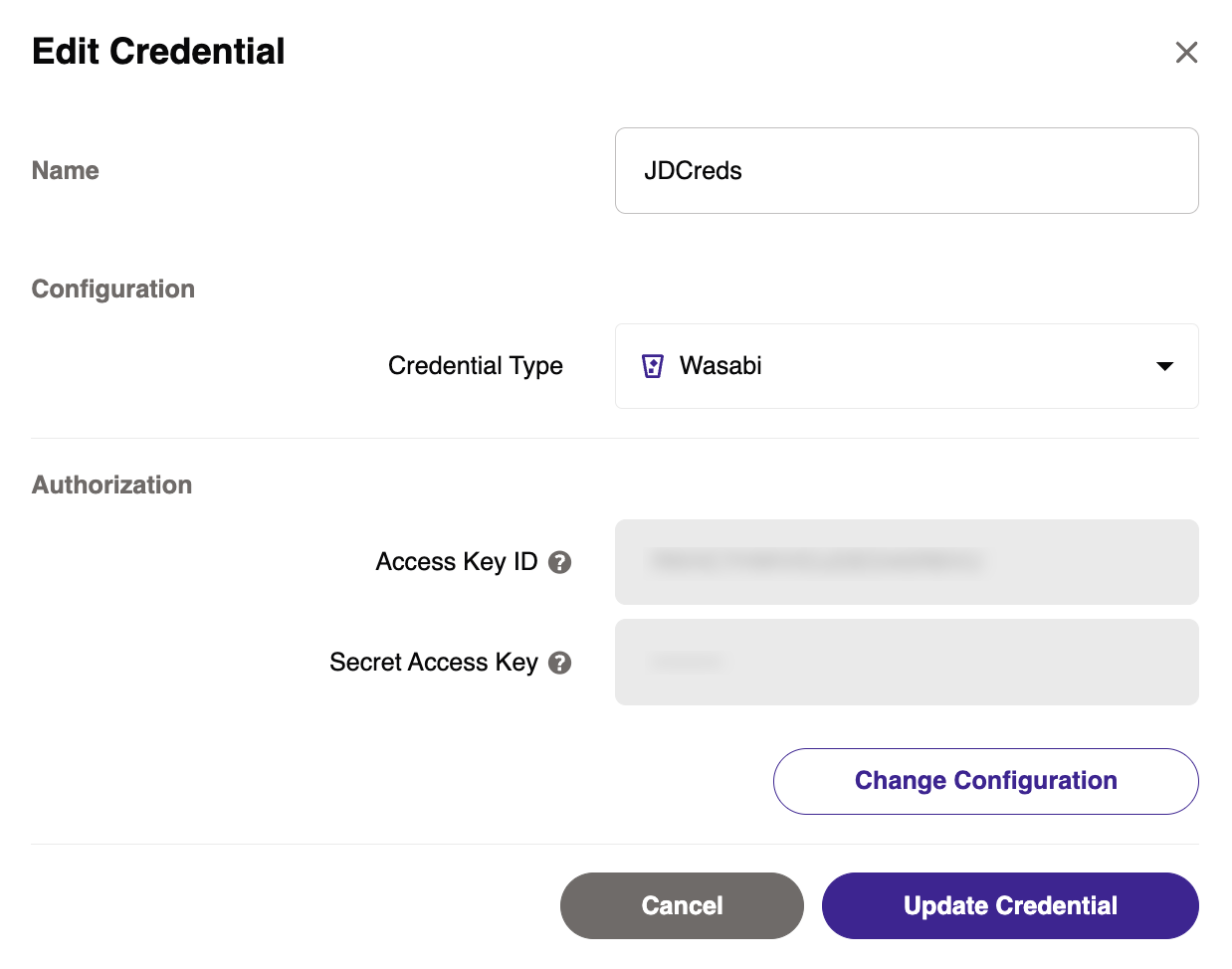
To edit the Credential Type and/or Authorization, click Change Configuration.
Any changes to the credential type first require changes to the authorization.
.png)
Optionally, to restore the original credential information, click Reset.
Once complete, click Update Credential.
Deleting Credentials
If a credential is associated with an existing storage object, you must disable and delete the storage object before you can delete the associated credential.
Select a credential from the list.
Click
.Click Delete.