You can configure the following bucket settings from the WSC Configuration tab.
Versioning—Enables users to store and retrieve a specific version of a replicated or modified file. Versioning preserves file modifications on the source by keeping the modified versions as a separate file on the bucket. When versioning is enabled, every version of your replicated files will be saved as a separate version. When versioning is disabled, Wasabi will overwrite the previous version of a file and replace it with the updated, modified version.
Compliance mode—Prohibits the modification or deletion of files from the source. Configure the amount of time that objects in a bucket are retained.
Enabling/Disabling Versioning
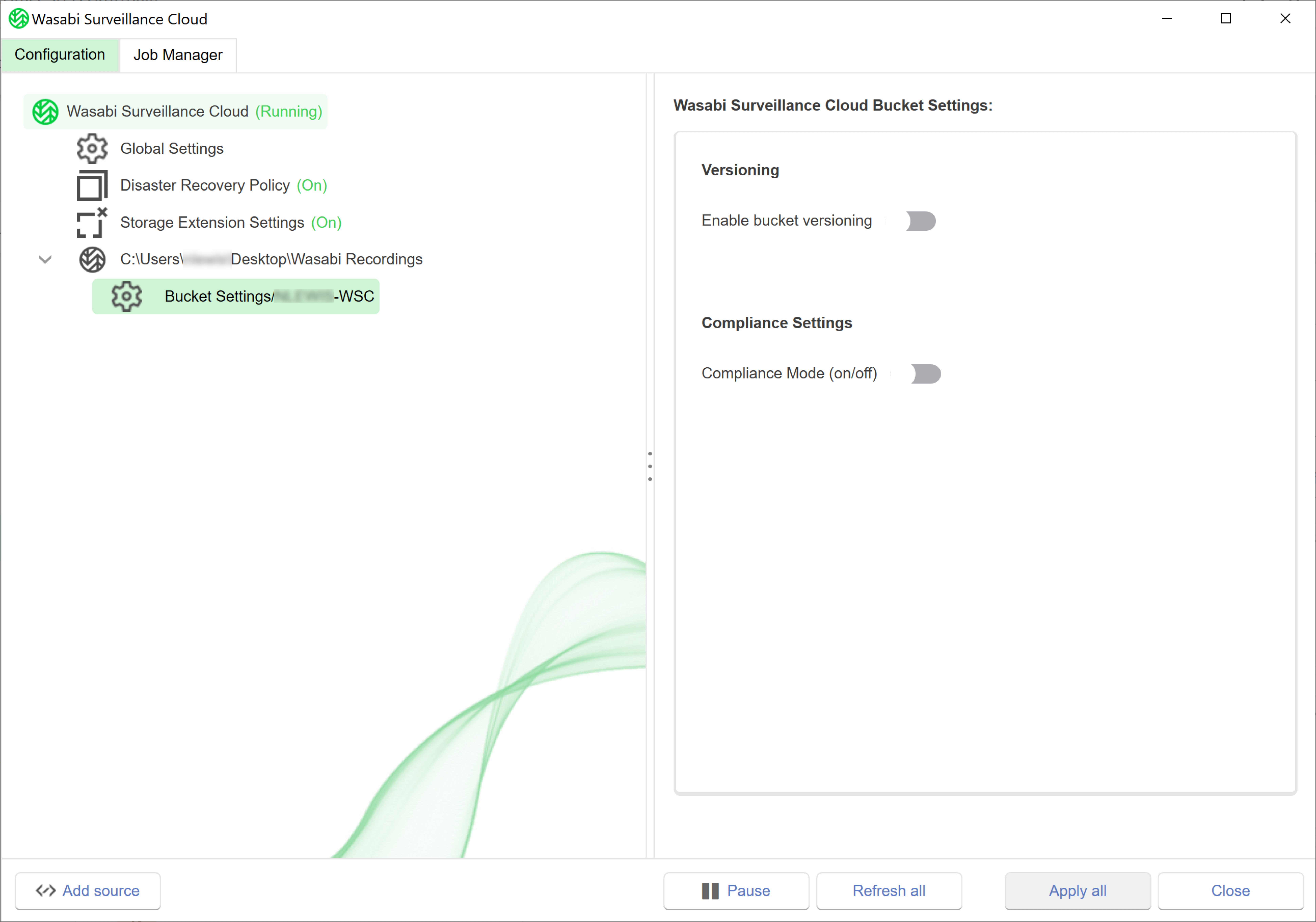
Under the selected source, click Bucket Settings.
Click the toggle to enable Versioning:

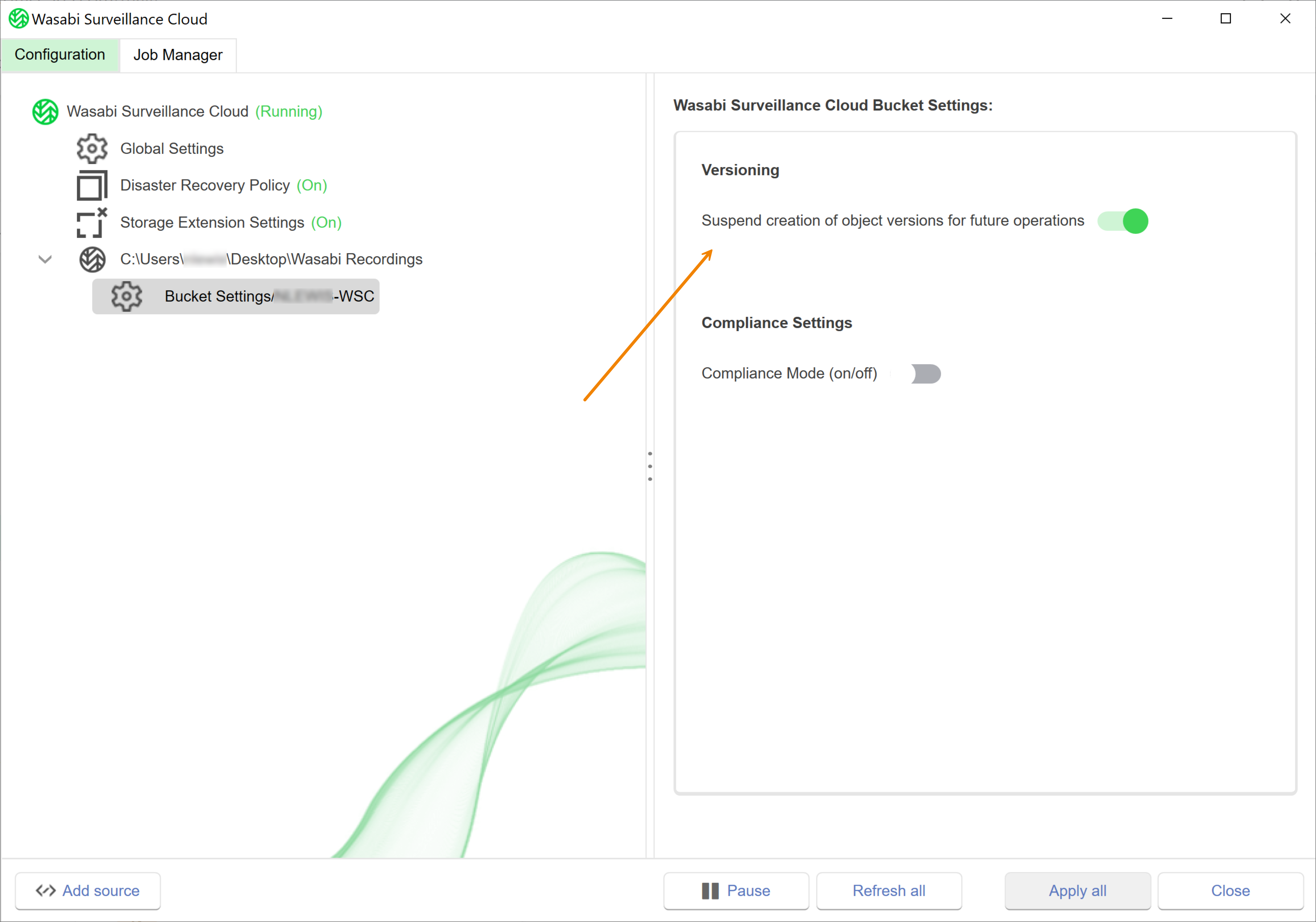
Once enabled, notice that the setting description changes to describe disabling versioning, as shown below. Click the toggle to disable versioning.
Enabling Compliance Mode
Compliance mode can only be disabled from the WSC storage account.
Under the selected source, click Bucket Settings.
Click the toggle to enable Compliance Mode:
A message will notify you that compliance mode can only be disabled from the Wasabi Console (WSC storage account). Click Yes.
.PNG)
You will now set the Retention Time. The retention time determines when objects in the bucket can be modified and/or deleted. Enter a number in the type field.
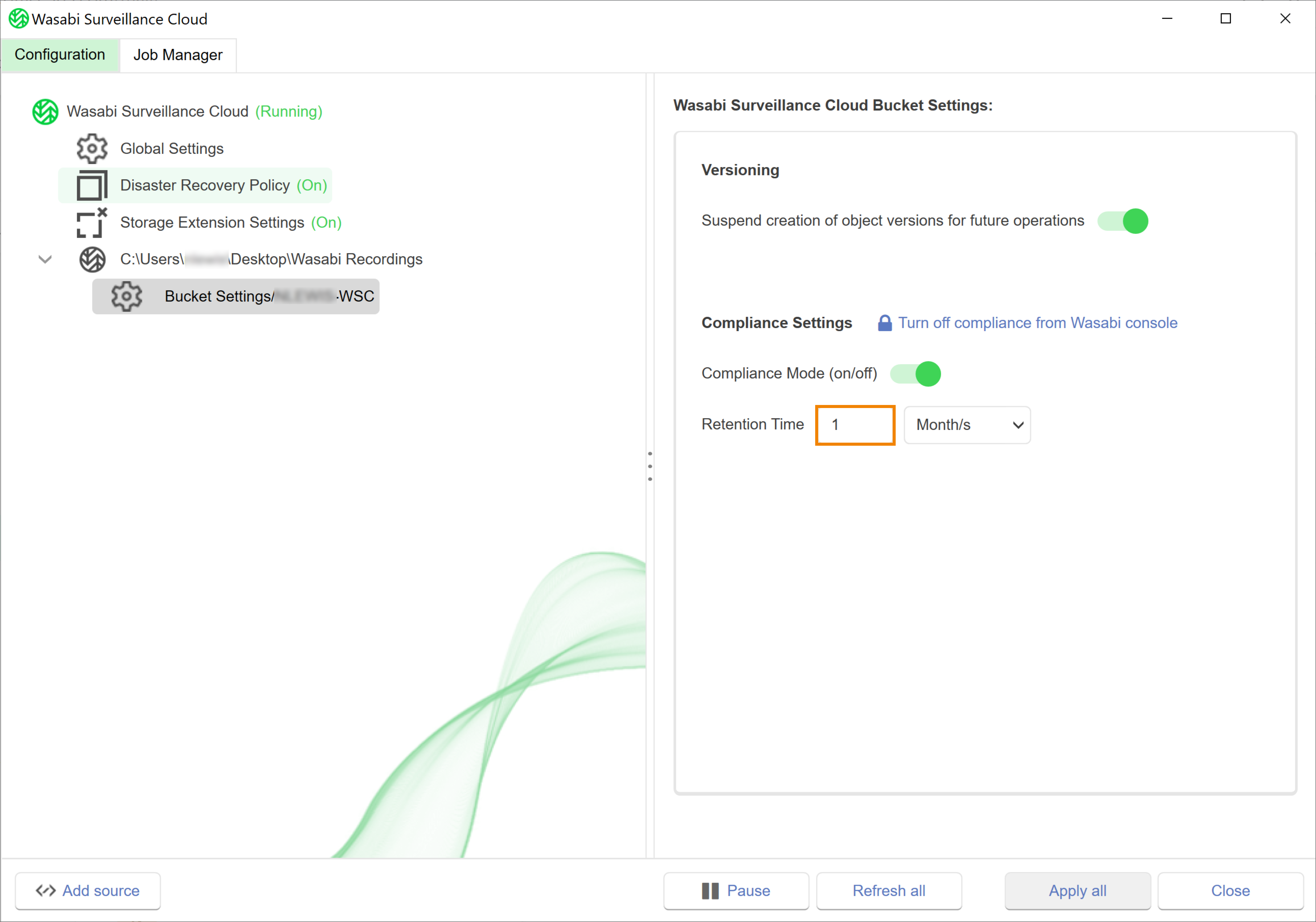
Click the drop-down to select a unit.
You have now successfully enabled Compliance mode.