Refer to the cautionary information in Bucket Management: Deleting.
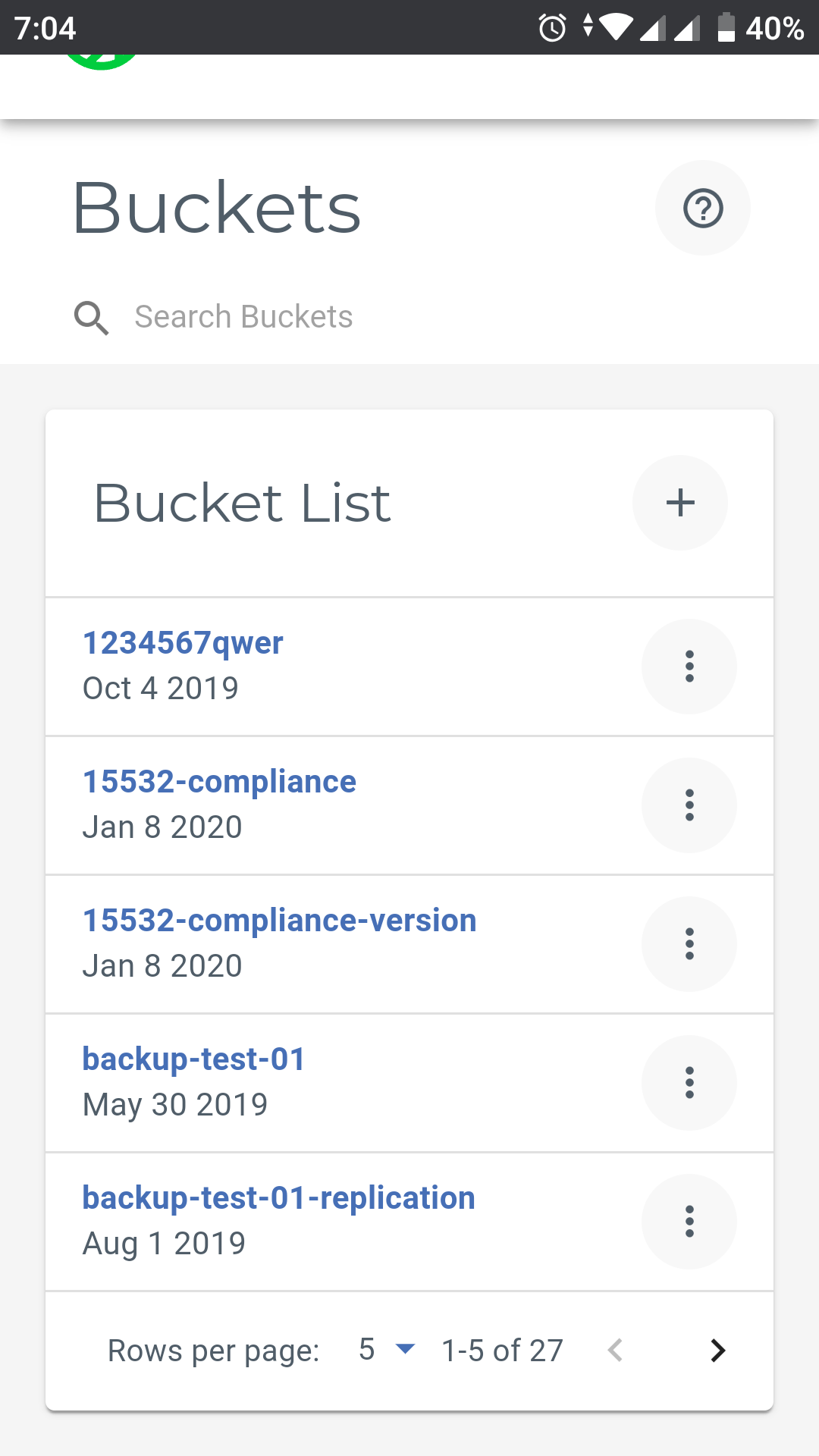
Open the list of buckets. For example:
Tap
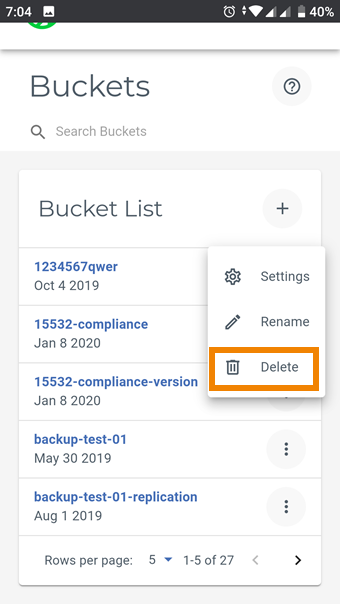
 to the right of the bucket you want to delete.
Select the Delete option.
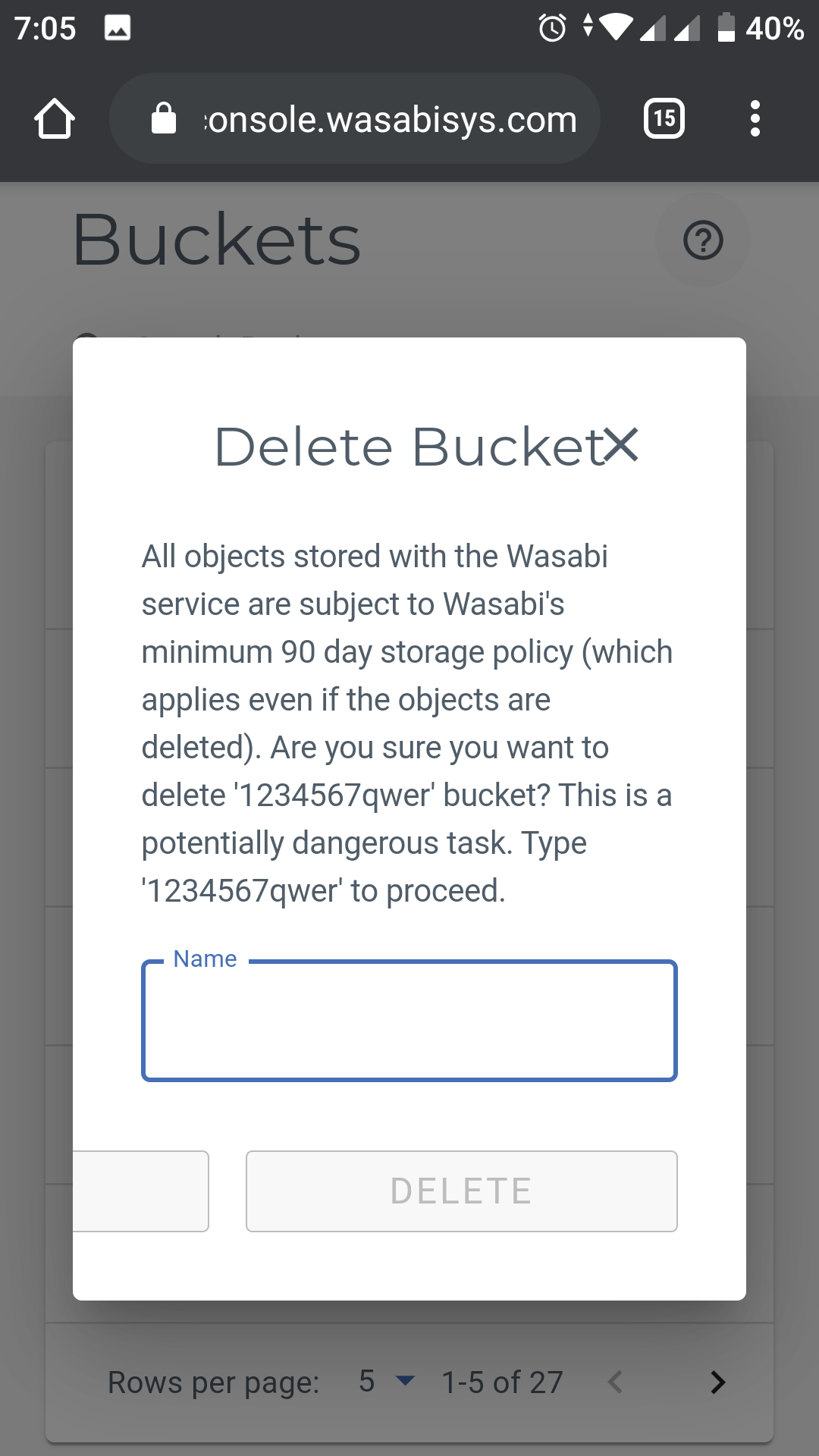
A message asks you to confirm that you want to delete the bucket. Do so cautiously because deleting a bucket removes all objects stored in the bucket.
Enter the name of the bucket to proceed.
A message will indicate that the bucket has been deleted.