Version 3.1.0.32 - August 2026
Include and Exclude Folders From a Reclaim Space Policy
When configuring a global reclaim space policy, you can refine the list of automatically managed locations by listing specific folders to include and/or exclude from the scope of the policy. While the excluded locations are not subject to an automatic policy, you can manually reclaim space with the WCN shell extension (or by running a command from the Command Prompt). For more information, refer to Configuring Space Reclaiming in WCN.
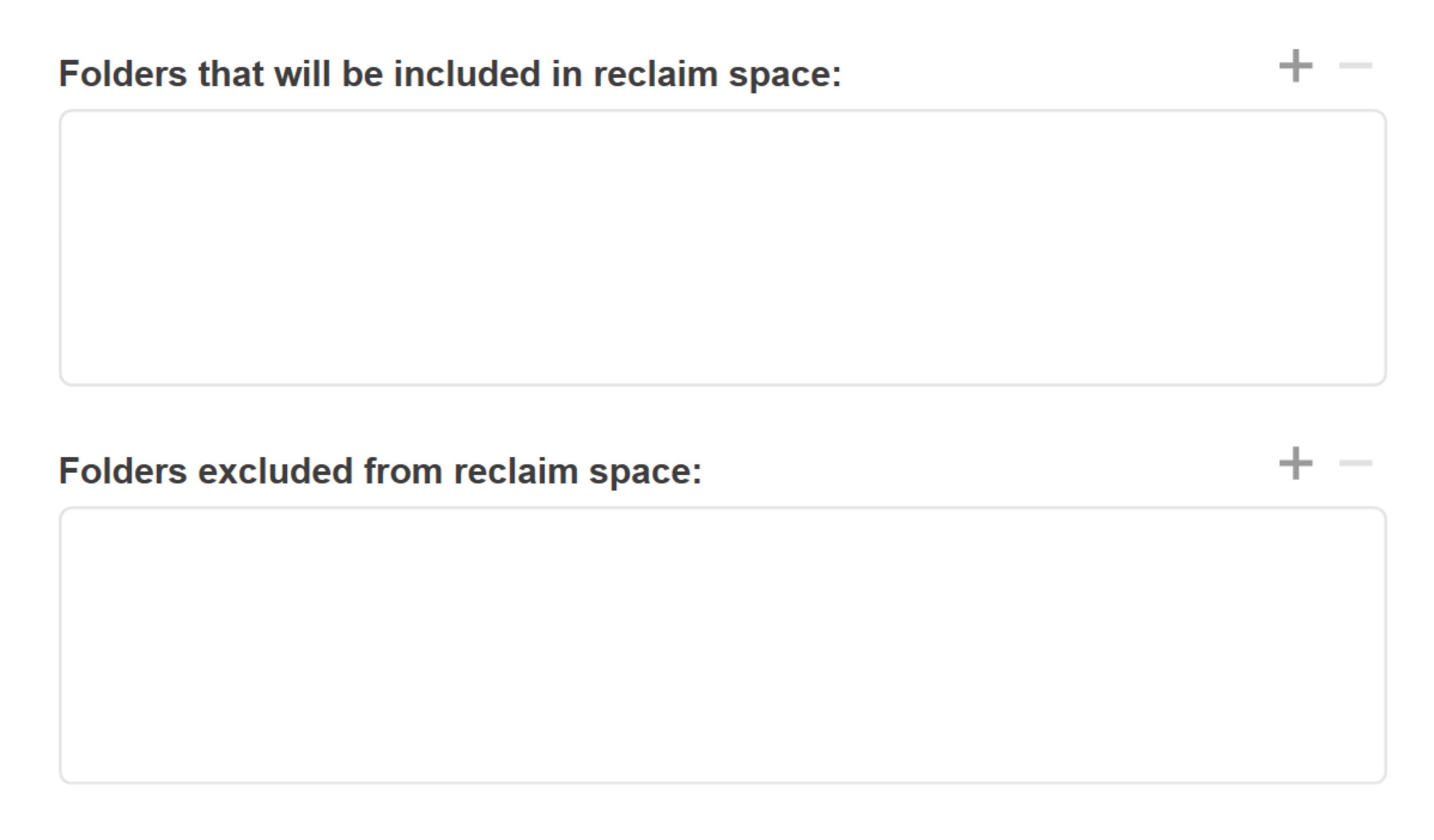
When configuring a local reclaim space policy (for a specific source), you can list specific folders to exclude from the policy.
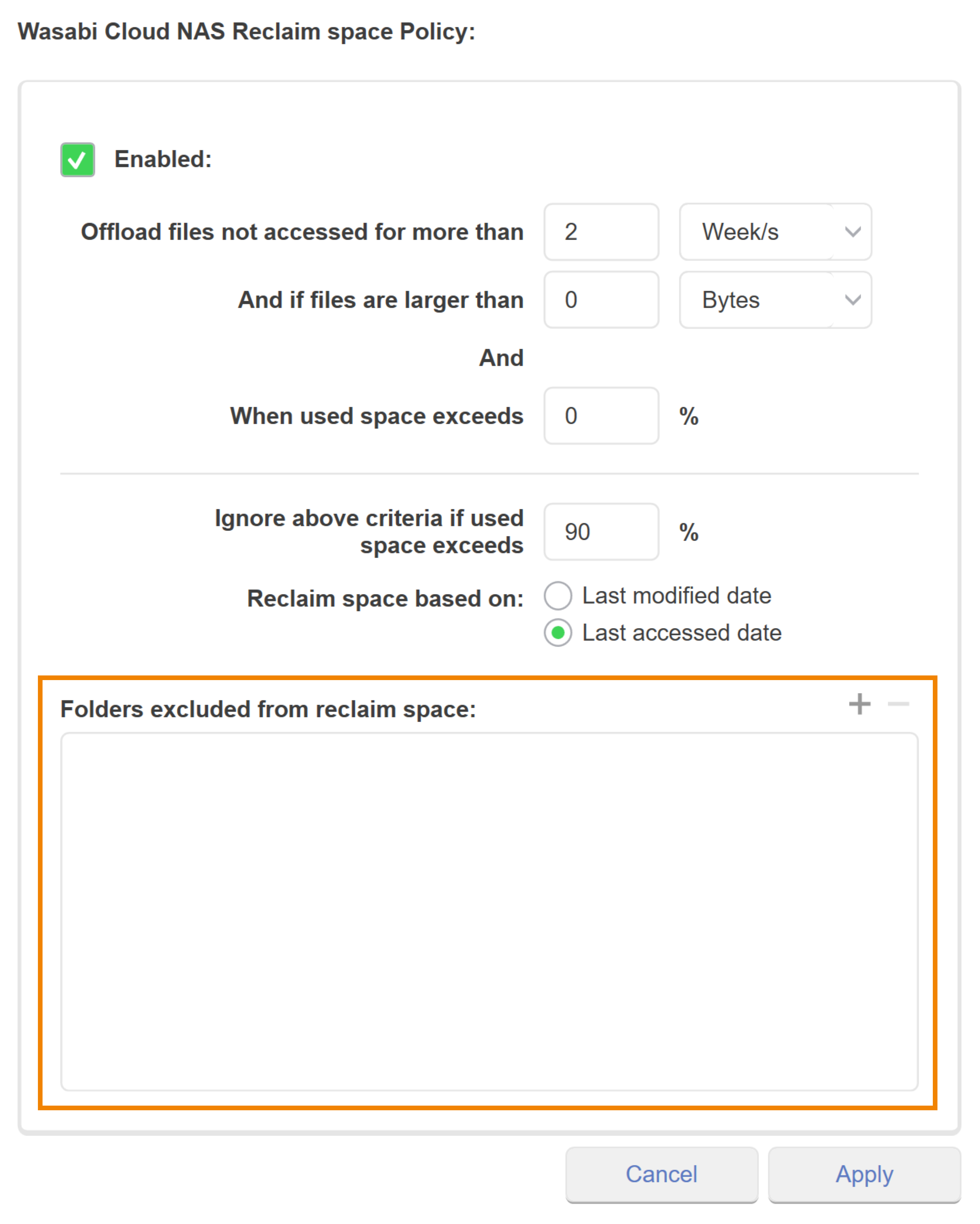
Reclaim Space Based on Date
When configuring a reclaim space policy, you have the option to reclaim space based on:
Last modified date—Most recent date that the folder/file was edited on the source.
Last accessed date—Most recent date that the folder/file was opened on the source.
.png)
Exclude File and Folder Types From a Replication Policy
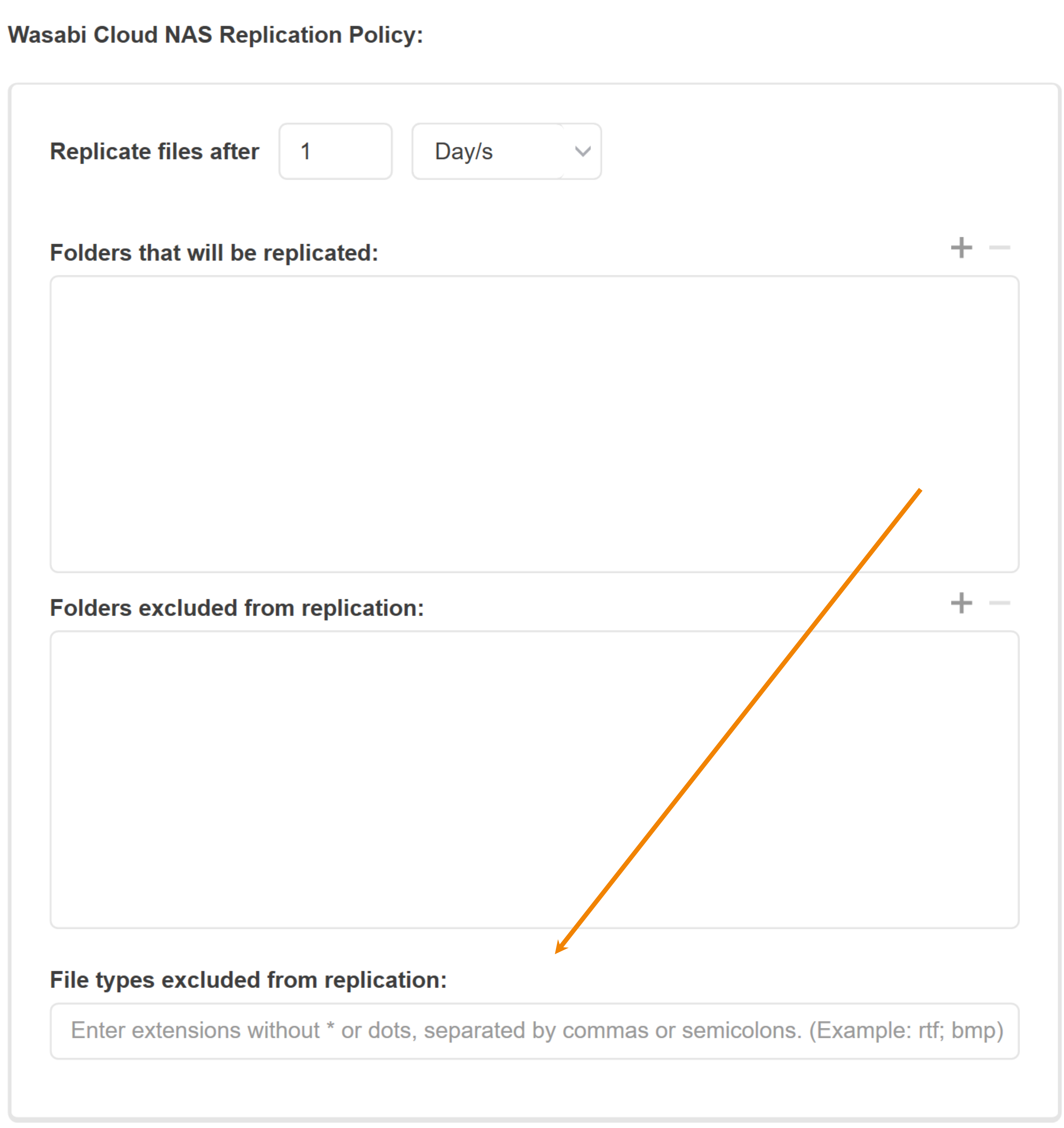
WCN enables you to exclude specific file types from a replication policy. When configuring either a global or local policy, you can list each file type to exclude from replication (for example, rtf; bmp). For more information, refer to Configuring Automatic Data Replication in WCN.
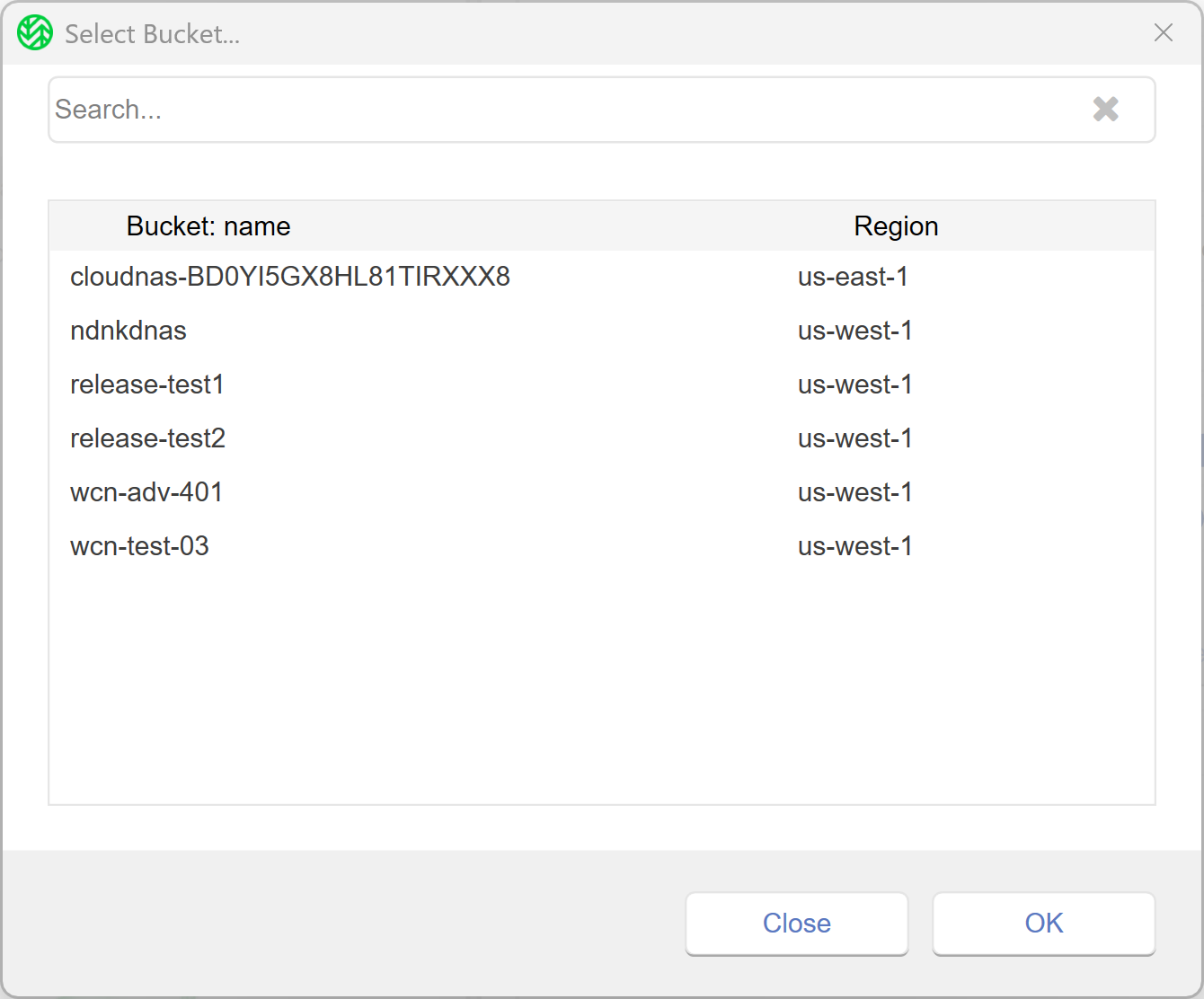
Select Bucket Feature
The Select Bucket feature enables you to efficiently search your existing Wasabi buckets when mapping the local source folder to a target. On the Select Bucket window, browse and filter the list of buckets using the search bar and/or scroll bar. For more information, refer to Pairing a Source With a Target.
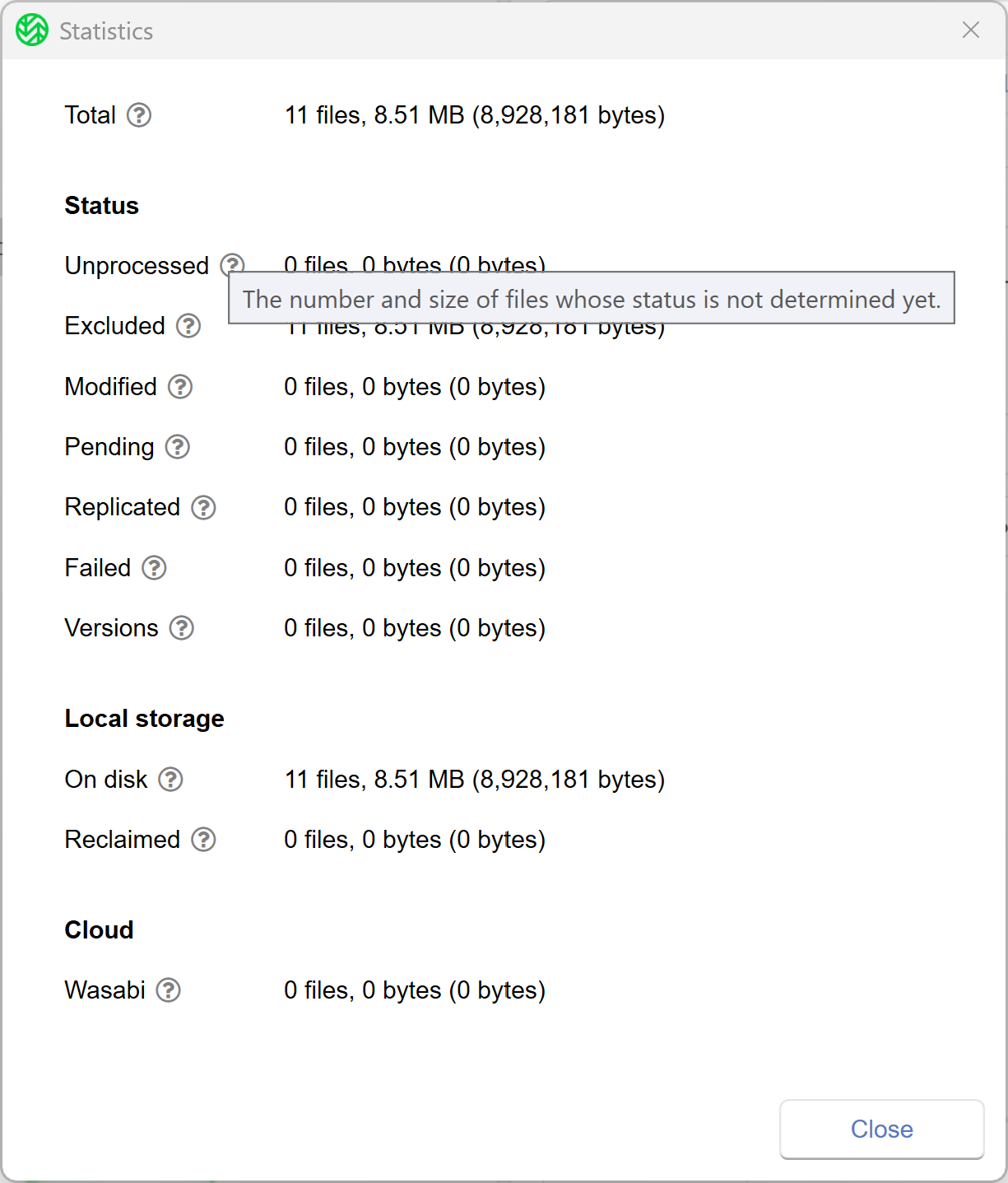
Statistics Tooltips
Tooltips are available on the Statistics window. Hover over  to view more details about the information reported. For more details, see Monitoring Data Management Statistics.
WCN now includes:
An error message is logged in the Windows Event Viewer for the following scenarios. For more information, see Configuring Event Logs in WCN.
An unauthorized user attempts to map a source folder to a bucket with a restricted access policy assigned to it.
An unauthorized user attempts to perform a CRUD operation(s) on a bucket without the necessary permissions.
Command prompts for the WCN client support non-ASCII characters. Users can perform actions on a local folder that contains non-ASCII characters (such as accented letters, symbols, currency symbols, emojis, and non-Latin characters) in the name.
Renaming a local file or folder uses standard S3 APIs. For more information, see Renaming a Folder or File With WCN.