Keeping your Wasabi replication buckets in sync is essential for ensuring data consistency, reliability, and successful disaster recovery. This article walks you through simple and advanced methods for validating replication, whether you prefer a quick check or a detailed comparison.
Quick Validation Using Wasabi Stats API
The fastest way to check replication status is to compare the total bucket size and the number of objects between your source and destination buckets using the Wasabi Stats API.
Retrieve statistics for both source and destination buckets using the Wasabi Stats API.
Compare the total bucket size and object count.
Confirm that values are nearly identical.
A small difference is normal if your bucket is actively receiving new data.
If you prefer a simpler approach without working directly with APIs, you can use the provided wasabi_utilization_report.py Python script:
Requirements
AWS SDK boto3 for Python installed on your CLI
Python 3+ version to run the script
Python Modules: tqdm, requests, csv, logging, pathlib, typing
Script Execution and Details
Download the script wasabi_utilization_report.py provided above.
Configure your Wasabi access and secret keys in your environment using the AWS CLI. If you do not have an access key, you should generate one. If using a sub-user, make sure it has the following policies attached: WasabiAccountStatsAccess and WasabiBucketStatsAccess.
Run the script from your terminal (python3 wasabi_utilization_report.py).
Review the generated output for bucket size and object count.
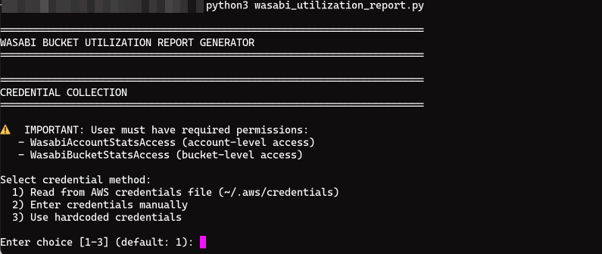
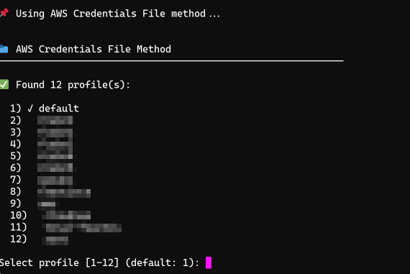
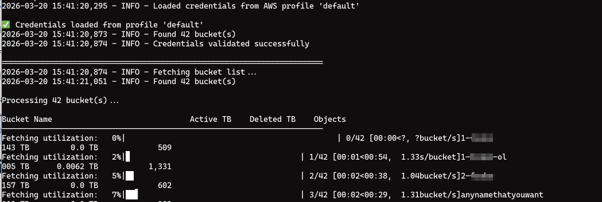
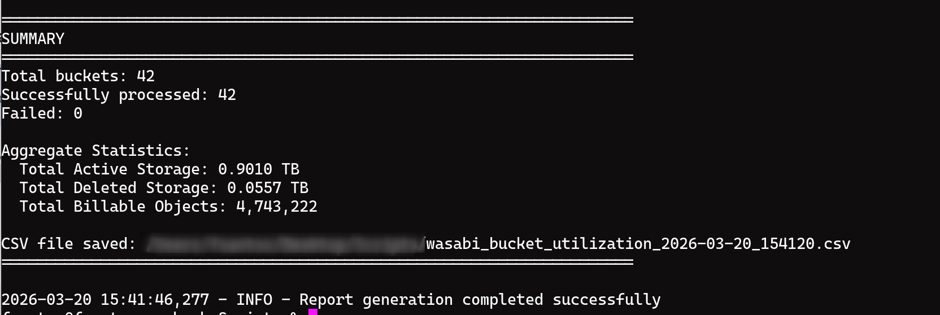
After opening the report, you can check the difference between Active TB and NumBillableObjects.
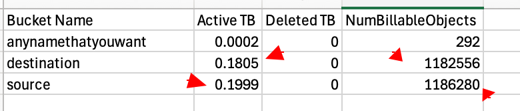
Depending on the bucket usage, there might be a slight difference. If you think the difference is significant and want to check what is missing, you can use the next option to validate.
Advanced Validation Using Wasabi Inventory
For a deeper analysis, you can use Wasabi Inventory to generate manifests for your buckets and compare them to identify missing objects.
Enable Wasabi Inventory on both the source and destination buckets. If your bucket has versioning enabled, we recommend selecting the All versions option.
Generate and download the inventory manifest files.
Use a comparison method to identify differences.
Optional: For Automation, use wasabi_compare_manifests.py
Requirements
Python 3+ version to run the script
Python module: Pandas
Script Execution and Details
Download the wasabi_compare_manifests.py Python script:
Ensure both manifest files are available locally.
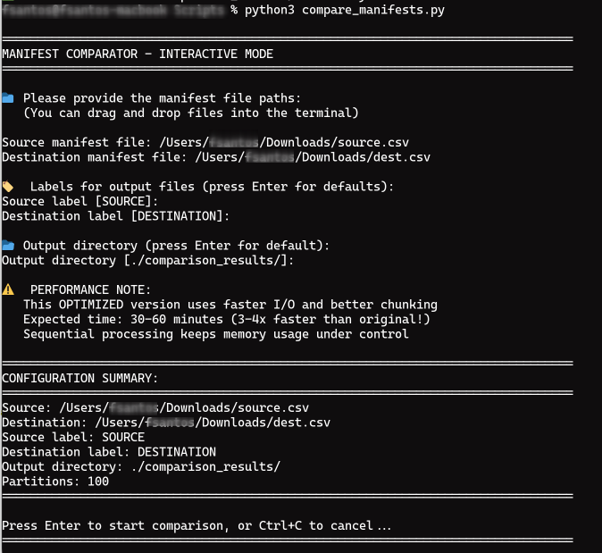
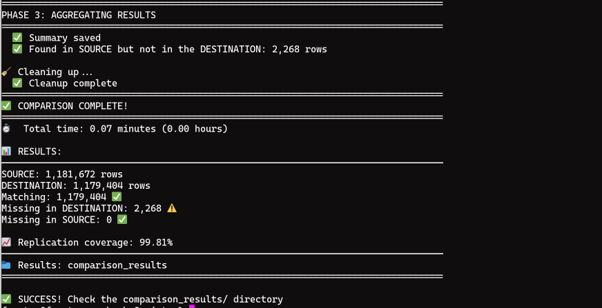
Run the script from your terminal: python3 wasabi_compare_manifests.py. The script compares only object keys and does not consider VersionID.
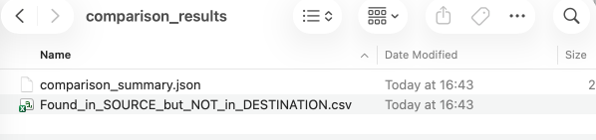
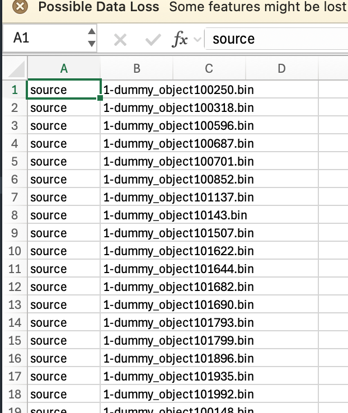
Review the generated CSV report for missing objects.
For questions or issues, or to validate a replication job, contact Wasabi Support at support@wasabi.com.