Archiware P5 is certified for use with Wasabi. To learn more about the Archiware-Wasabi joint solution, refer to our solution brief Protect Valuable Video Content with Archiware and Wasabi and Protect Valuable Video Content. To use this product with Wasabi, follow the configuration guidelines below.
To move your seed data to your Wasabi bucket, refer to the Archiware blog at Archive to Cloud using Wasabi Ball Transfer Appliance
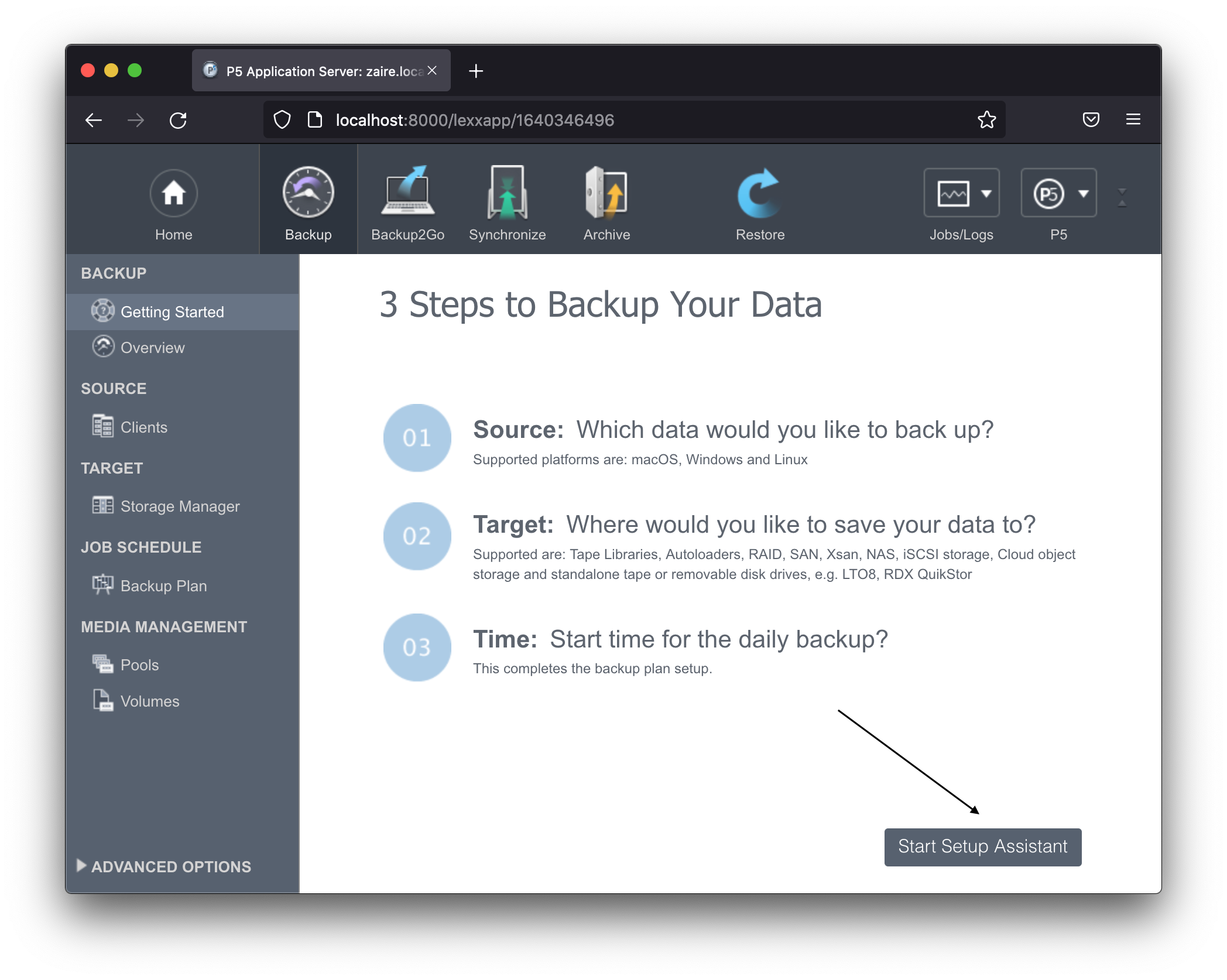
Click Start Setup Assistant.
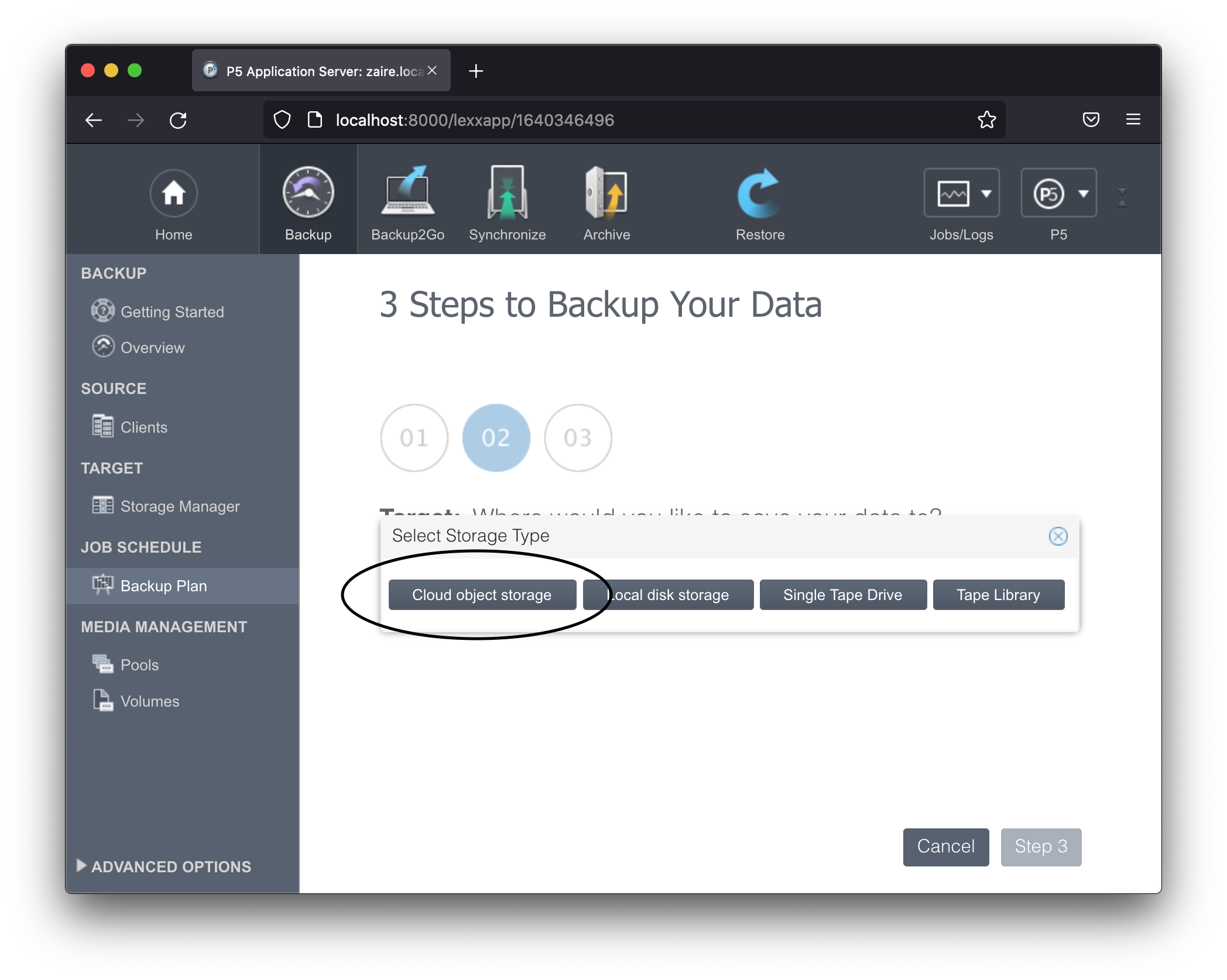
During the second assistant step, where you need to identify the target storage, click Create object storage.
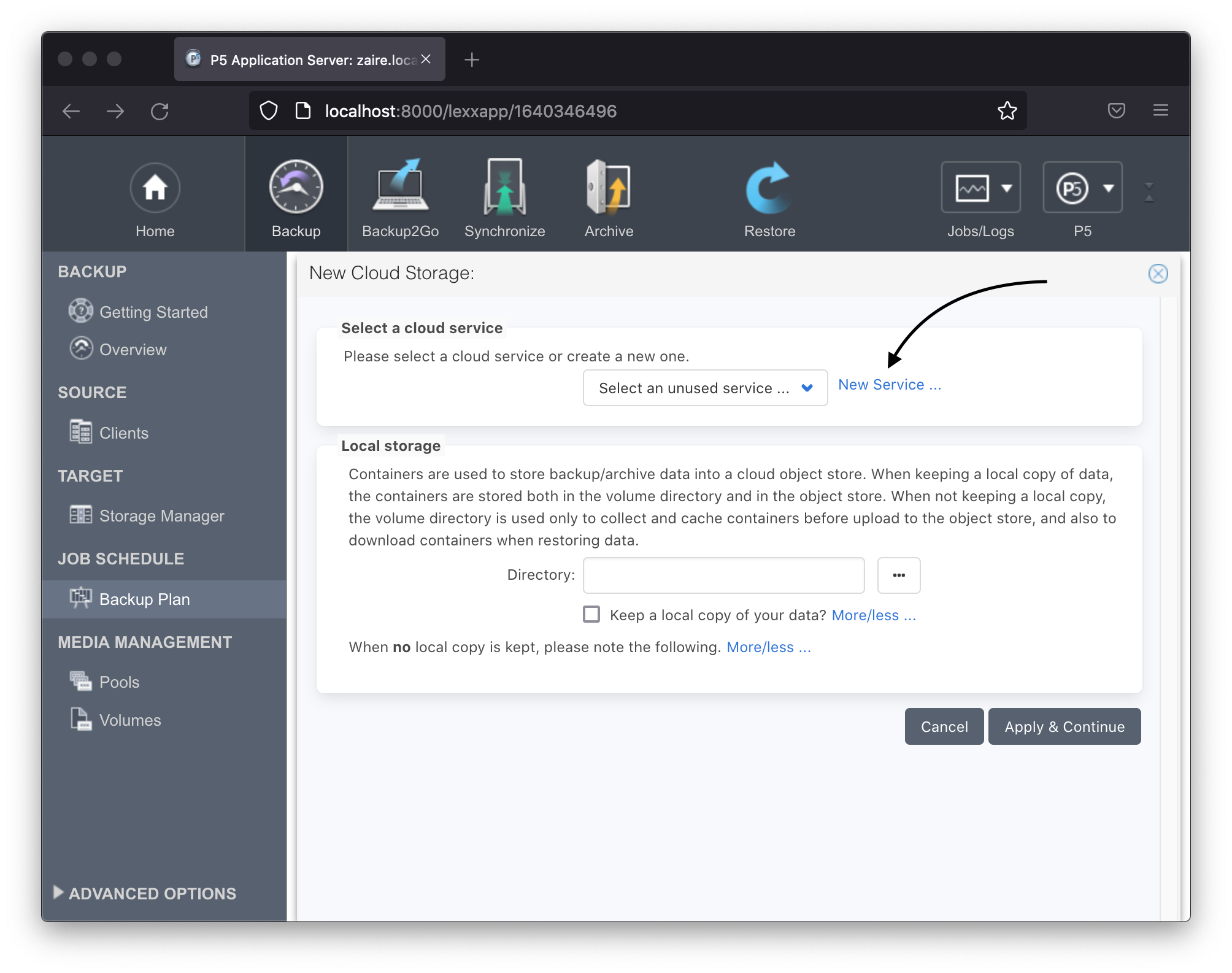
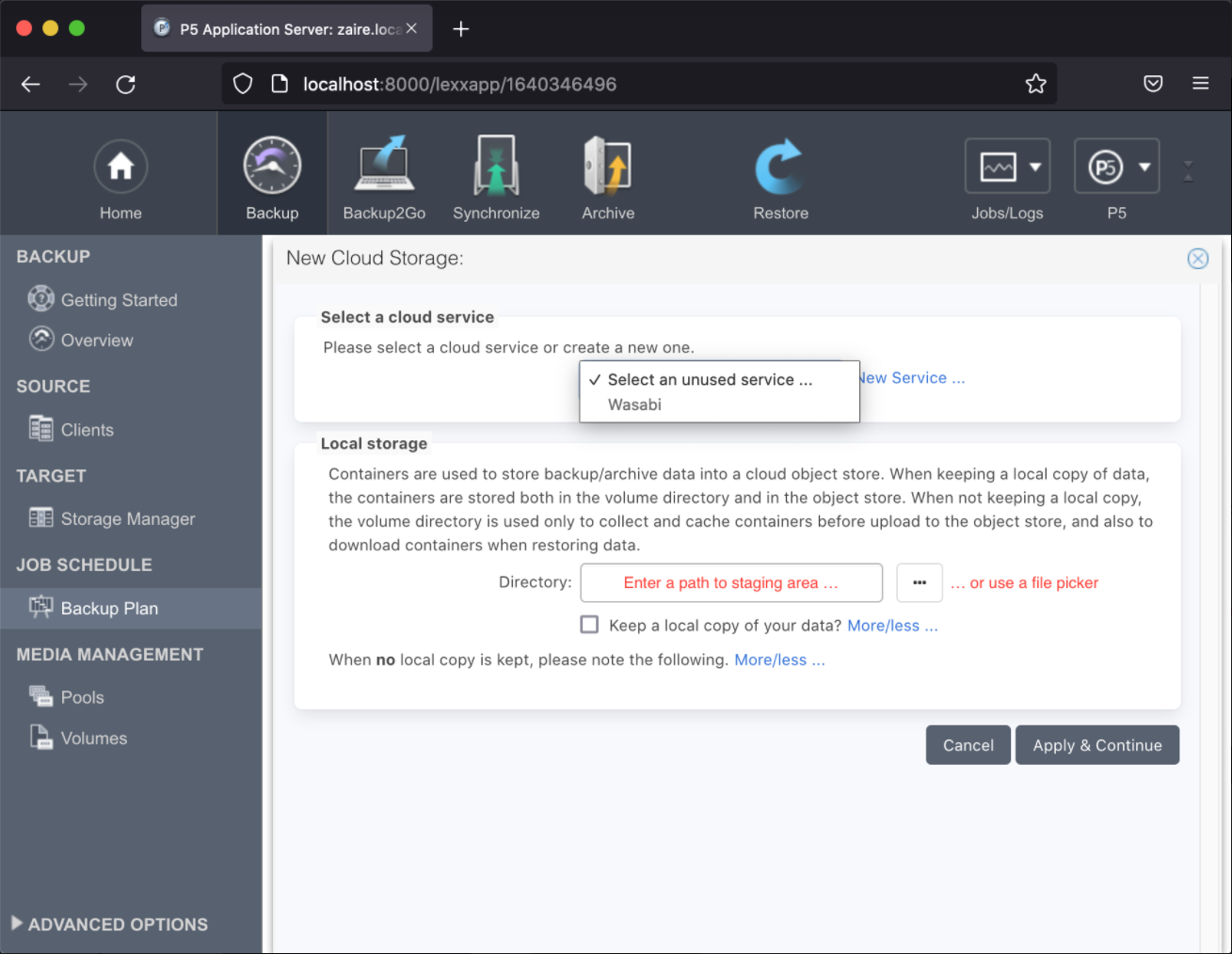
Create a new object store service or select one already configured.
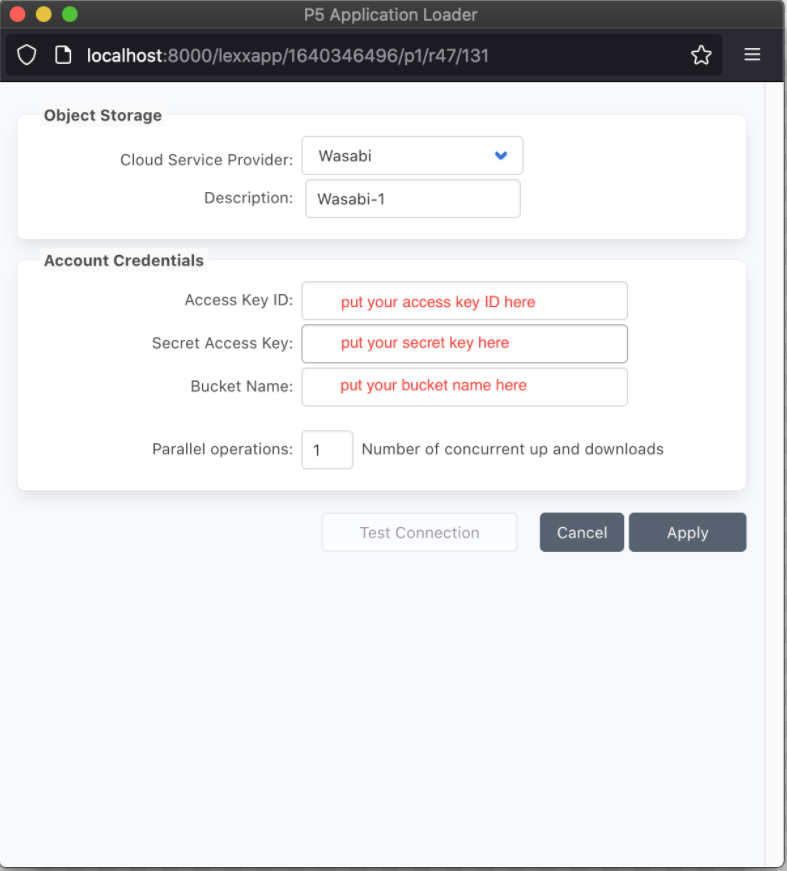
Configure the Cloud service provider for Wasabi as shown below.
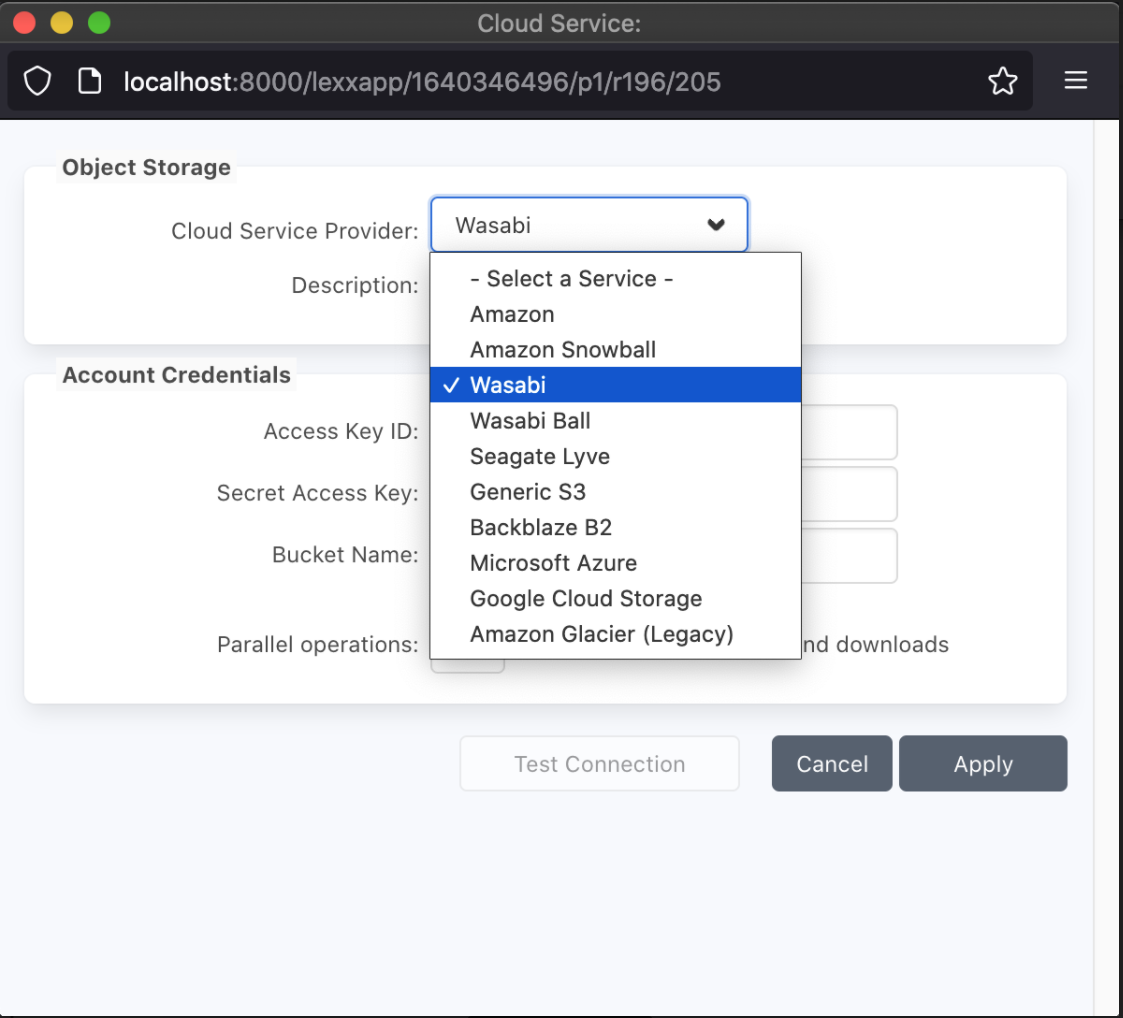
Configure the appropriate Wasabi credentials.
The final step is to assign a staging area.
After these steps are performed, you should have an operational backup to your Wasabi storage account.
This example uses Wasabi’s us-east-1 storage region. To use other Wasabi storage regions, please use the appropriate Wasabi service URL as described in Service URLs for Wasabi's Storage Regions.