A Control Account serves as the parent account in enterprise deployments, enabling centralized governance, role-based access control, and management of Sub-Accounts within a structured hierarchy.
To create a Control Account:
Sign in to the WACM Console (https://wacm.wasabisys.com) with Wasabi Admin credentials. WACM opens to the Distributors page.
In the Navigation bar, select the Accounts tab drop-down menu and select Control Accounts. The Control Accounts page is displayed.

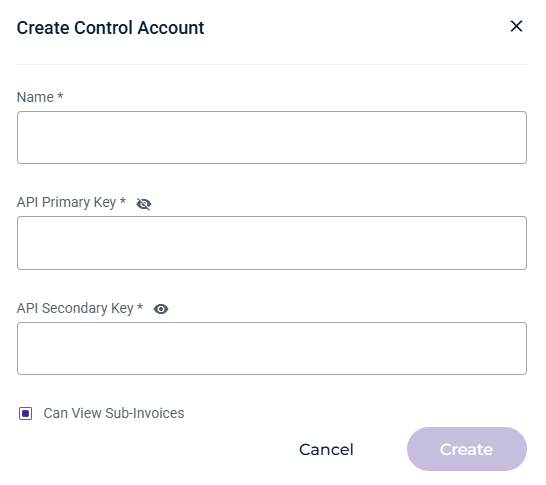
Click the Create Control Account button. The Create Control Account form is displayed.

Enter a name for the account and the API primary and secondary keys. The API keys are generated in the Wasabi Management Console.
The checkbox to view sub-invoices is enabled by default. Uncheck the box to disable this option.
Click Create.