Distributor Accounts serve as parent accounts in the Channel Account hierarchy, allowing you to onboard and manage Reseller and MSP accounts while maintaining centralized oversight.
To learn more about partner accounts:
To create a Distributor Account:
Sign in to WACM as Admin (https://wacm.wasabisys.com/en/wasabi/auth/login).
Select the Accounts drop-down and click Distributors.
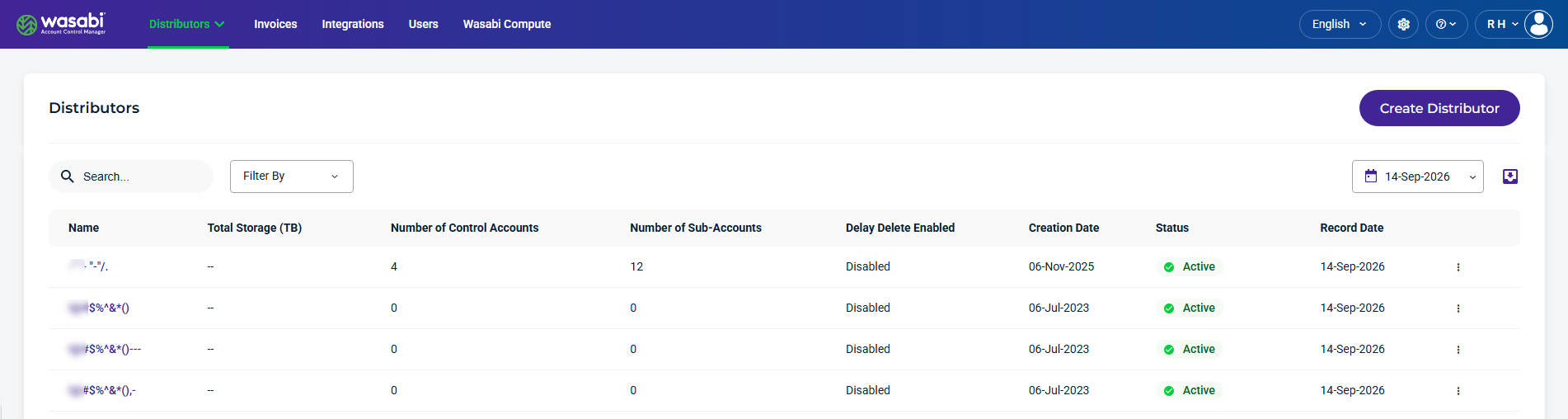
Click Create Distributor. The Create Distributor form is displayed.
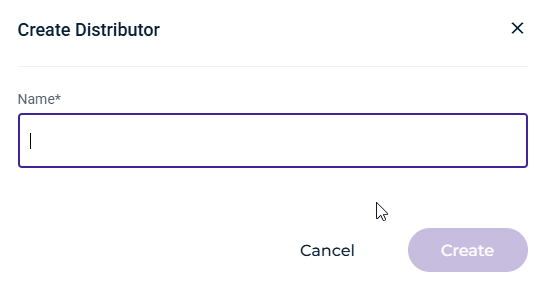
Enter a descriptive name for the account.
Click Create. The newly created account is displayed on the Distributors page.