Members within Sub-Accounts are users who are granted access to a Sub-Account, allowing them to interact with storage resources based on their assigned roles and permissions.
To create a Sub-Account member:
Navigate to the Sub-Accounts page.
Select a Sub-Account from the Sub-Accounts list. The Usage page is displayed by default.
Click the Members tab.
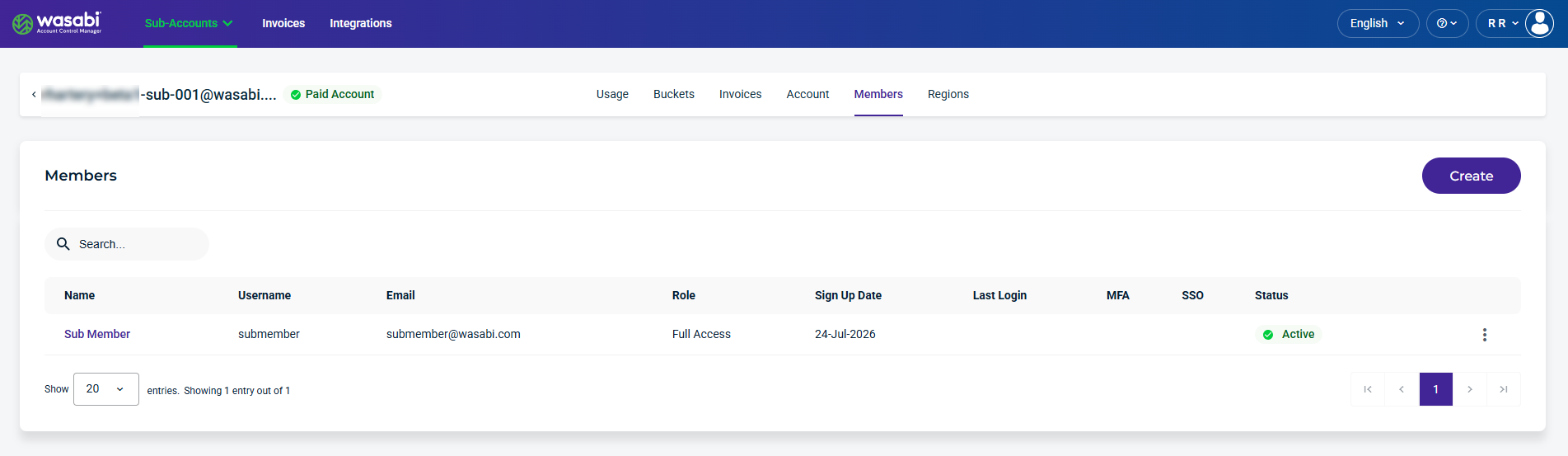
Click the Create button. The Create Member form is displayed.
The Email field requires a unique email address. An email address cannot be shared across accounts and must be unique.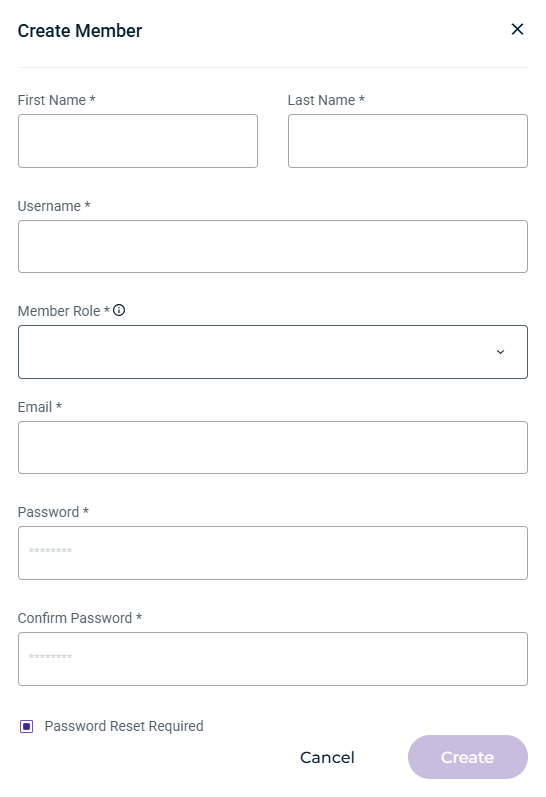
Provide the required information about the new member, select a role from the drop-down menu, create a password, and select the password reset checkbox, if required.
Click Create. The New Member Login information dialog is displayed.
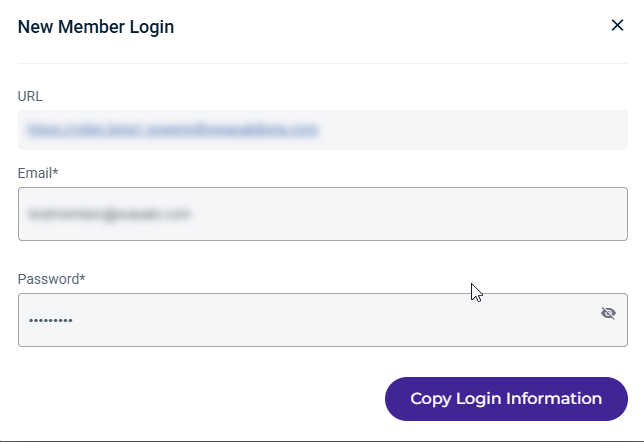
Click Copy Login Information to save the login information to the clipboard.
The new member will now be displayed on the Members page.