A User represents an individual identity within a Control Account and Channel Account and is used to assign roles, permissions, and access. A user account exists once, even if the user has access to multiple organizations or accounts. Think of it as a person’s identity.
To create a user from the My Profile page:
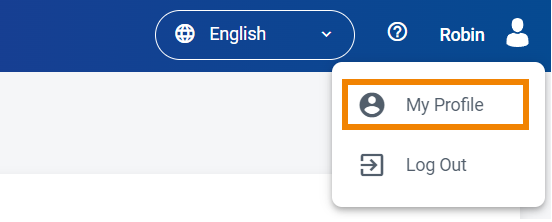
Click your username in the navigation bar and select My Profile. The Profile page is displayed.
Click the Users tab.
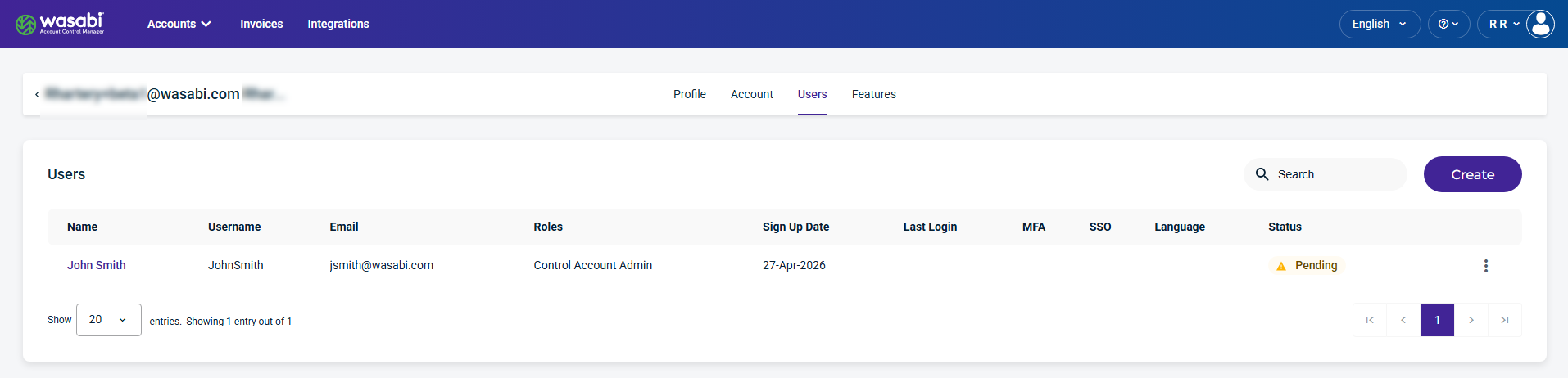
Click the Create button. The Create New User form is displayed.
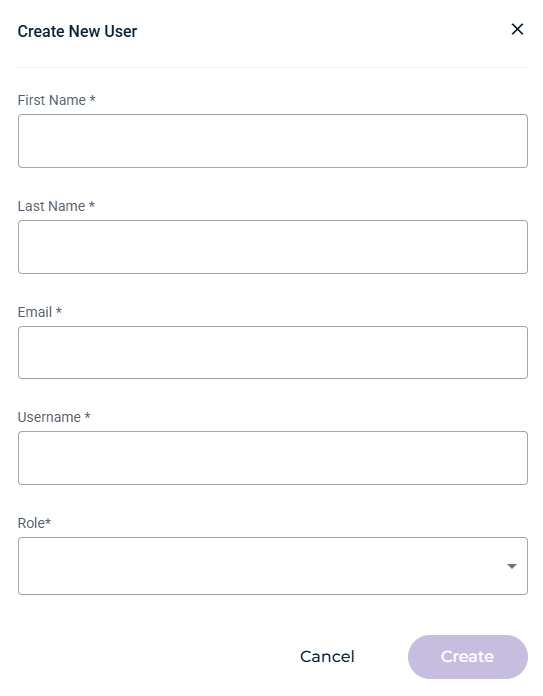
Provide the required information and select a role for the user from the drop-down menu. For information on user roles, see Roles: Account Users.
Click the Create button.
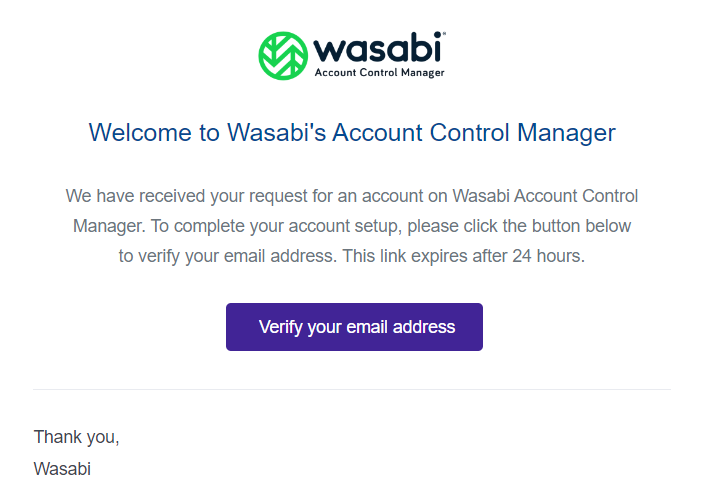
The new user will receive a Welcome email from Wasabi. They should click Verify your email address to activate the account. A password form will be sent after your email is verified.
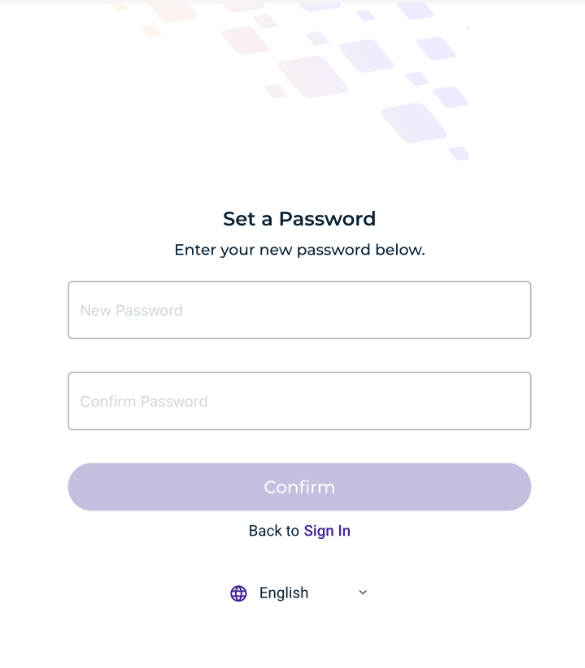
Enter and confirm your new password. Your password cannot contain personal information.
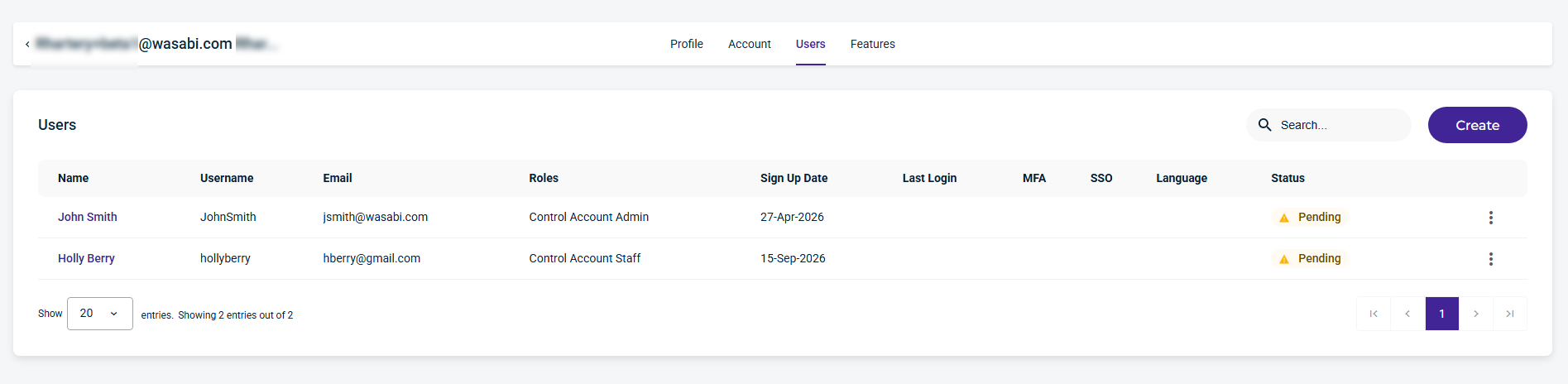
Sign in to WACM, go to My Profile, and click the Users tab. The new user will appear in the list with a Pending status, as shown below.
Repeat the steps above to create additional users.