To delete a policy, you must first delete all versions of it (if versions exist). Refer to “Reviewing and Managing Policy Versions” in Reviewing Details and Editing an Existing Policy.
You cannot delete a policy that is attached to a user, group, or role. To do so, first remove it from the user, group, and/or role and then delete the policy. Refer to “Reviewing Policy Usage” in Reviewing Details and Editing an Existing Policy.
On the Policies list panel, click on the policy you want to delete. The Policy panel is displayed. For example:
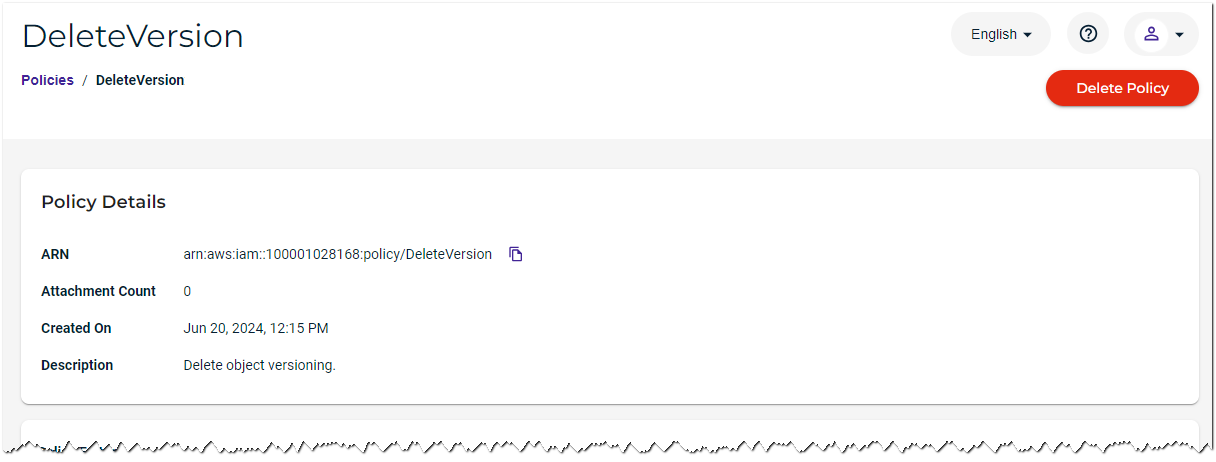
Click Delete Policy in the top right.
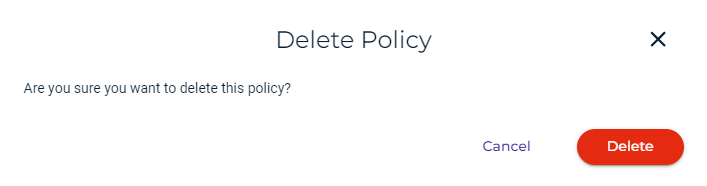
Confirm that you want to delete the policy. Click Delete to do so (otherwise, click Cancel).