Custom Cloud Console can be themed at the Account Governance and Control Account levels in WACM.
Once the theming and regions are configured, Channel Accounts inherit these settings from the Control Account. Channel Accounts can further manage regions and members for each sub-account by clicking into the desired sub-account and selecting the Members or Regions tab.
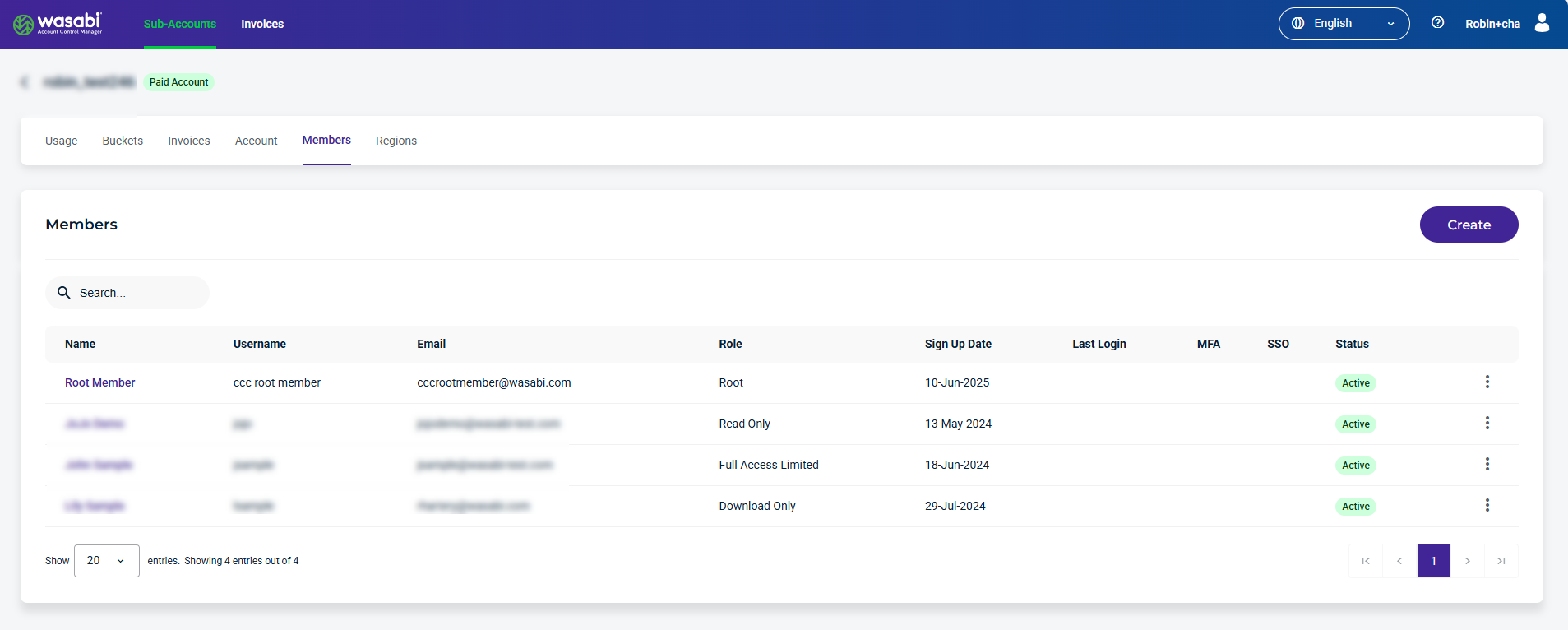
Select an account from the list. The Usage page displays by default. Select the Members tab to view and manage members.
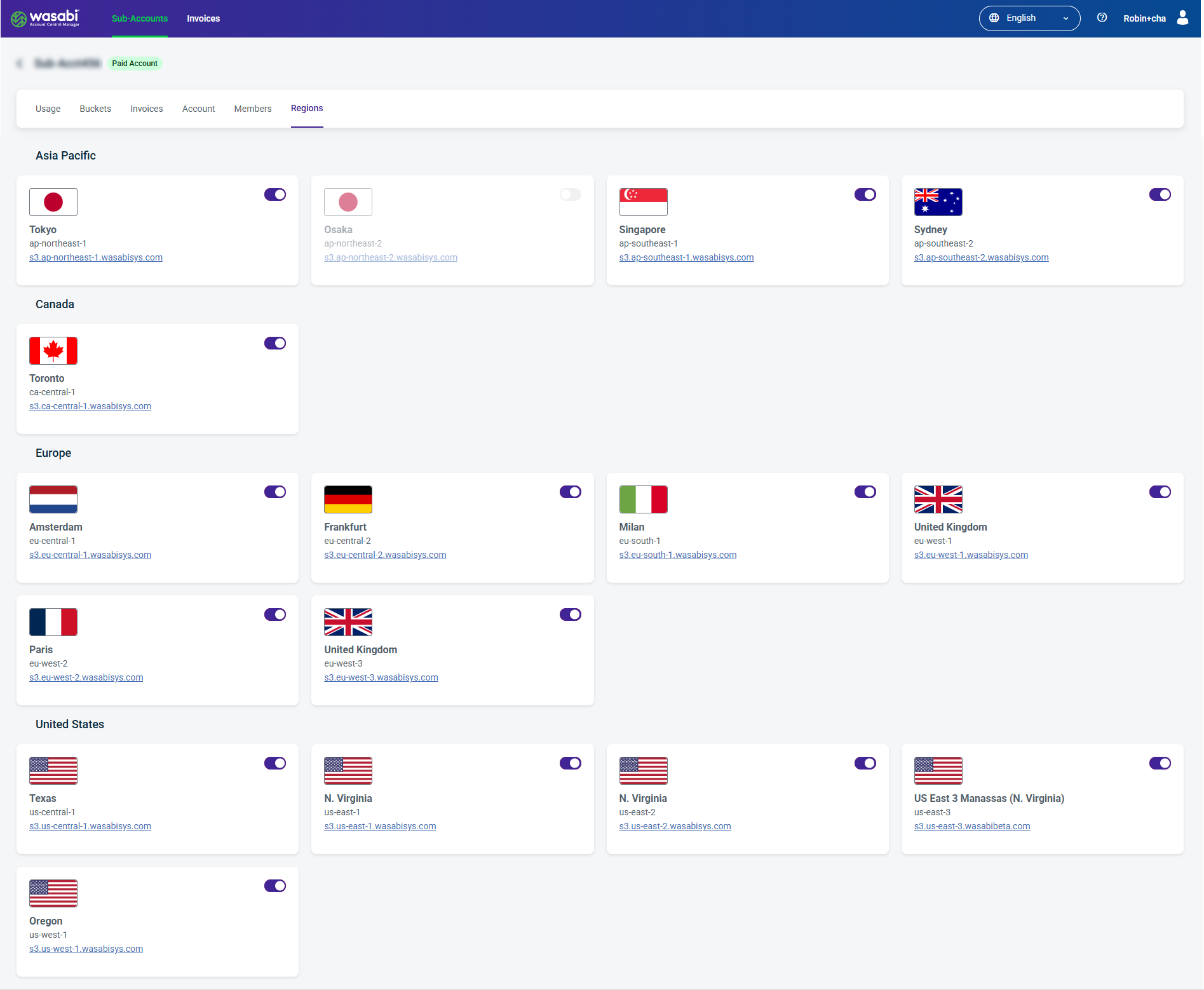
Select an account from the list. The Usage page displays by default. Select the Regions tab to view and manage regions.
Read more about Custom Cloud Console.