Mediaflux by Arcitecta is a powerful data management platform designed to enhance findability, accessibility, interoperability, and reusability across various data stores. Wasabi has been validated for use with Mediaflux. To learn more about the Mediaflux - Wasabi solution, please refer to our joint solution brief.
Requirements
Mediaflux installed and configured (all versions support Wasabi)
An active Wasabi account
Reference Architecture
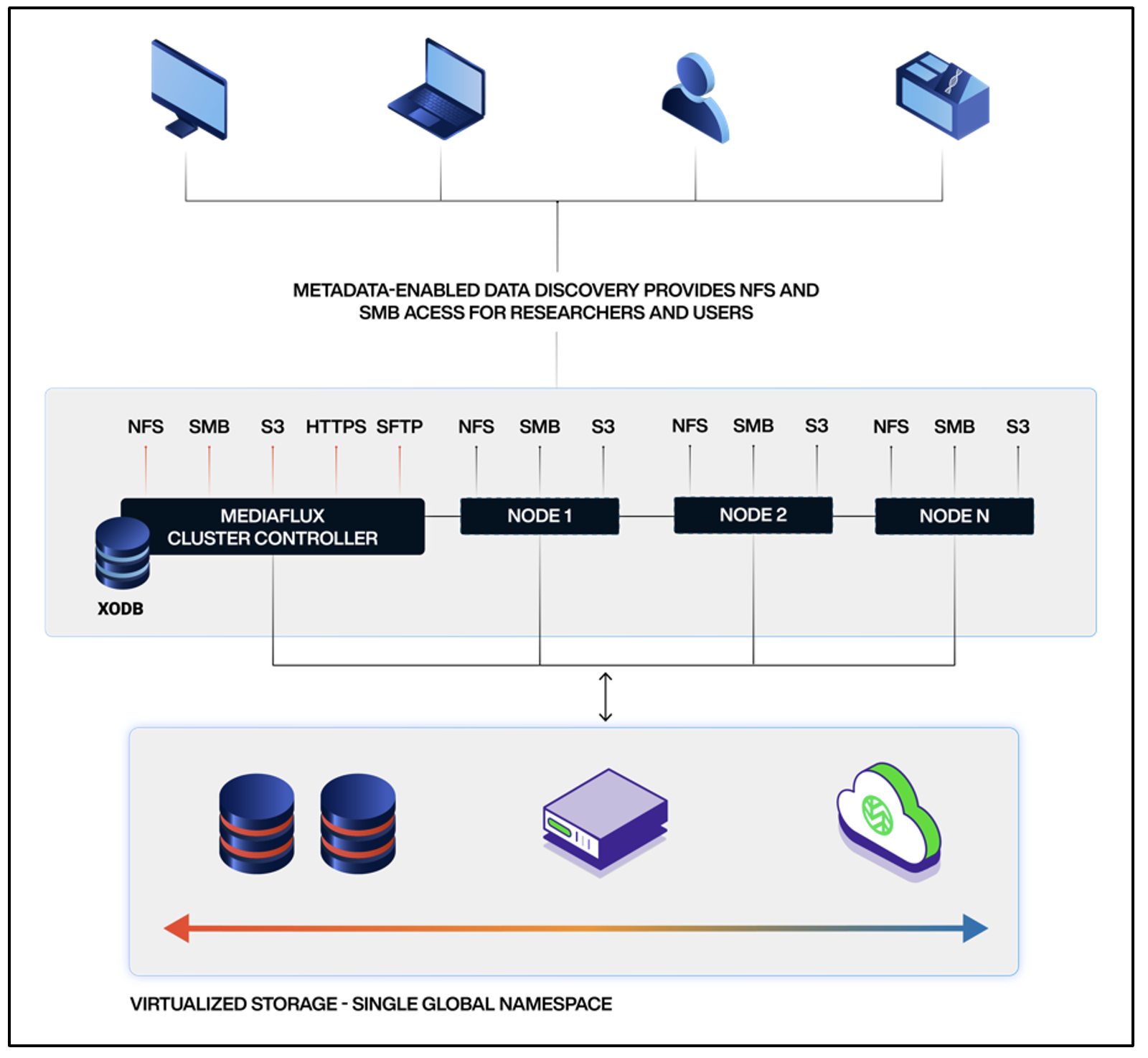
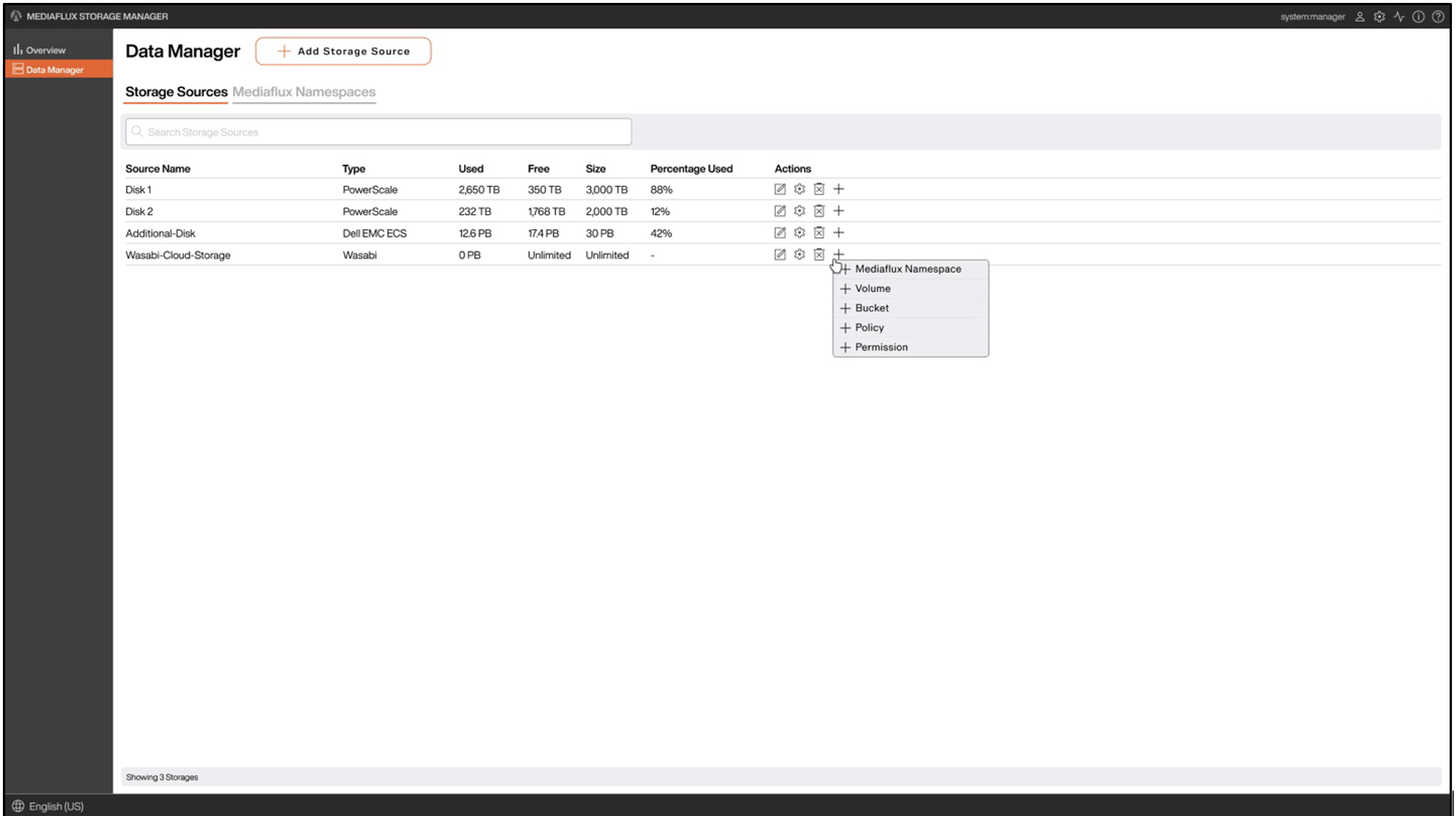
Configuration
1. Access the built-in Mediaflux Storage Manager from the Mediaflux desktop application.
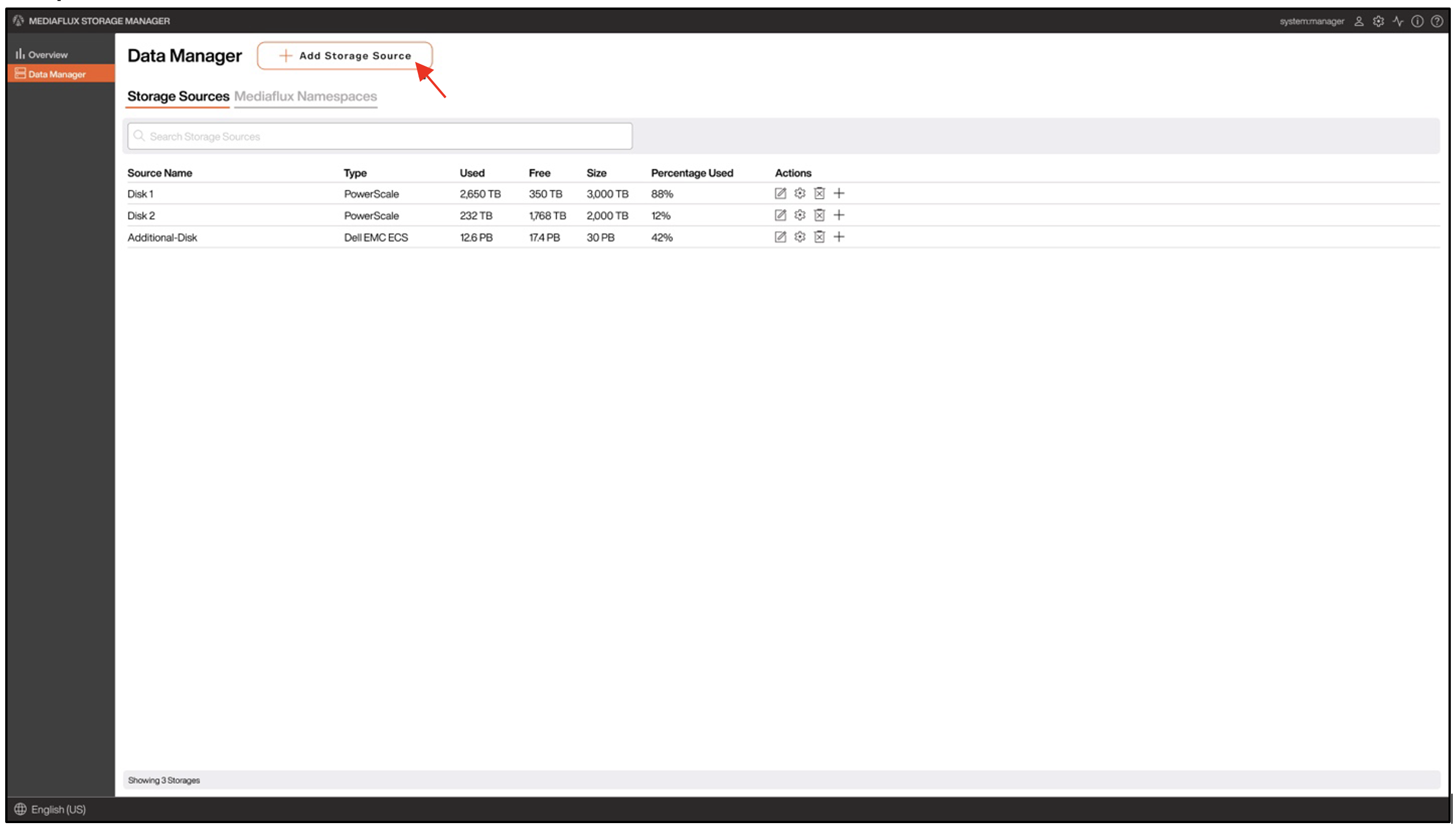
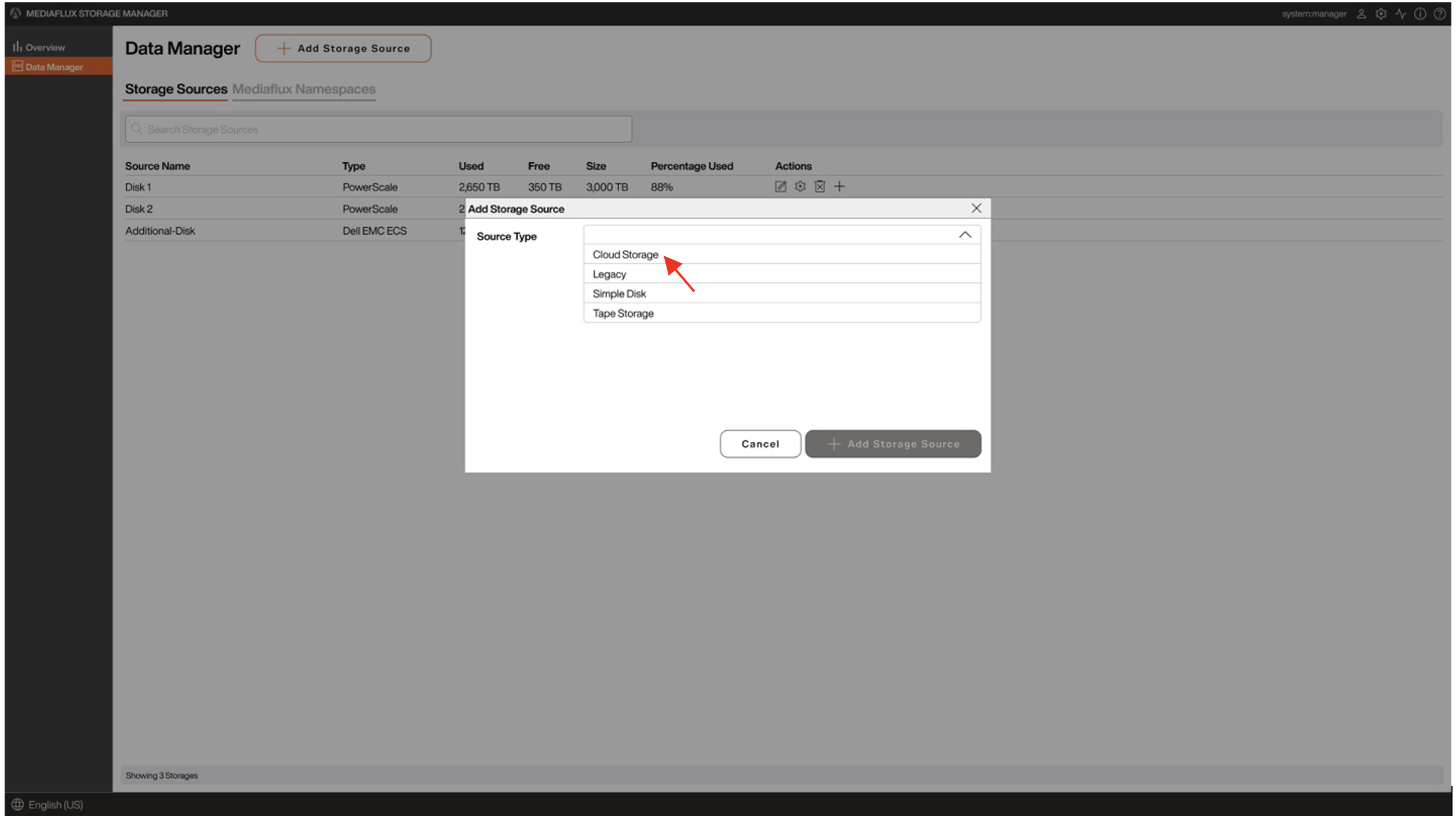
2. Click Add Storage Source.
3. In the Add Storage Source dialog box, select Cloud Storage as the Source Type.
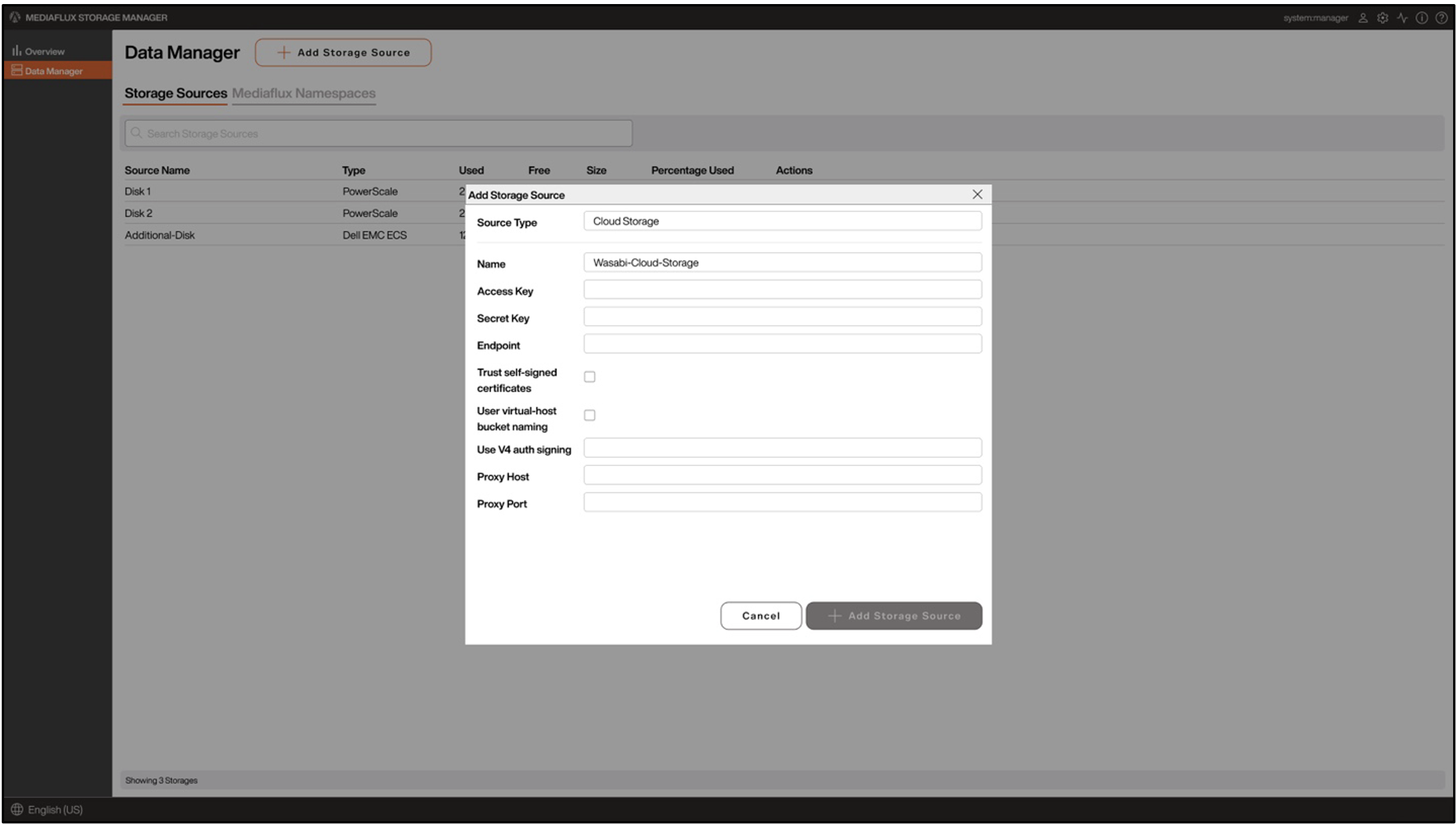
4. Once the storage configuration is open, provide the following information
Name - Provide a name for the Storage System
Type - Select Cloud Storage from the dropdown
Access Key - Enter the Wasabi access key
Secret Key - Enter the Wasabi secret key
Endpoint - Provide the endpoint URL of the Wasabi region where the bucket is located
5. Once Wasabi cloud storage is configured, you can add new volumes, buckets, policies, and permissions depending on the workflow need.