CIFS share (Common Internet File System) is a folder or drive on a network that is made available to other computers (using the CIFS protocol) to read, write, and manage files as if they were locally stored. CIFS is a dialect of the SMB (Server Message Block) protocol used in Windows computers to share folders and printers over a network.
A CIFS share on NetApp ONTAP is a named network-accessible access point to a directory or volume on the NetApp storage system that enables Windows and other compatible clients to read, write, and manage files.
To map a CIFS share on NetApp to a Wasabi bucket using the WCN client, WCN requires full NTFS control permissions on the SMB mount point. To verify that the Wasabi volume has full NTFS control permissions:
Run the following command.
vserver security file-directory show vserver «server name» -path /Wasabi_Source_VolThe security permissions (such as Access Control Lists and ACLs) applied to a specific file or directory path (CIFS share and a source folder) in that storage virtual machine are displayed.
If the security style is not set to NTFS and no NTFS security descriptor is set for the ACLs, run the following command.
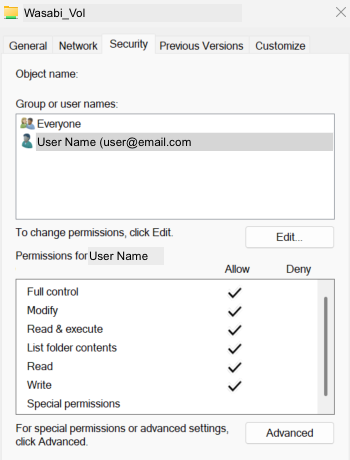
vol modify -volume Wasabi_Source_Vol -vserver «Server name» -security-style ntfsTo verify that the SMB user has full control on the SMB mount point, right-click the mount.
Click Properties.
Select Security.
Select the user name to verify that they have full control.
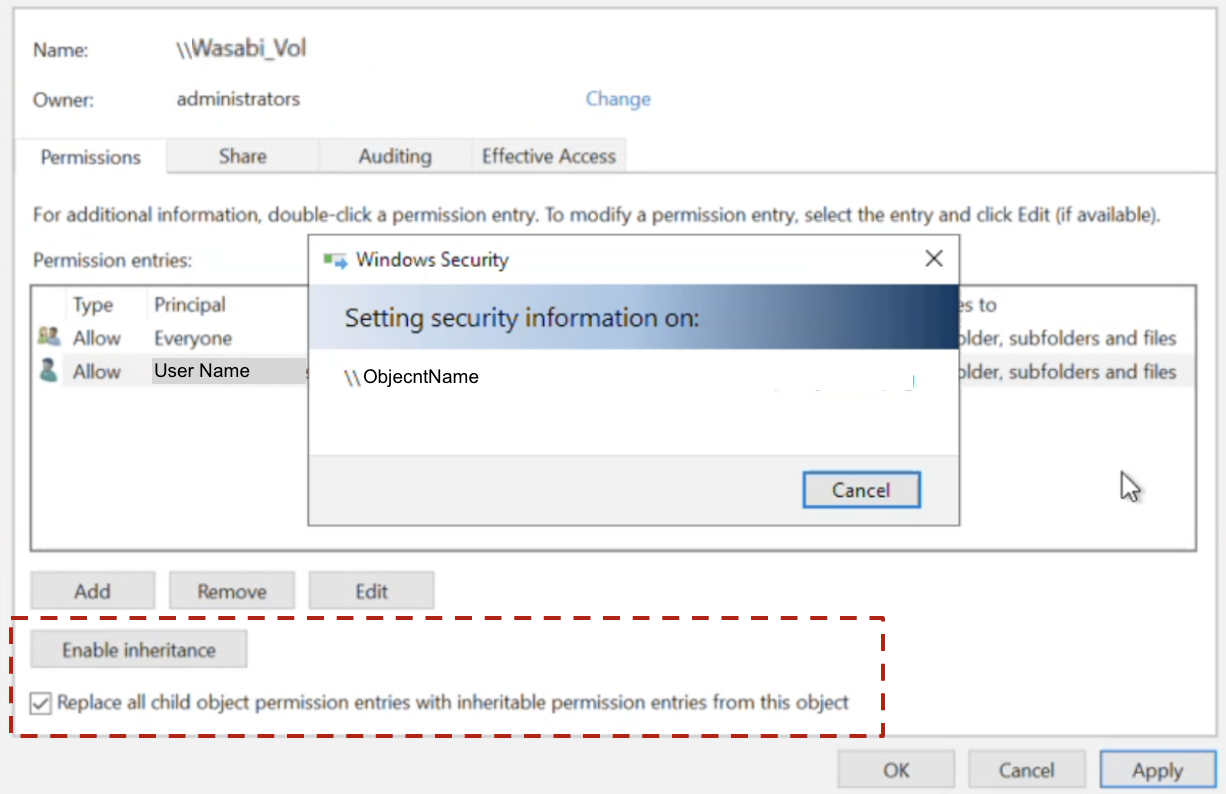
Enable Inheritance to ensure that all subfolders/files inherit permissions from the parent folder. To do so, right-click the mount.
Click Properties.
Select Security.
Select the user name.
Click Advanced.
Ensure that Inheritance is enabled. Click the checkbox to enable Replace all child object permission entries with inheritable permission entries from this object.