Enable regions for an account to control where data can be stored and accessed. Selecting regions helps meet performance needs, ensure availability, and meet data location requirements.
Select the Regions tab. The Regions page is displayed, showing available regions.
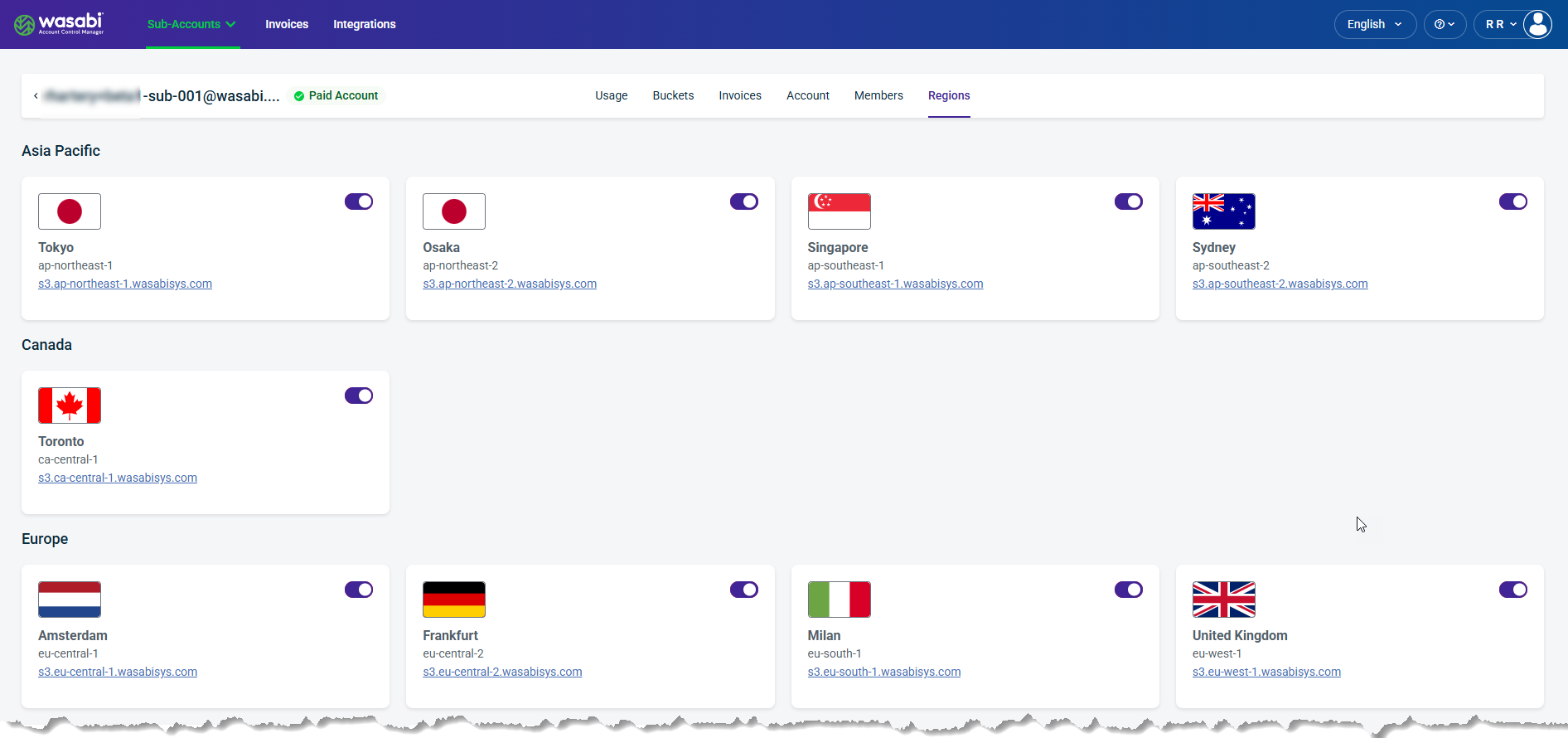
Use the toggle to enable
 and disable
  a region. Disabling a Region hides it from all sub-accounts.
All Regions that are "enabled" in your Profile will be available to Sub-Accounts; however, they can be disabled at the Sub-Account level.