There are two ways to reset your password:
On the WACM Sign In page
From within the WACM Management Interface
If you have a sub-user account, your Root account administrator must reset your password. Contact that person for information.
Resetting on the Sign In Page
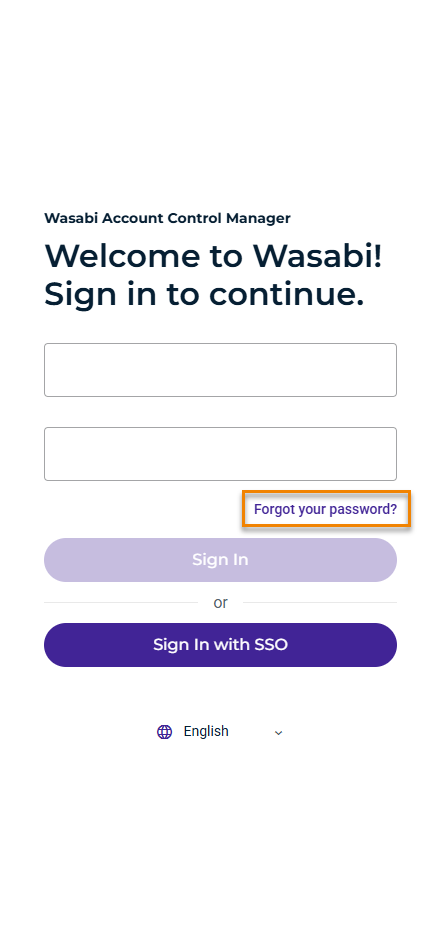
Go to the WACM Sign In page (https://wacm.wasabisys.com/login).
Click the Forgot your password? link.
Enter your username or email and click Send.
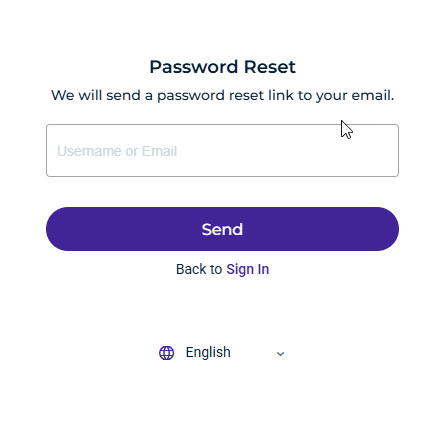
Follow the instructions emailed to you from Wasabi.
Resetting in the WACM Console
When you are signed in to the interface, click My Profile.
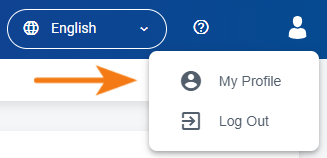
You will be presented with your Profile page.
Scroll down to the Security section.
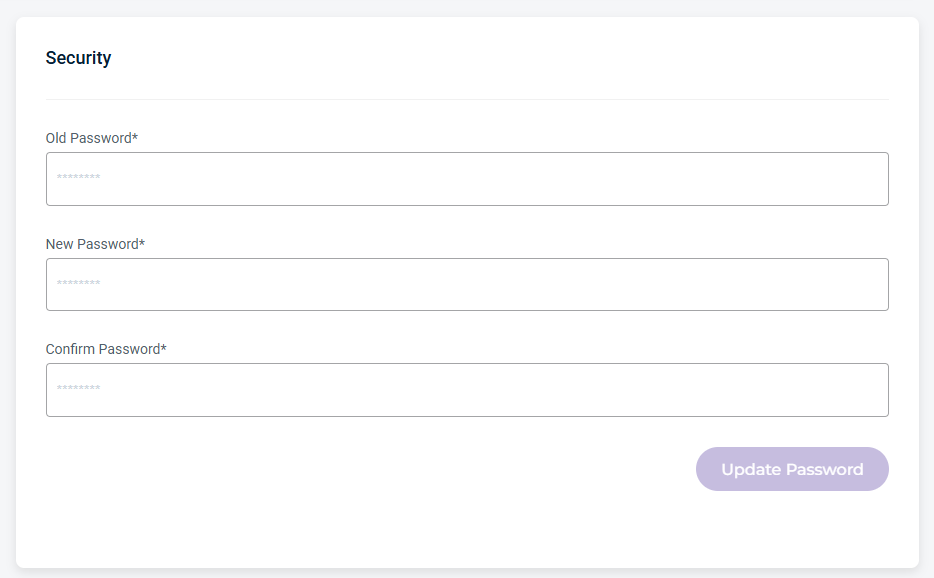
Enter your old password and create a new one.
Click Update Password.