Your Profile is a self-scoped view of a user within a Channel Account. This is the default view in My Profile.
Your Profile
The Profile page provides a centralized view of user account settings and personal preferences. From this page, users can view and manage their account information, update contact details, configure notification preferences, generate and manage API keys, review security settings, update passwords, and enable multi-factor authentication (MFA) to enhance account protection.
Be sure to click Update (in the upper-right corner) to apply any changes made on this page.
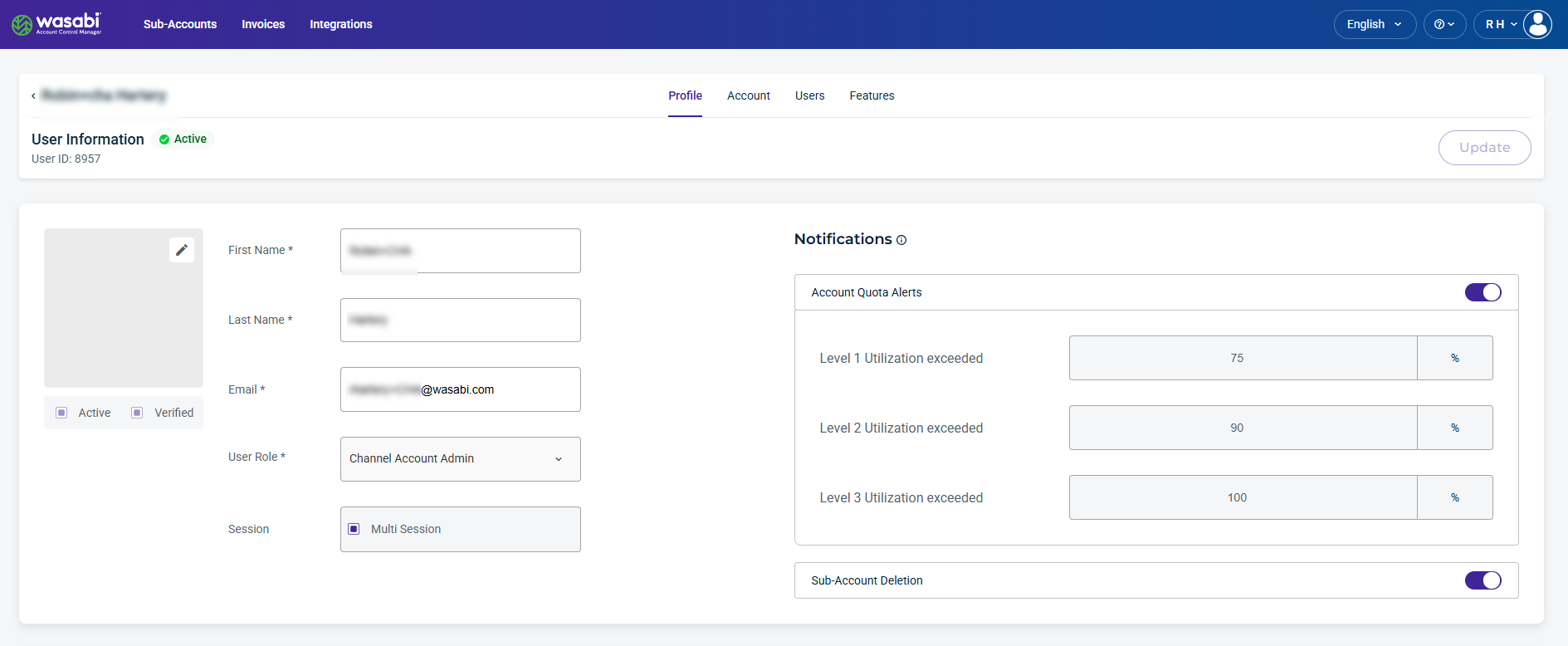
The Profile page displays the following sections:
User Information—The account user information and the assigned role.
Notifications—Allow you to set account quota alerts, daily reports, and sub-account deletion.
WACM Connect API Key—Allows you to generate an API key for accessing the WACM Connect API.
Contact Information—The address and contact information for the account.
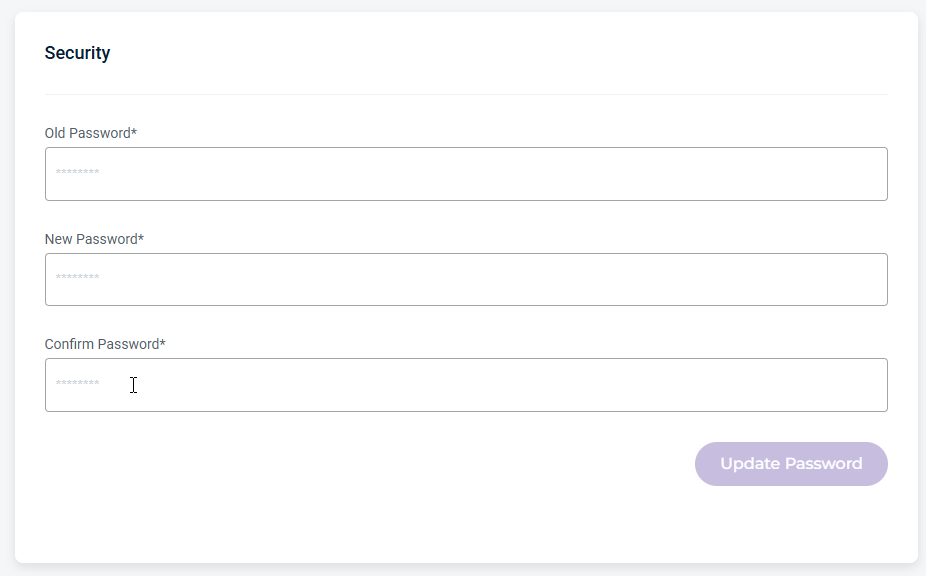
Security (password)—Allows you to update your password.
MFA (multi-factor authentication)—Enables the multi-step account login process.
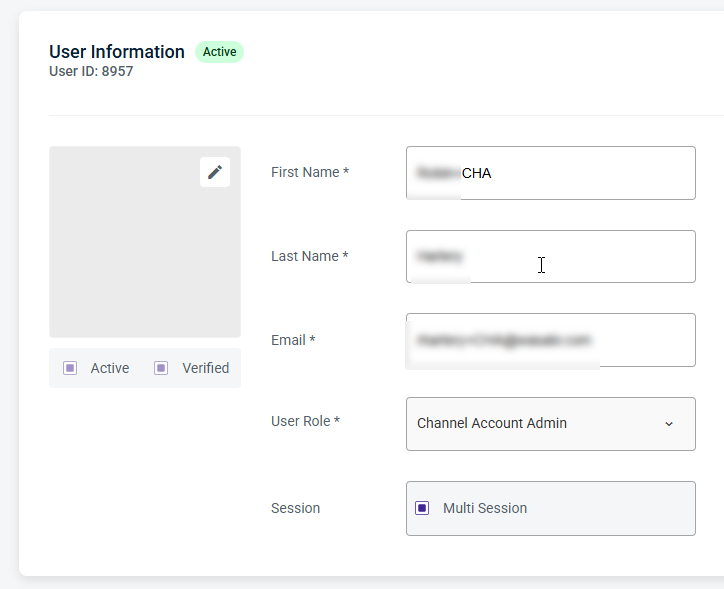
User Information
Displays the user’s basic account details and profile information. From this page, you can update the name and email fields and change the user role.
Notifications
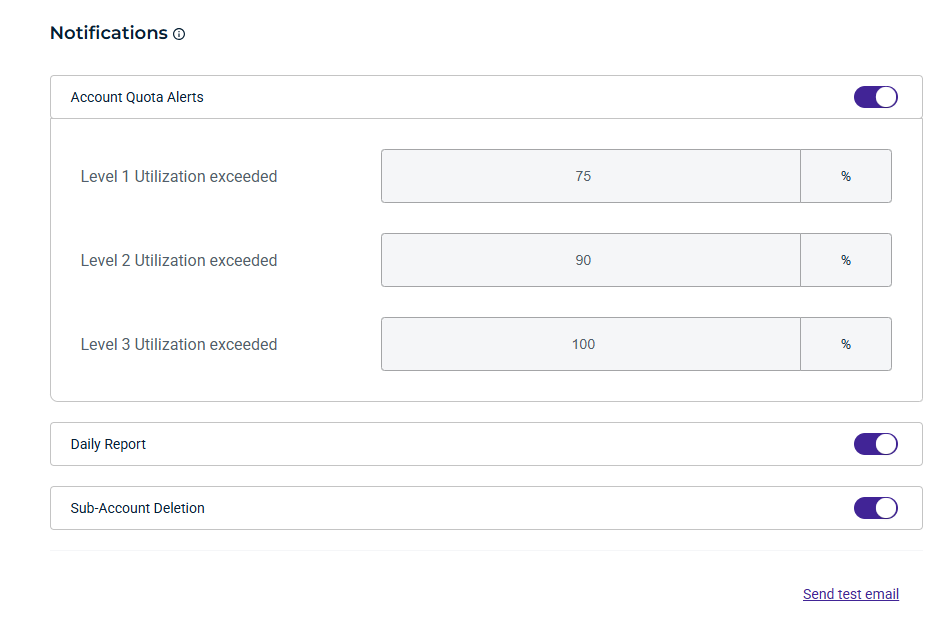
By default, Admin users have notifications enabled to receive email updates about important account activity and usage. All other users can optionally enable them.
Account Quota Alerts
Enable Account Quota Alerts to receive email notifications when account storage usage reaches configured quota thresholds. These alerts help you monitor capacity and take action before storage limits are reached.
Daily Report
Enable Daily Report to receive a daily email summary containing account activity and usage information for the previous day. Daily Reports provide a high-level overview of account operations and storage consumption.
Sub-Account Deletion
Enable Sub-Account Deletion to receive email notifications related to Sub-Account deletion. Notifications are sent when:
A Sub-Account is scheduled for deletion.
A user cancels a Sub-Account scheduled for deletion within the Delay Window.
A Sub-Account is deleted once the delay window has elapsed.
WACM Connect API Key
The WACM Connect API key lets you access WACM data for automation and can be rotated or deleted as needed for security purposes.

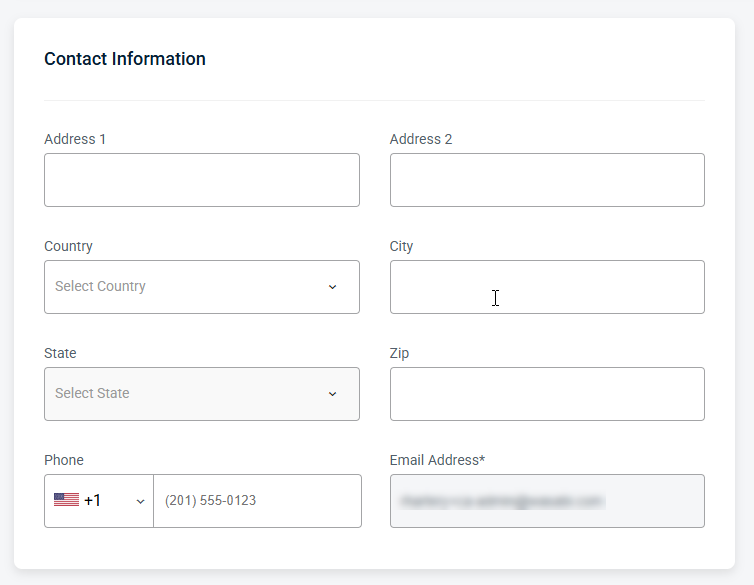
Contact Information
Provides editable fields for the user’s contact details, including the email address and other associated contact information.
Security Information
Allows you to manage password settings, including resets.
MFA (Multi-Factor Authentication)
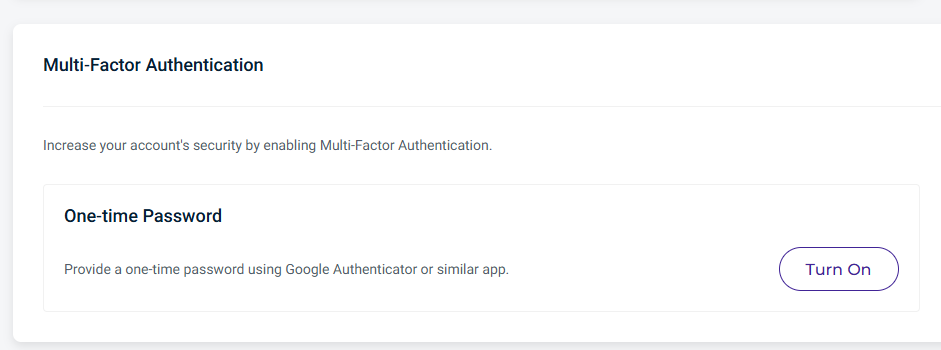
MFA increases your account's security. You can enable this feature using a one-time password.
Click Turn On to enable the one-time password as your authentication method.
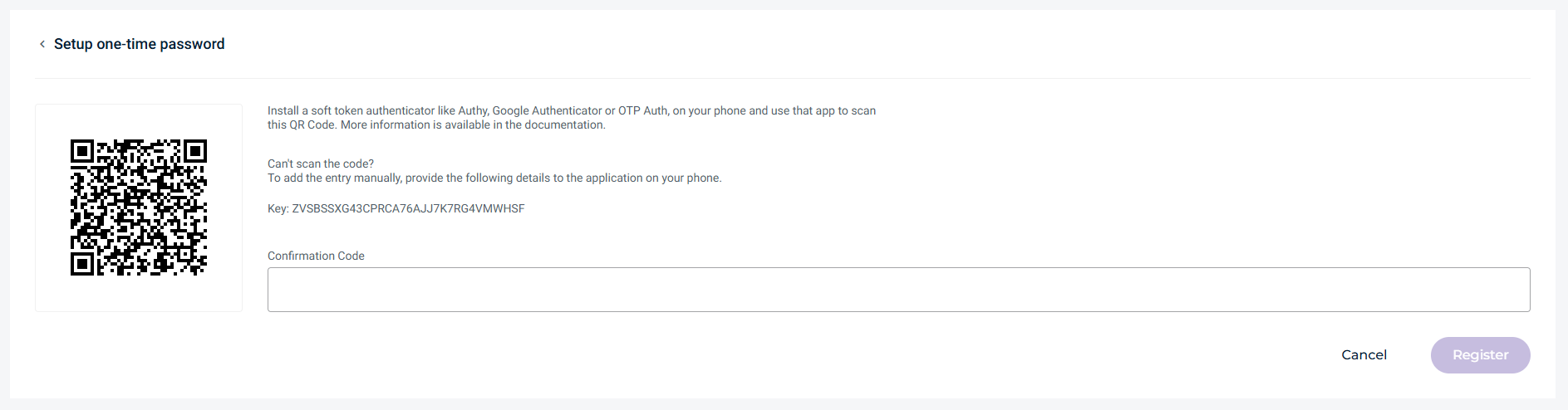
Scan the displayed QR code using an authenticator app, such as Google Authenticator.
Enter the generated verification code into the Confirmation Code field, then click Register.
Going forward, you must enter a new verification code every time you log in to your Wasabi account.