The Storage tab enables you to create a new storage object and view existing storage information. To add a new storage object, follow the steps in 3—Entering Bucket Information for Cloud Migration in WCSM.
By default, each source and target storage is displayed as a tile. To change the display view to a list format, click  in the upper left.
.png)
Viewing Storage Information
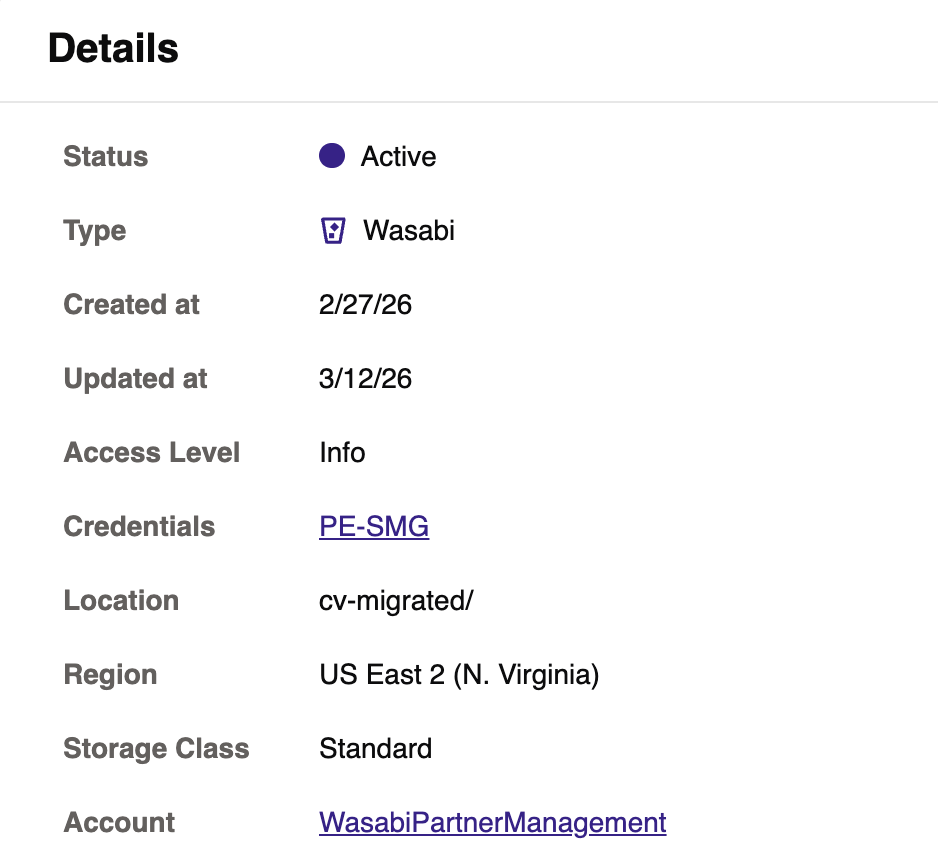
Select a storage object to view more details (shown below).
.png)
The Details panel includes the following information.
Status—Active or disabled.
Type—Source storage hyperscaler.
Created at—Date that the storage object was created in WCSM.
Updated at—Date of the most recent changes made to the storage object status and/or details.
Access Level—User permissions for the WCSM account.
Credentials—Credentials associated with the storage object.
Location—Storage region service URL for the bucket.
Region—Region where the storage object is stored.
Storage Class—Default storage class used for all objects transferred to the bucket by the system.
Account—WCSM account.
On the right panel, the following tabs report:
Scopes—Reports the scope attached to the job.
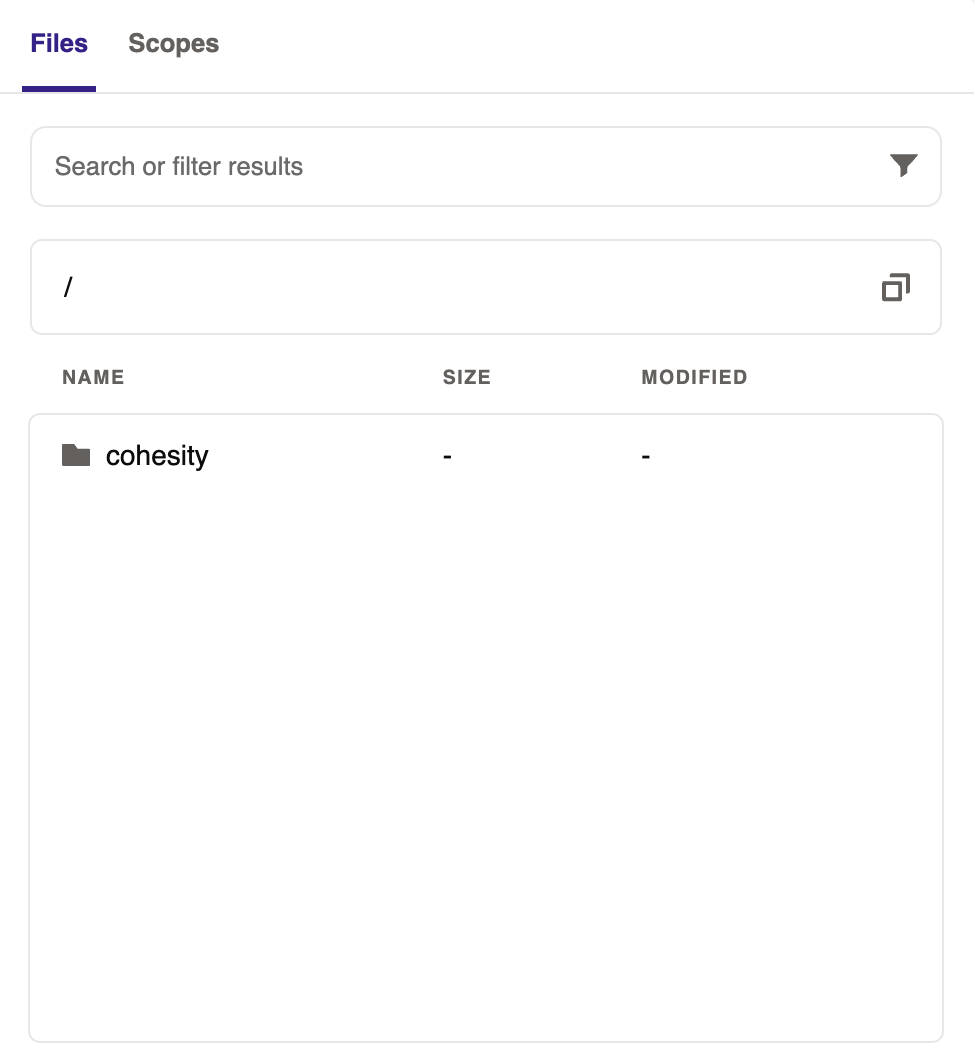
Files—Enables users to browse the content of the storage object. Data is populated only if both the agent and the storage object are active.