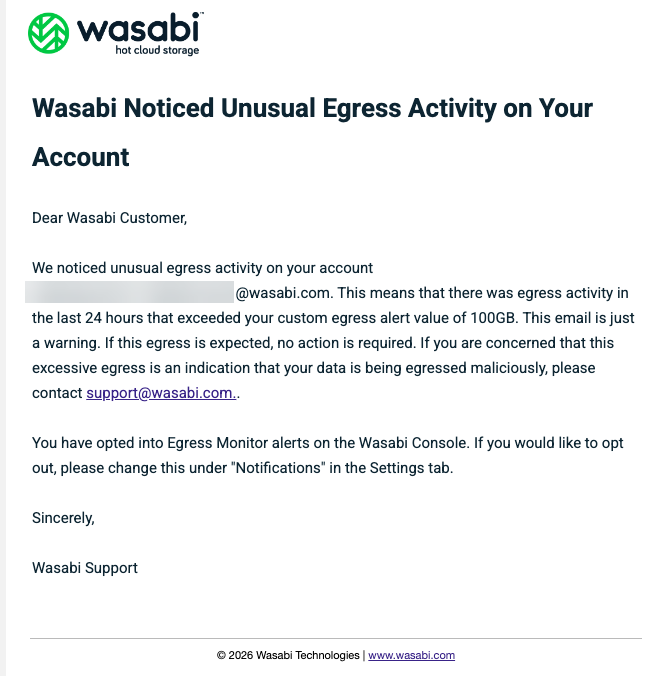
If you do not receive the Wasabi system-generated email you are expecting, check your spam filters and/or 'junk' mail folder. To safelist Wasabi-associated emails, check the following:
Email Client | Core Safelisting Method | Key Setting Location |
|---|---|---|
Gmail | Create Filter | Settings > Filters and Blocked Addresses > Create filter |
Outlook | Safe Senders List | Settings > Mail > Junk email |
Apple Mail | Add to Contacts/VIP | Contacts App or Mail Settings > Junk Mail |
Yahoo Mail | Filter to Inbox | Settings > Filters > Add new filter |
Proton Mail | Allow List | Settings > Filters > Allow List |
Wasabi uses a leading third-party email service provider (Mandrill Mailchimp) to deliver Wasabi system-generated emails. These emails are generated by the Wasabi service for trial invitations, password resets, payment-related issues, and so on. In a rare case, you may not receive one of these system-generated messages. This is generally because a spam filter caught the message, particularly if the spam filter previously caught emails from other companies. Refer to About Spam Filters for more details about our third-party provider’s spam filters.