Objectives
1—Sign up for Wasabi Cloud Sync Manager and sign in.
2—Enter credentials for cloud migration in WCSM.
3—Enter bucket information for cloud migration in WCSM.
Signing Up
Complete the Wasabi Cloud Sync Manager Cloud Migration Request questionnaire (https://info.wasabi.com/wcsm-questionnaire). Be sure to review Unsupported Use Cases, Wasabi Privacy Policy, and the Wasabi Customer Agreement.
Once complete, if you have specific requirements for migrating files or folders, use the following email address to contact your Wasabi Sales Engineer (sales@wasabi.com). Be sure to include:
Storage amount to be migrated (in TB)
Source cloud and region
Destination region
Channel Partner Company (if applicable)
If you intend to use an MSP or channel partner company, discuss this with your WSCM migration team during the sign up process.
Once Wasabi receives and reviews your request, a Wasabi Sales Engineer will send you a migration quote. If you do not have specific requirements, Wasabi will migrate all content at the root level of the source bucket to the target (Wasabi bucket). Wasabi may contact you with questions before sending a quote.
After accepting and signing your WCSM migration quote, Wasabi will create a WCSM account for you. You will receive your account login credentials needed to access the WCSM Portal in an email.
Signing In
While WCSM is a fully managed service, the WCSM Portal provides a web-based interface for you to safely add credentials and bucket information required for migration as well as view, manage, and monitor migration jobs.
Navigate to the WCSM Sign In page (wcsm.wasabisys.com).
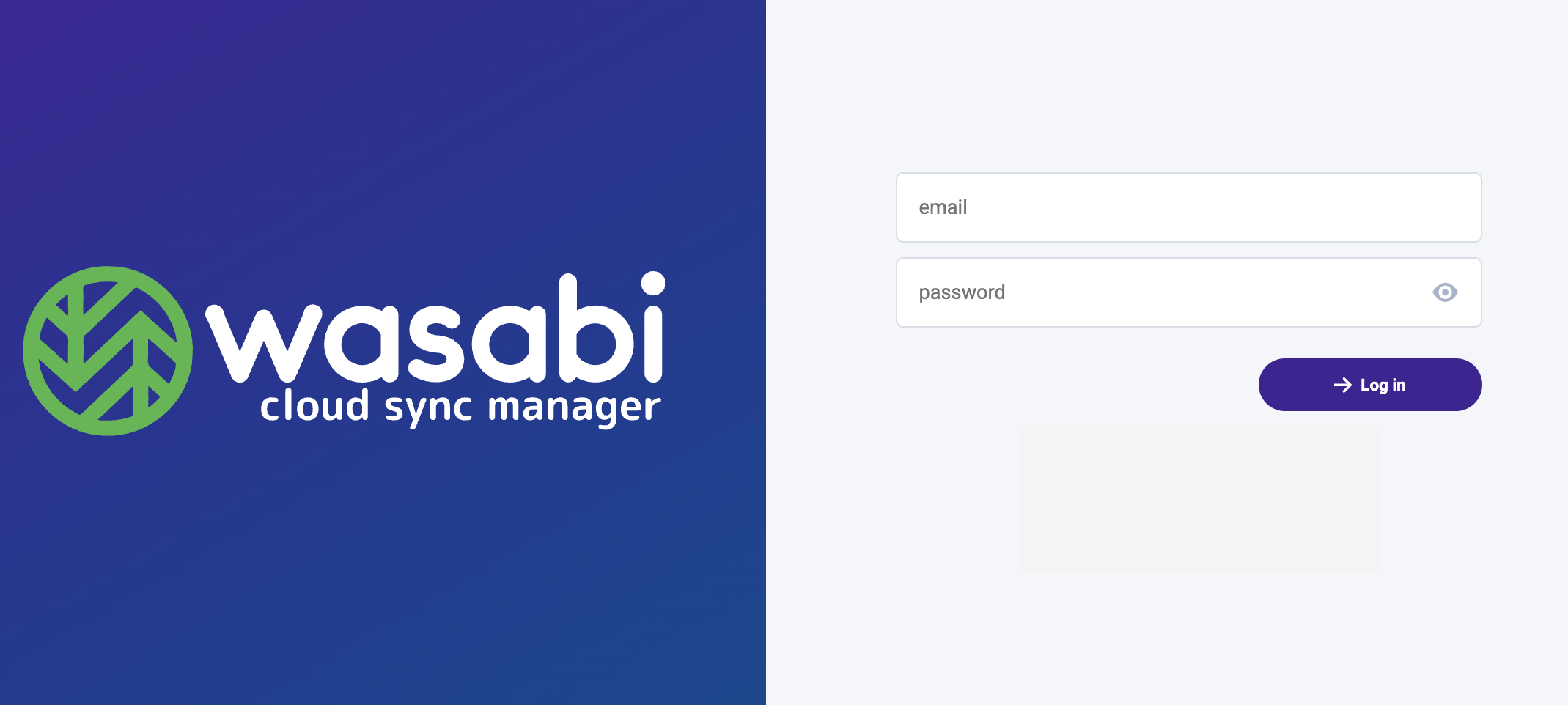
Enter the login credentials provided to you in an email from Wasabi.
email address
password
Click Log in.
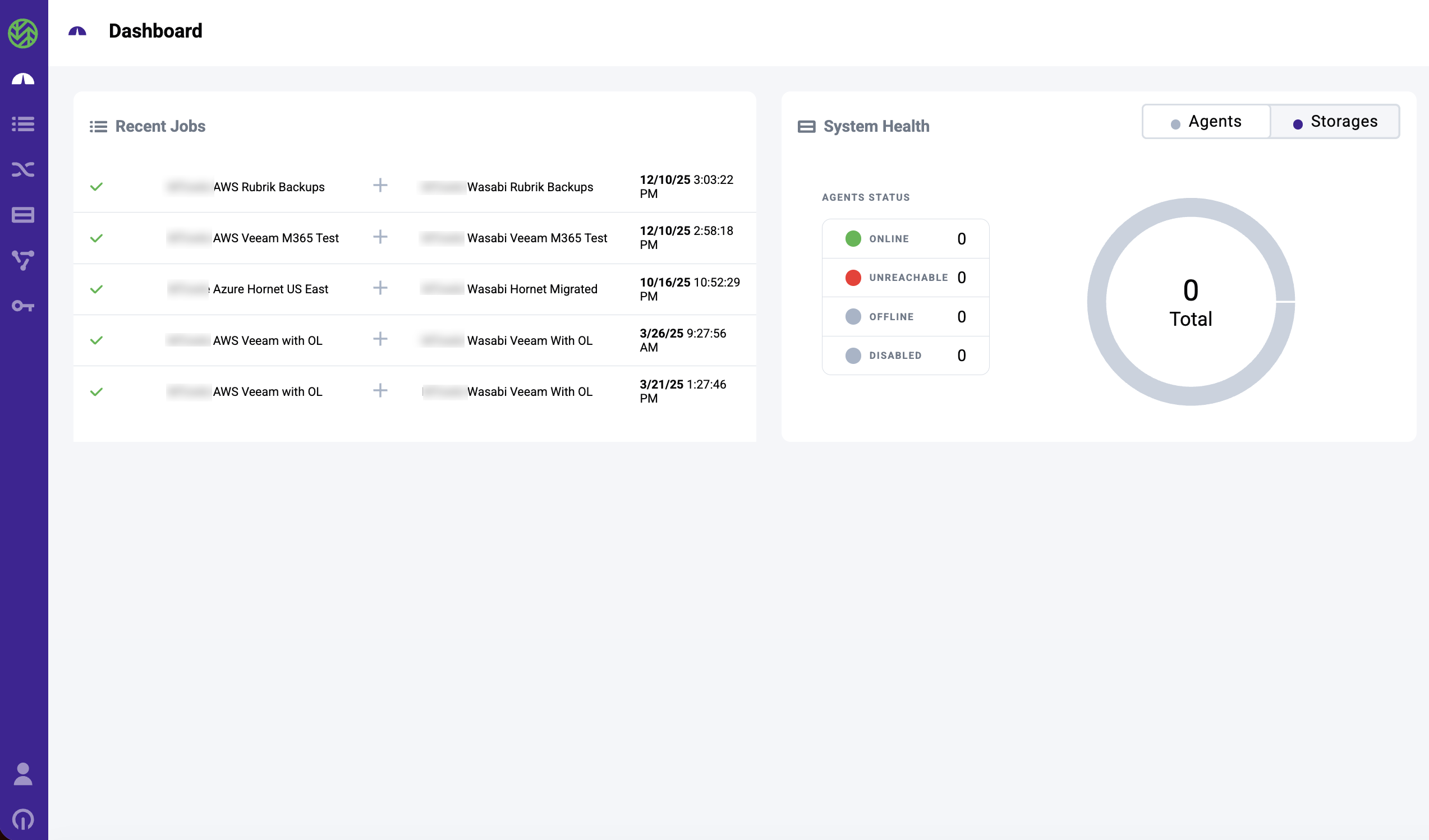
You will be presented with the WCSM Dashboard, as shown below.
Logging Out
To log out of the WCSM Portal:
Hover over
 on the navigation menu.
Click Logout.
Objectives Met!
1—Sign up for Wasabi Cloud Sync Manager and sign in.
3—Enter bucket information for cloud migration in WCSM.
Before continuing to Step 2, you may want to learn more about the Dashboard for WCSM.