Your profile displays user and contact information, as well as security, multi-factor authentication, and one-time password settings. The information on this page may vary by profile type.
Accessing Your Profile
Sign in to the WACM console (https://wacm.wasabisys.com).
Click your username in the navigation menu and select My Profile. The Profile menu is displayed.
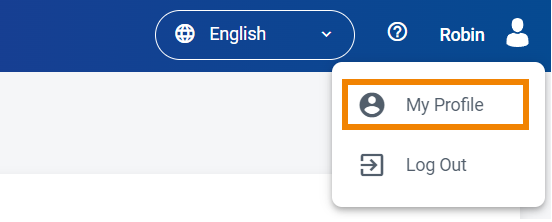
Profile Menu
WACM users (Admin, Staff, and Viewers) have access to three types of profiles available with the My Profile feature:
Profile—Your general profile includes user, contact, security, and multi-factor authentication information.
Account—Each user account includes a profile with account, contact, and business information.
Users—Each sub-account created has a profile including user, contact, and security information.
Other Profile Options:
Regions—Regions in which data can be stored
Features—User Sub-Account sign-up form