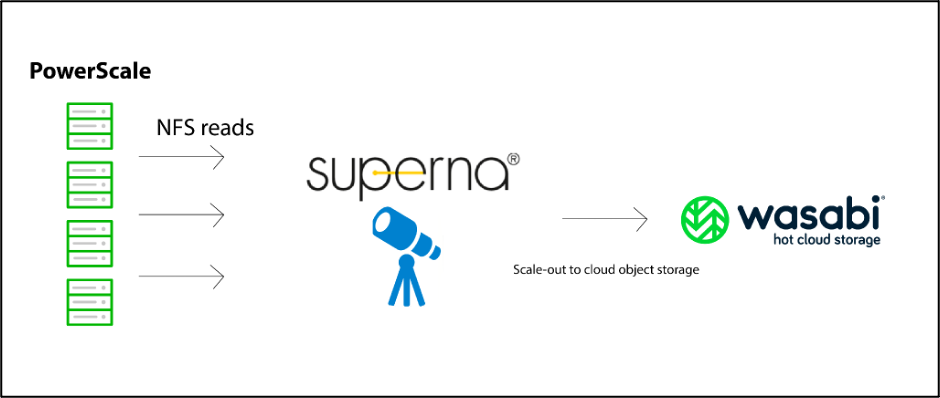
Wasabi has been validated for use with Superna’s Golden Copy. Golden Copy is an Isilon-integrated file-to-object copy tool with a built-in load balancer for Dell ECS and other S3 targets, eliminating the need for external load balancers. To learn more about Superna - Wasabi joint solution, please review this solution brief. To use this product with Wasabi, follow the instructions below.
Reference Architecture
Requirements
Golden Copy v. 1.1.6
Any license type
An active Wasabi account
Configuration
Golden Copy is a CLI-managed product. The user would need to be SSH'd into the GoldenCopy node 1 as the ecaadmin user
Use this command to add a folder to the backup.
searchctl archivedfolders add --isilon gcsource --folder /ifs/archive --accesskey XXXXXX --secretkey XXXXXXXXXX --endpoint https://s3.wasabisys.com --bucket gctest --cloudtype otherNote: This config example uses Wasabi’s us-east-1 storage region. To use other Wasabi storage regions, use the appropriate Wasabi service URL as described in Service URLs for Wasabi’s Storage Regions.
Use this command to start a backup.
searchctl archivedfolders archive –id Monitor backups with the command.
searchctl archivedfolders stats --id xxUse the command to list folder ids.
searchctl archivedfolders list