No separate AI engine is required. Wasabi AiR is fully integrated and ready to activate across your existing Wasabi storage.
Requirements
Active Wasabi Hot Cloud Storage account
Content stored in Wasabi (video, audio, images, or documents)
Accessing Wasabi AiR
Access Wasabi AiR using a Wasabi Hot Cloud Storage account and the Wasabi Management Console.
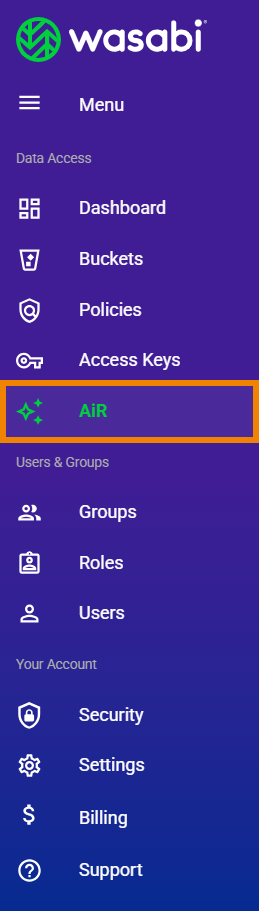
Click AiR in the Wasabi menu on the left of the Console screen.
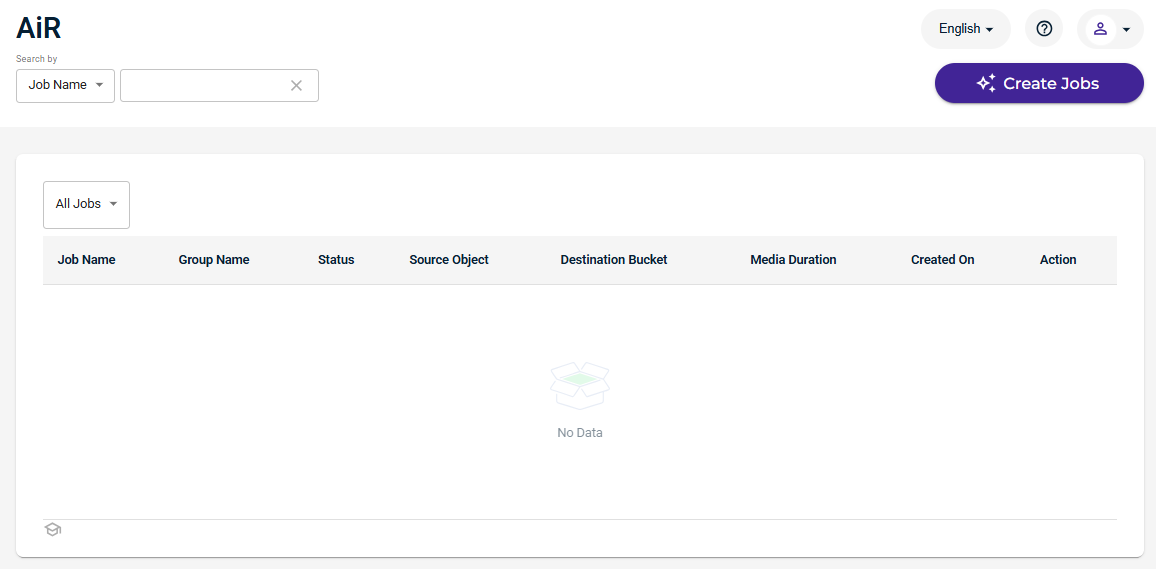
If you do not have any Wasabi AiR jobs, the AiR panel is displayed as:
Here is an example of the AiR panel with jobs:
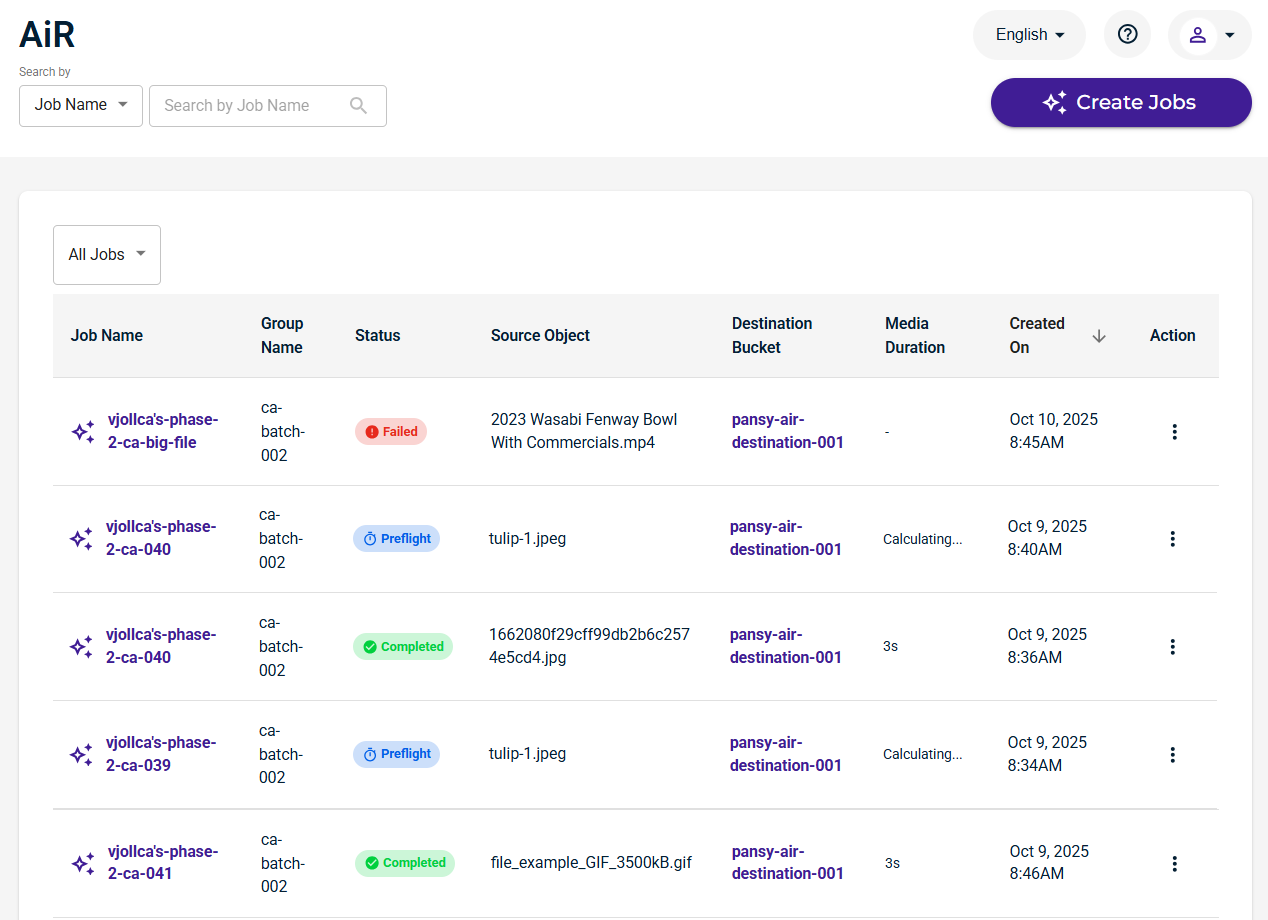
The AiR panel displays a list of Wasabi AiR jobs, as described in Reviewing Details of the AiR Jobs List.
In addition, tools at the top of the AiR panel are provided for: