Cantemo has been validated to work with Wasabi. Cantemo Portal is a modern Media Asset Management system, handling metadata, storage, distribution and access rights. Additionally, it includes advanced features such as ingest, format detection, and transcoding. It is a hybrid cloud system that supports efficient remote production workflows.
Requirements
Active Wasabi Cloud Storage Account
Wasabi Bucket - See our Bucket Creation Guide
Access & Secret Key Pair - See our Access Keys Guide
Cantemo 5.4 or 6.0 Licensed and Installed
Rocky Linux Instance (Version 8.x is only supported)
Configuration
Log in to the Cantemo Portal using your preferred web browser.
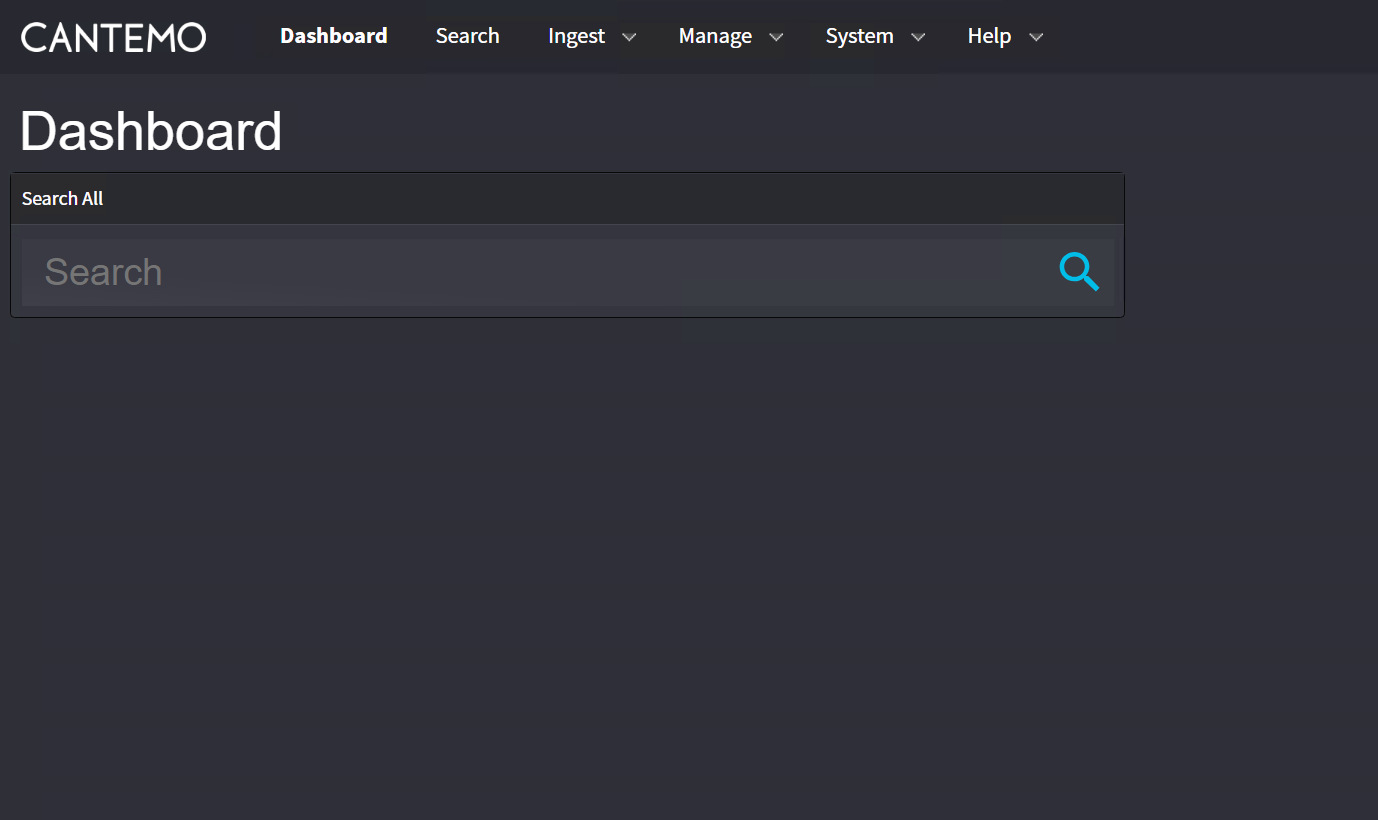
On the dashboard, click Manage and then select storage.
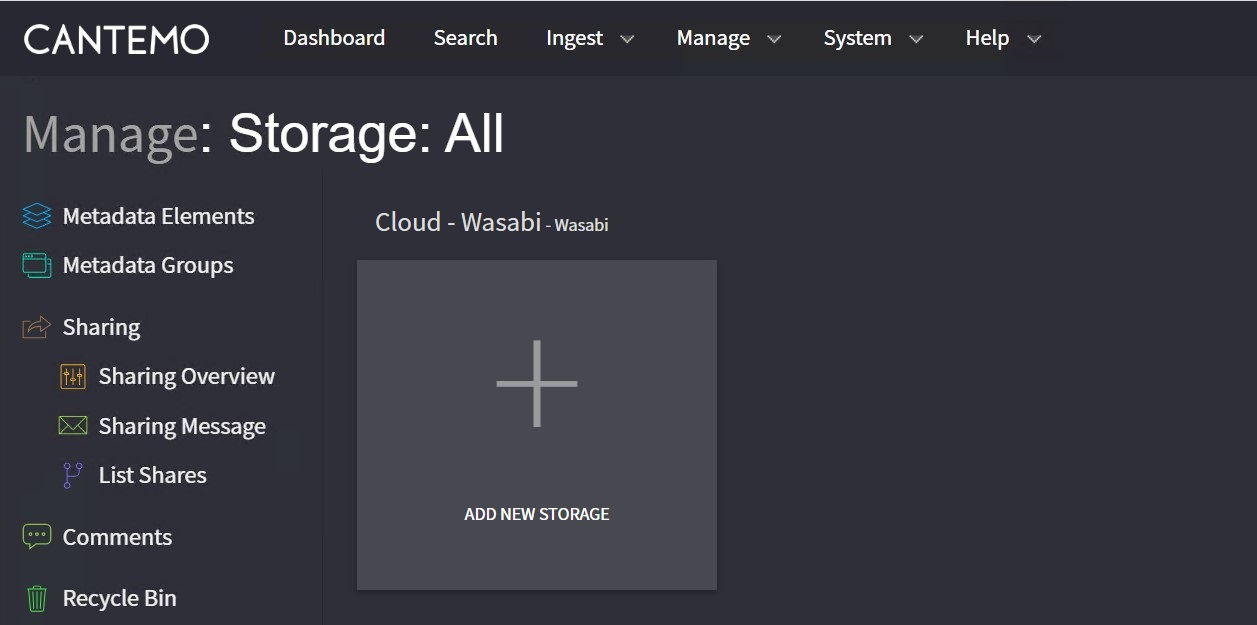
Click Add New Storage.
Enter the following information.
Name—Give the storage a unique name
Capacity—Leave blank
Storage Type—Leave Local
Maximum Bandwidth—Specify the maximum speed you want to allow for transfers
Click the red X in the “file” and “http” boxes to delete those options.
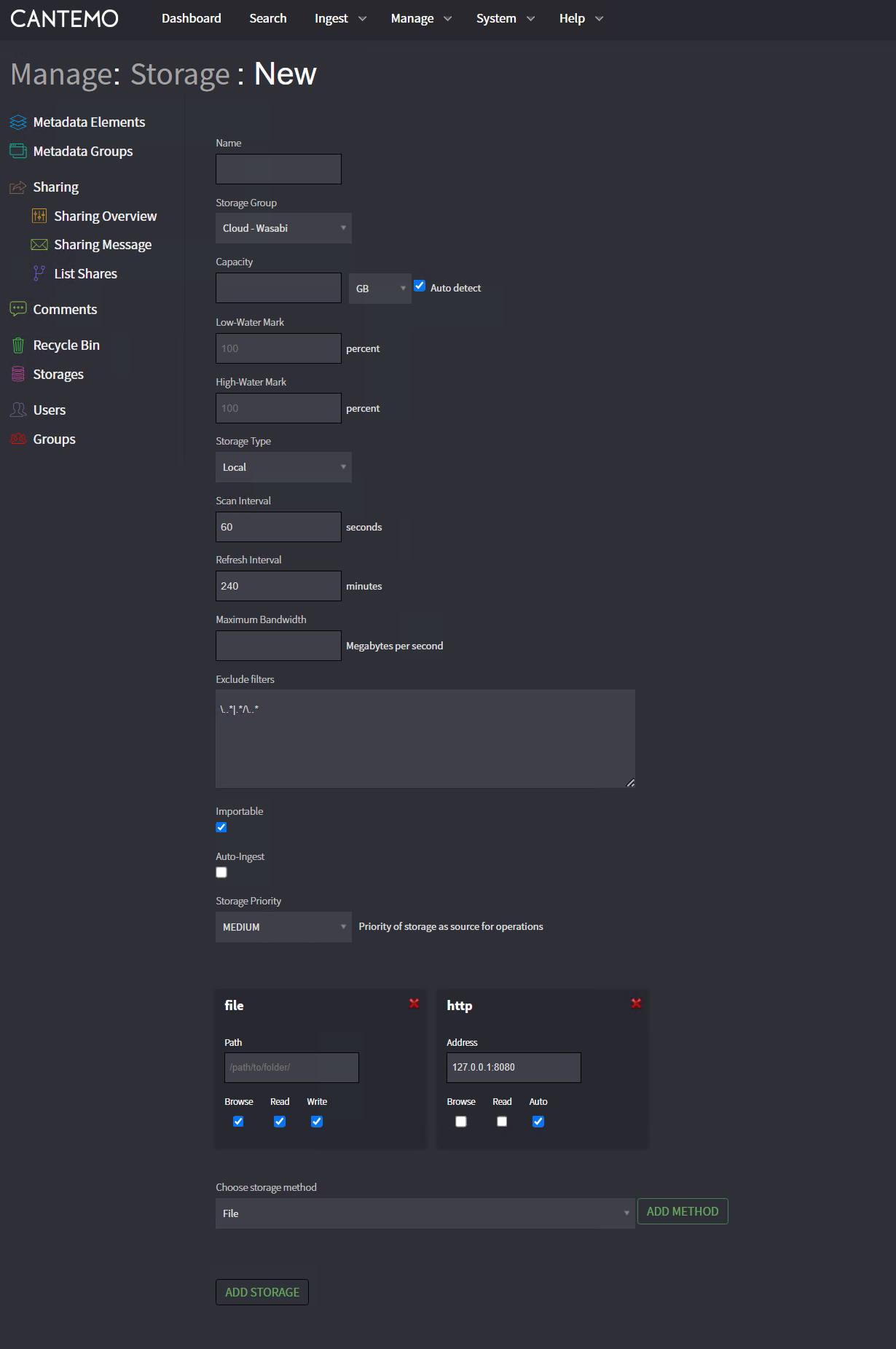
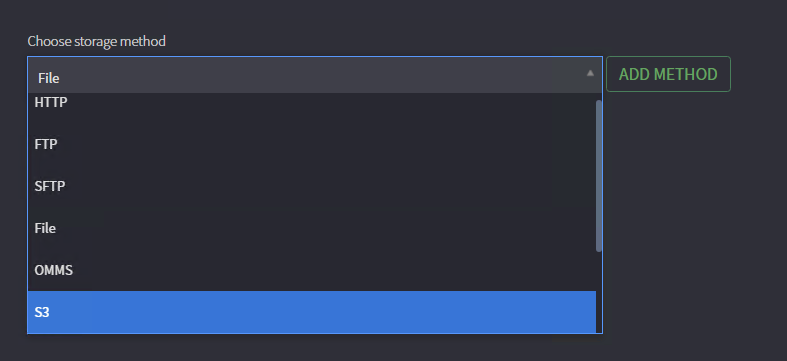
From the Choose storage method drop-down, select S3 and then click Add Method.
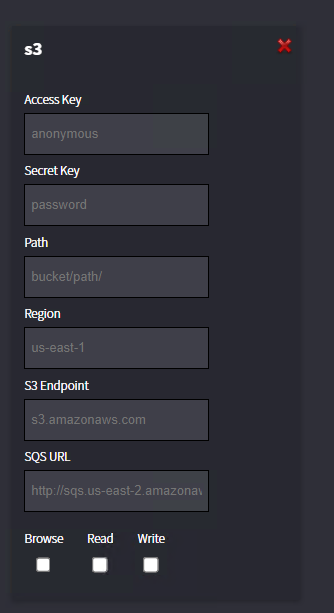
Enter the following information inside the s3 box.
Access Key—Wasabi Access Key
Secret Key —Wasabi Secret Key
Path —Specify your bucket name and either the root directory or any subfolder that you created
Region—Specify the Wasabi service region where your bucket is stored
S3 Endpoint—Specify the Wasabi service URL of the region you are using
Check the boxes to select Browse, Read, and Write. Then click Add Storage.
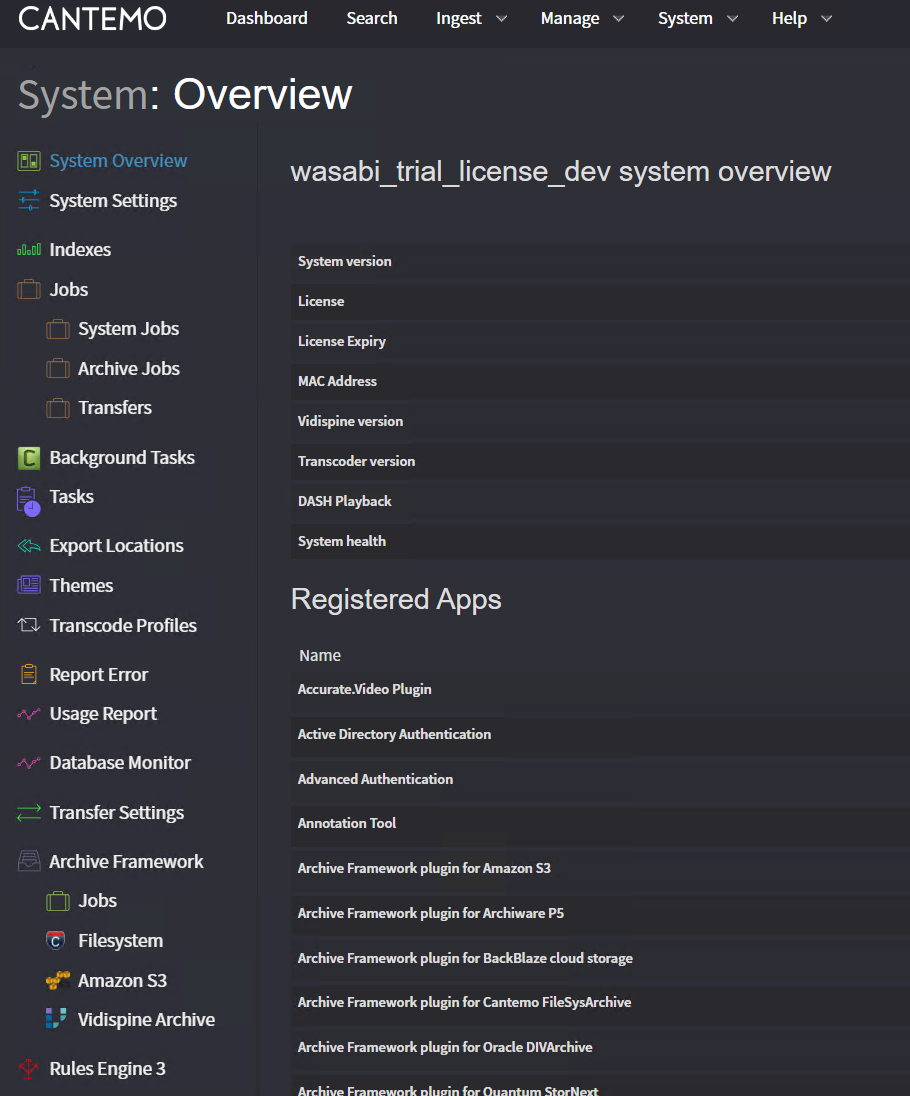
Click System in the top row. Click Transfer Settings.
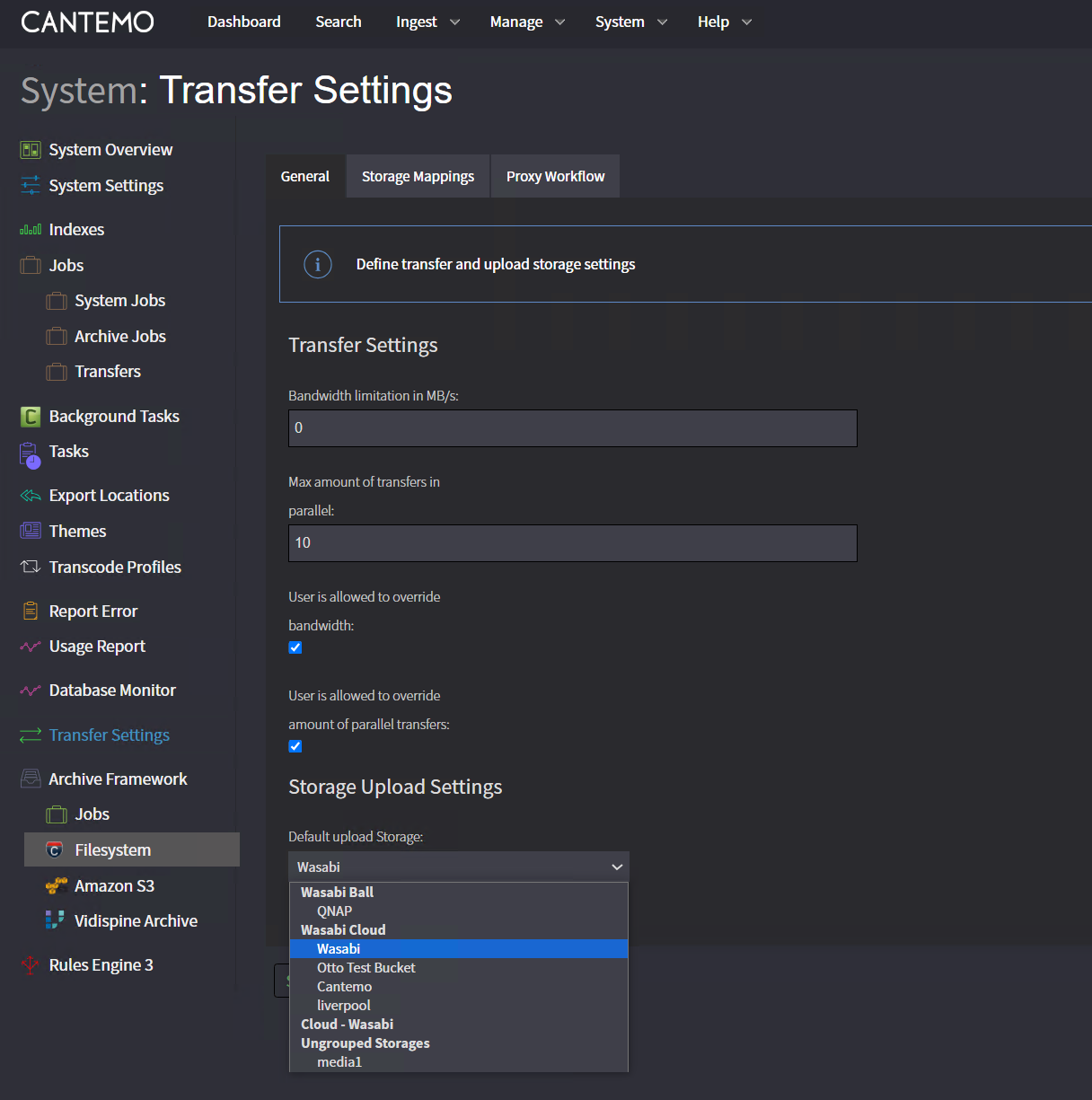
On the Default upload storage drop-down, choose the Wasabi Storage that you just created.
Click Submit.
Click Ingest on the top row.
You can now test uploading your data to your bucket.
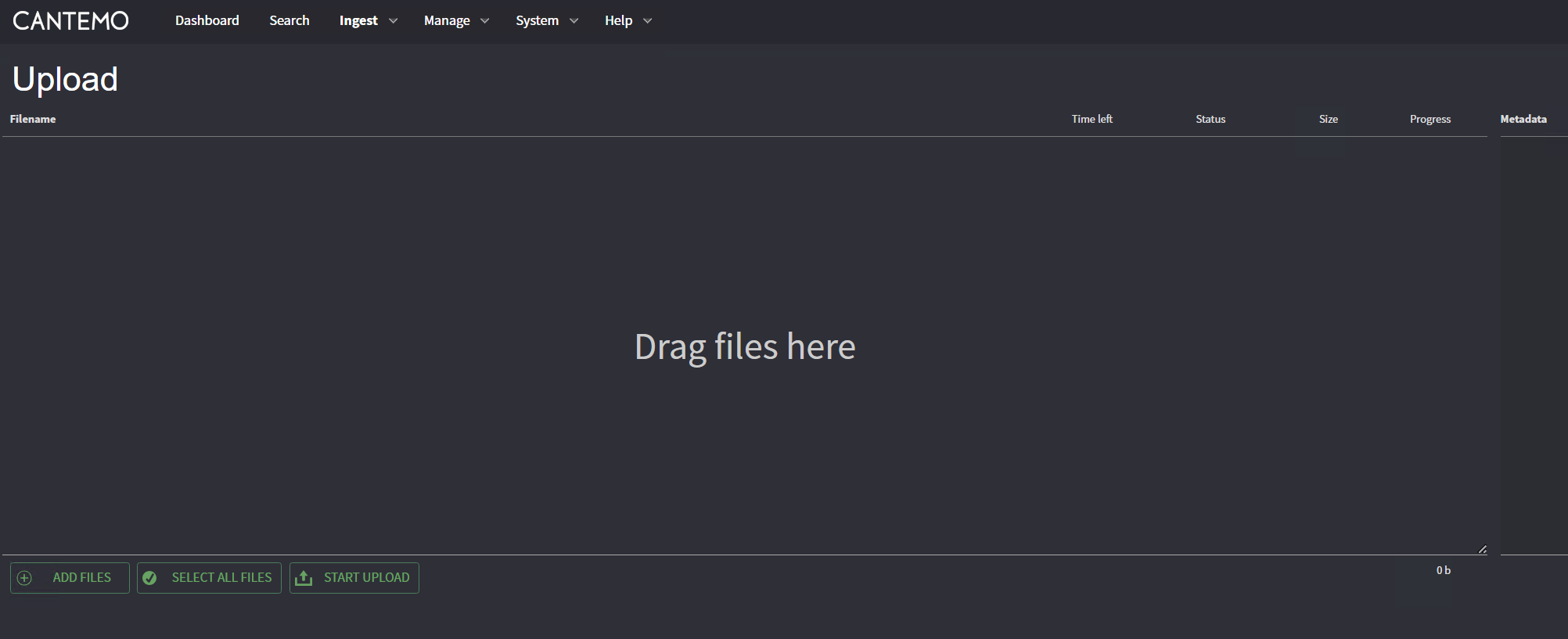
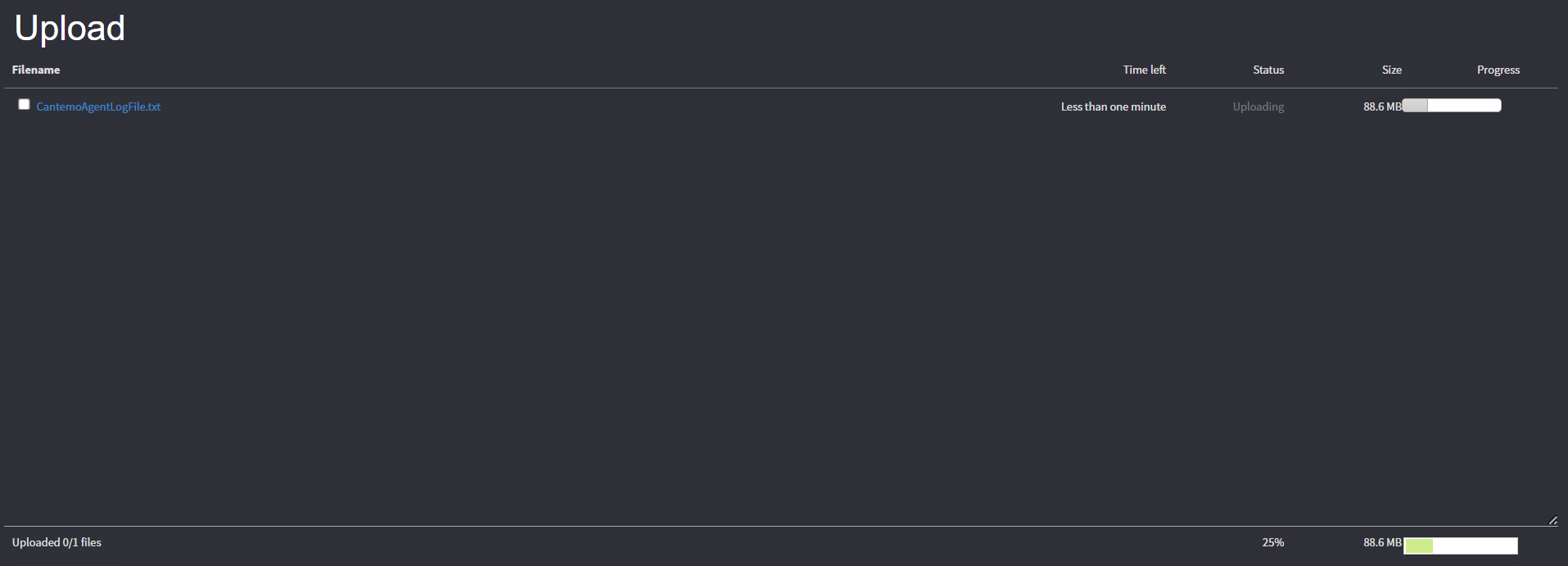
Once the files are added, click Start Upload.
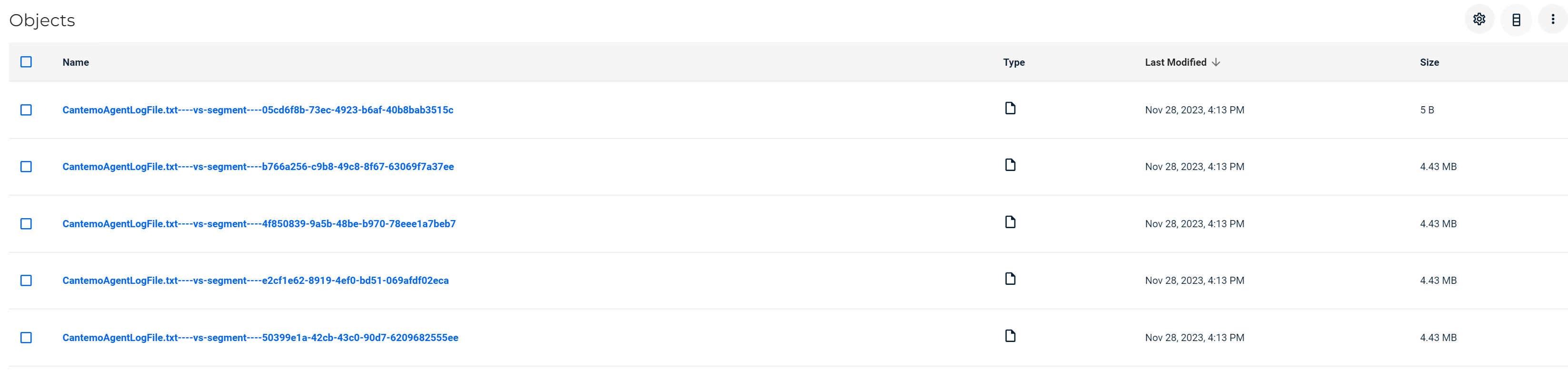
You can now check your bucket and see that the data is there.
Remote Agent Configuration
Supported in version 5.4. You can download and install the Cantemo Agent to use to upload data to your Wasabi bucket. To get the latest version compatible with writing to Wasabi S3 buckets, contact Cantemo support.