To read or download the objects from a covert copy bucket, you need approval from all MUA-defined security contacts with relevant Covert Copy activities.
Click on the name of the bucket in the Covert Copy Bucket List.
Or, click to access options for the bucket you want to access, and click Request Access.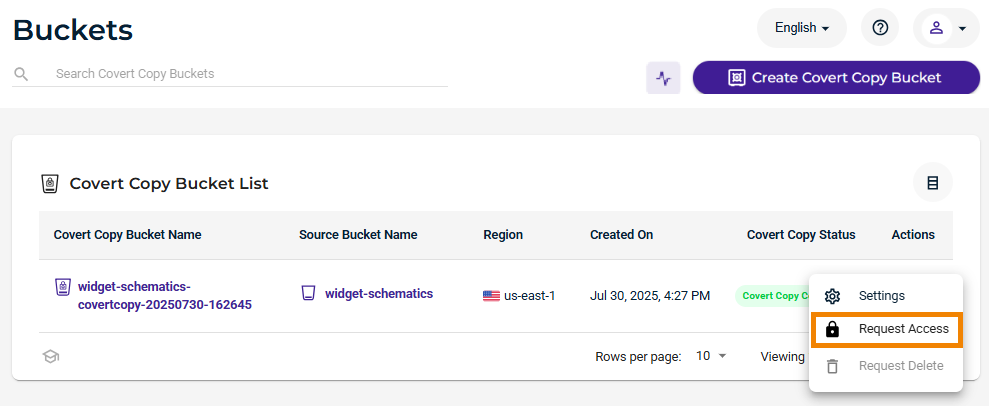
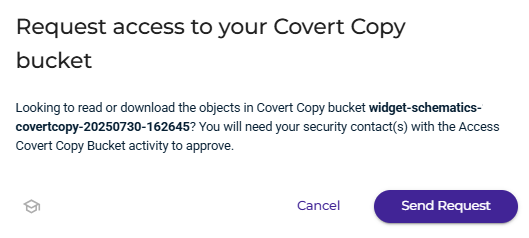
Click Send Request.
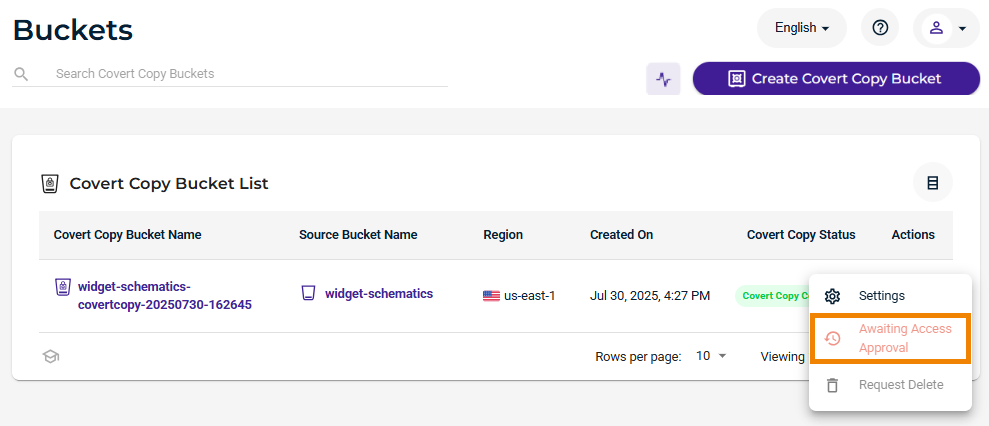
When a request is made to access the bucket, an email is sent to all MUA-defined security contacts. The Actions drop-down indicates you are awaiting access approval.
Once approval is granted, the Root user or someone using the Root user access keys can access the objects for 24 hours after the request was approved.
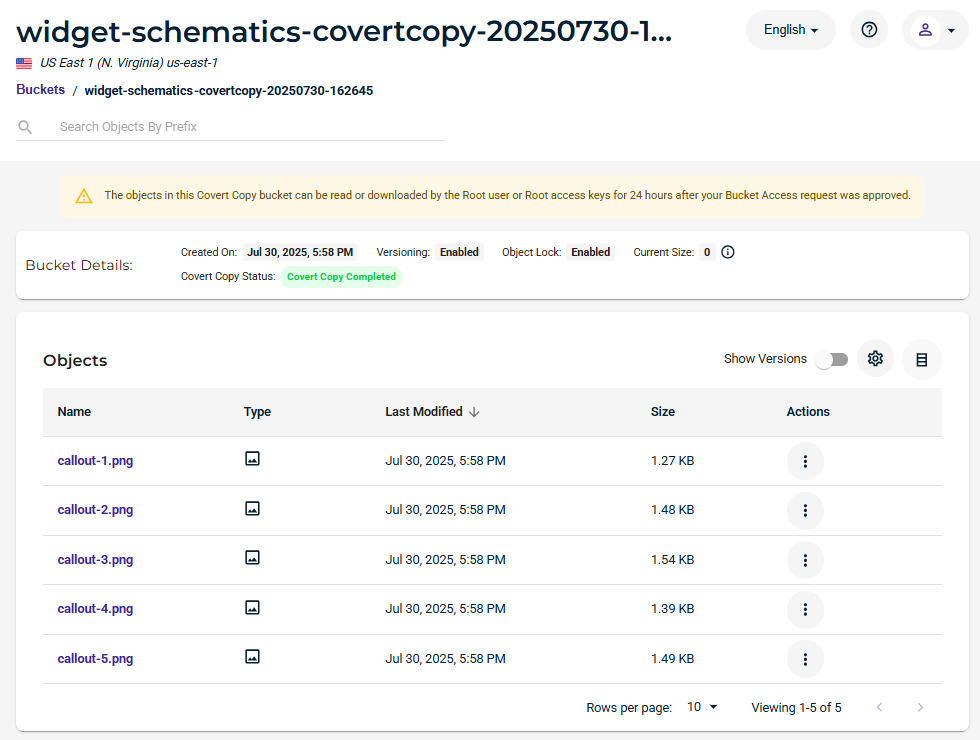
To download an object, click for the object. Click Download As.