Incremental Support enhances the Covert Copy feature by allowing an existing covert copy to be resynchronized with its source bucket. Rather than representing a single point in time, a covert copy with incremental support becomes a continuously current air-gap.
Before requesting Incremental Support, ensure that:
An active covert copy exists for the source bucket you want to resynchronize.
The covert copy is in a completed or eligible state (not currently “In Progress” or in an error state).
You are the Root user of the Wasabi account that owns the covert copy.
MUA is configured on the account with at least one security contact assigned to Covert Copy activities.
Requesting Incremental Support
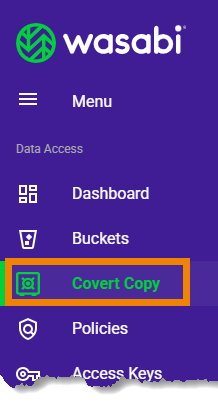
Click Covert Copy on the Wasabi Console navigation panel to display your Cover Copy Bucket List.
Locate the Covert Copy bucket you want to resynchronize.
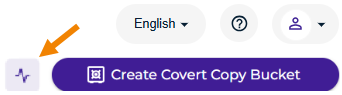
Click the Refresh icon:
An informational prompt is displayed:
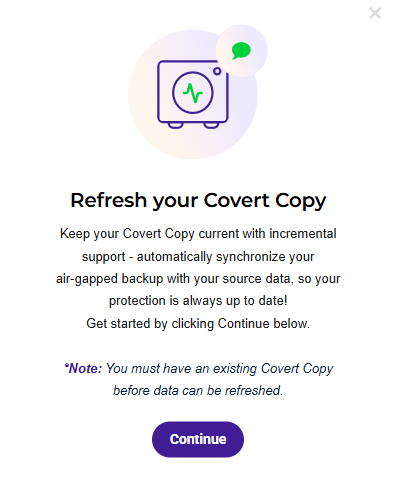
Click Continue.
Complete the Covert Copy Incremental Support Form by entering:
Email address associated with your covert copy buckets.
Name(s) of the source bucket(s) whose covert copy you want to resynchronize. Separate each with a comma, and double-check that the names are correct.
Indicate the synchronization frequency—how often you want incremental synchronization to occur.
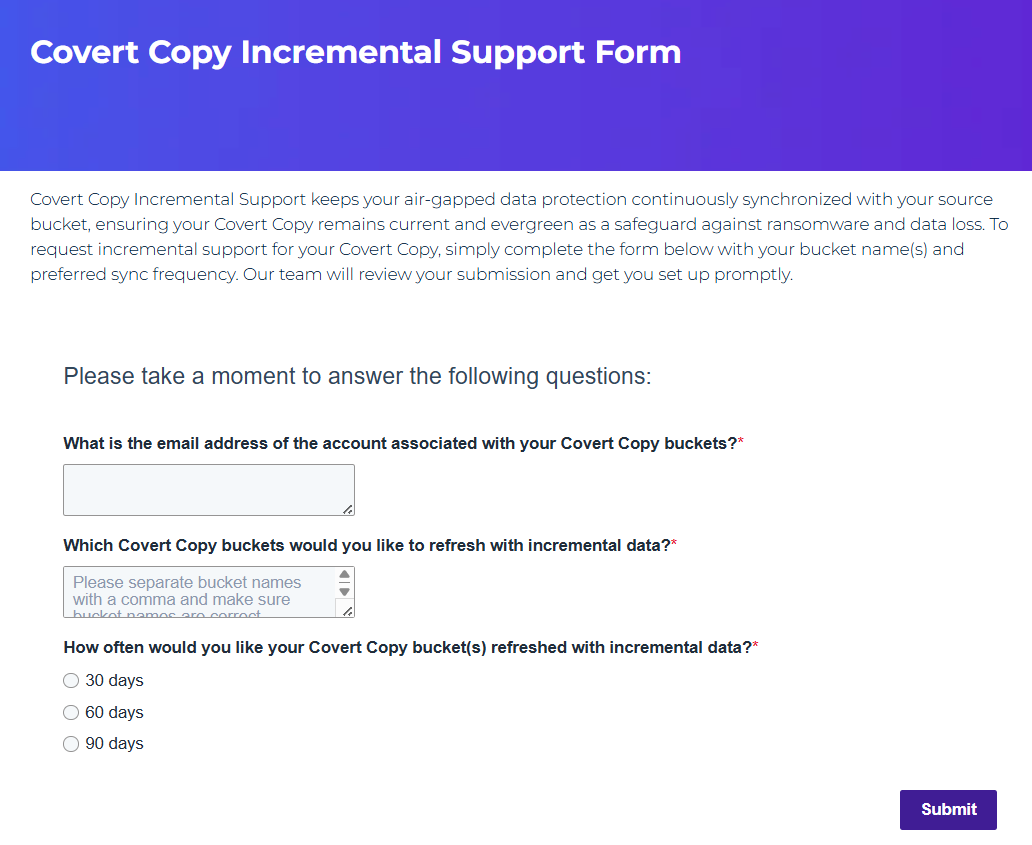
Click Submit to send your request.
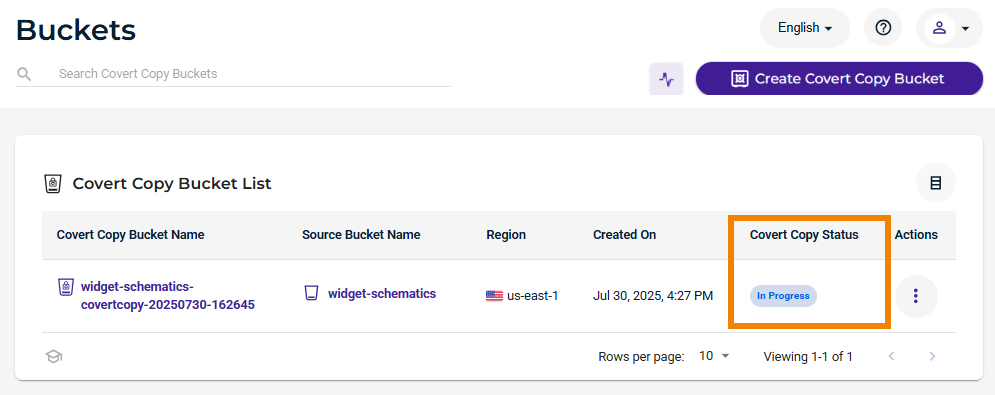
After your request is submitted, the Wasabi team will initiate the incremental synchronization. You can monitor the progress directly in the Wasabi Console:
The Covert Copy Status for the bucket will change to “In Progress” while synchronization is running.
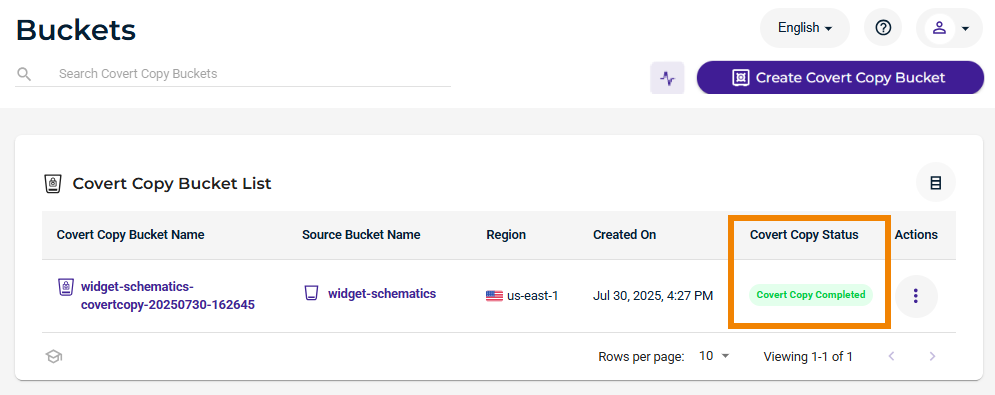
Once all new and changed objects have been replicated, the status will return to “Covert Copy Completed.”
No action is required on your part during this process. Your covert copy remains protected and invisible throughout.
Your source bucket and refreshed covert copy bucket will not have identical utilization. Wasabi does not synchronize deletes to the covert copy for security purposes, meaning your covert copy bucket may be larger than the source bucket.