WACM allows partners to enable MUA for certain critical activities within the platform. With this feature, you can have up to 3 security contacts responsible for ensuring the security of an organization's information systems and data. These security contacts are trusted individuals who are empowered to approve or decline critical account-level actions.
For example, when a sub-account deletion request is made, each security contact receives a notification and must explicitly confirm the request before it proceeds. If any one of the security contacts declines it, or there is no response after 24 hours of the request, the request is null and void. If an attempt is made to delete a Sub-Account and a security contact declines the deletion, the initiating user will receive an alert stating the deletion was denied.
MFA must be enabled before you can add a security contact.
Enabling Multi-User Authorization
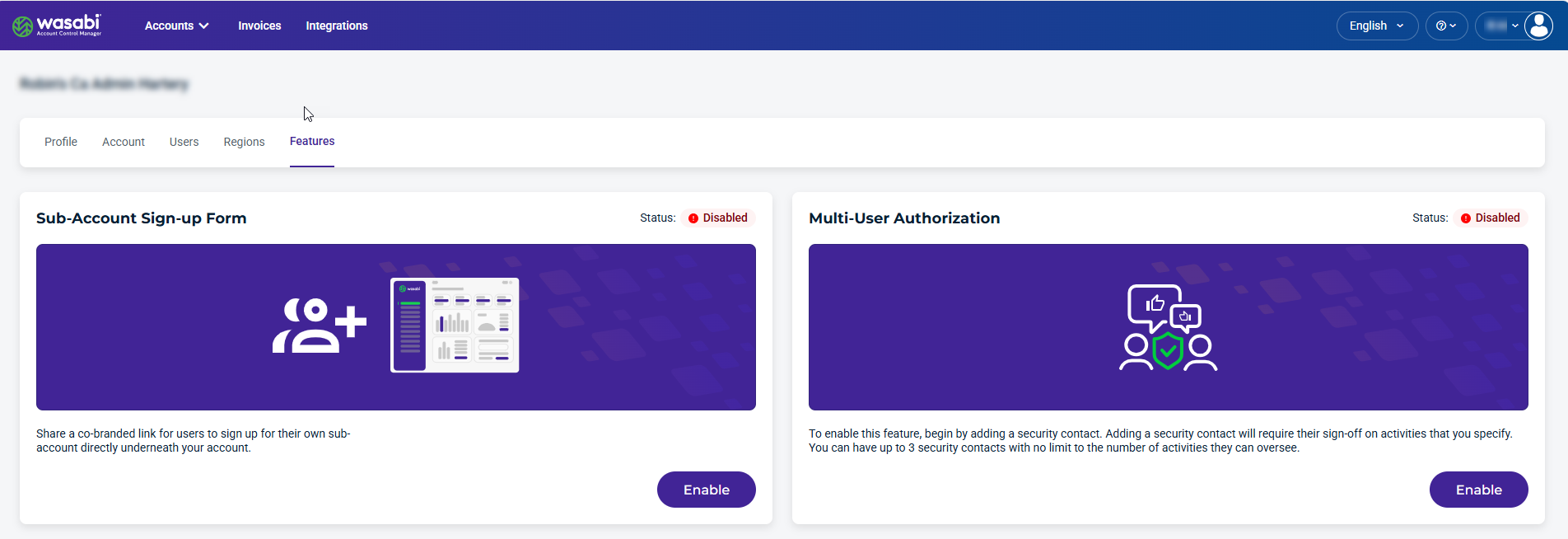
Click Enable to open the Multi-User Authorization form. The Add Security Contacts form is displayed.
Add up to 3 email addresses for security contacts. These contacts must sign off on the account activities you specify. There is no limit to the number of activities these contacts can oversee.
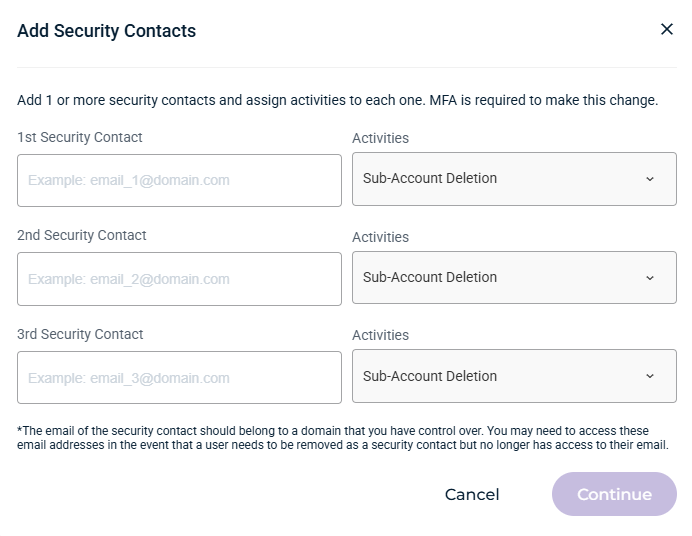
Click Continue.
MFA must be enabled before you can add a security contact.
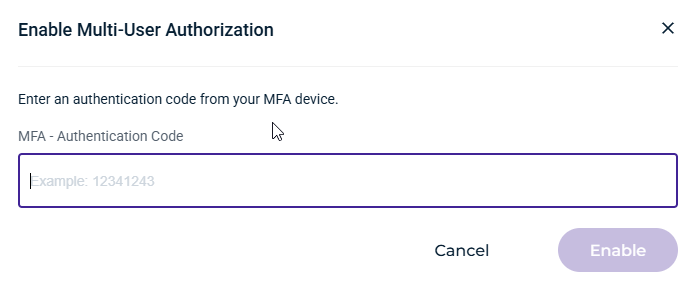
Enter an authentication code from your MFA device, then click Enable. An invitation is sent to the newly created security contact, who must accept or decline the request to be notified when an account user attempts specific actions on the account.