Hanwha's Wisenet WAVE is validated for use with WSC. Wisenet WAVE is an IP Video management platform that enables users to create IP video surveillance solutions.
Requirements
WAVE 5.0 installed, configured, and activated
Active WSC storage account (see Create a Wasabi Account)
Wasabi bucket (see Creating a Bucket)
Access key and secret key (see Creating a User Account and Access Key)
Configuring WSC for Use With Hanwha Wisenet WAVE
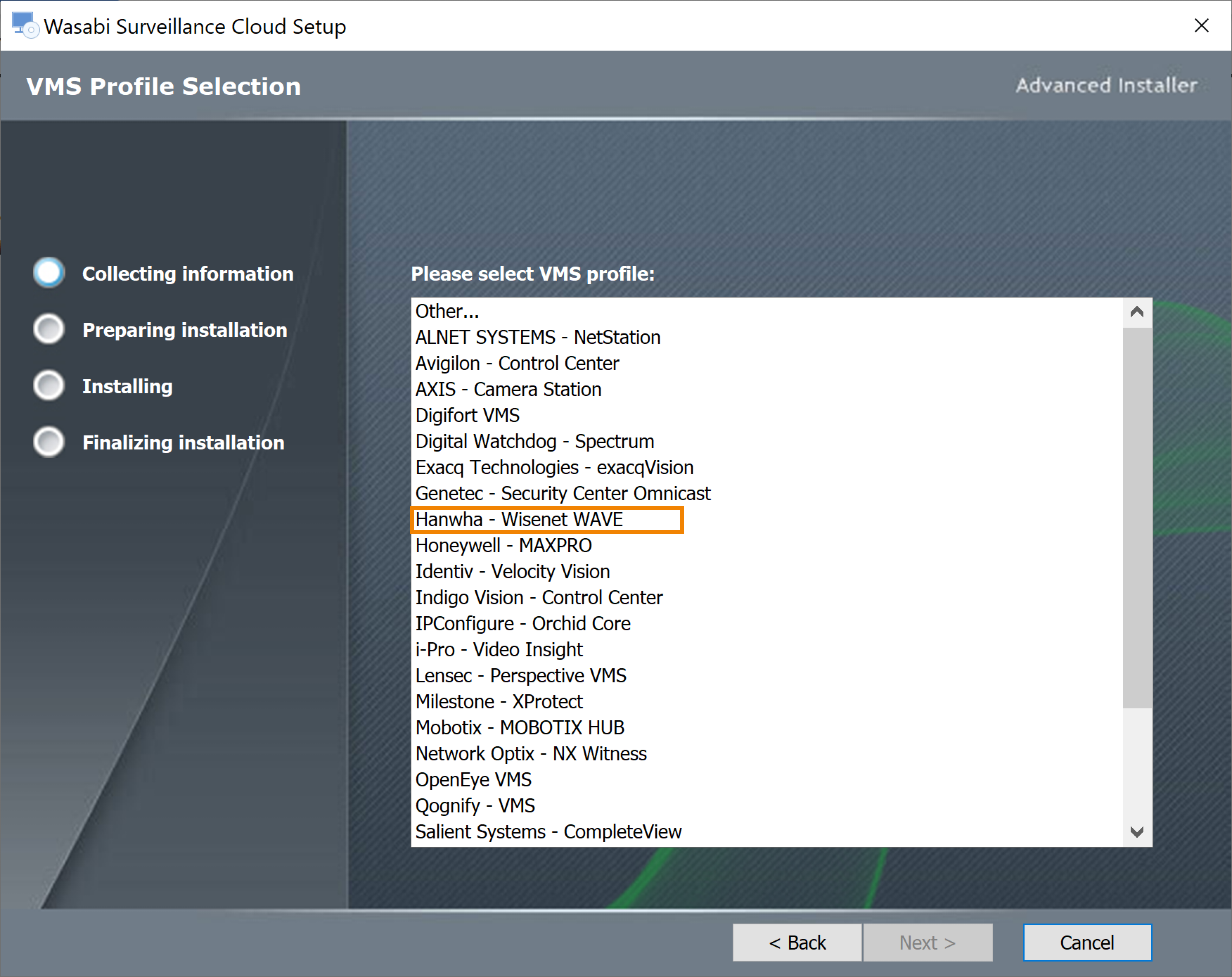
Follow the instructions in 1—Downloading and Installing Wasabi Surveillance Cloud to install WSC on the local server. Be sure to select Hanwha - Wisenet WAVE. Once the Wisenet WAVE profile is selected, it cannot be changed.
Install the WSC software on each server in case multiple recording servers are deployed. The same WSC credentials can be used across all servers.
Open the WSC software.
Follow the steps in Pairing a VMS with a Target to add a source and target. Be sure to set:
Source path—Select the same drive/folder shown in Wisenet WAVE. If more than one volume has been configured in Wisenet WAVE, add each folder (source) separately. Do not add subfolders whose parent folder has been added as a source.
Targets—Select Wasabi to autofill the Access and Secret keys. Optionally, enter the keys manually.
To confirm that data is being written to the bucket with the same directory structure as the source folder, log in to the Wasabi Console to verify.