This article explains how to configure IdP-initiated SAML login with minOrange SSO, enabling users to access Wasabi directly from their identity provider (IdP) using SAML authentication.
Sign in to Wasabi Console
https://console.wasabisys.com/login.Select Security from the navigation menu, then click SSO (Single Sign-On). The SAML Connection pane is displayed.
Scroll down to the IdP-initiated login section, enable the login toggle, then click Save.
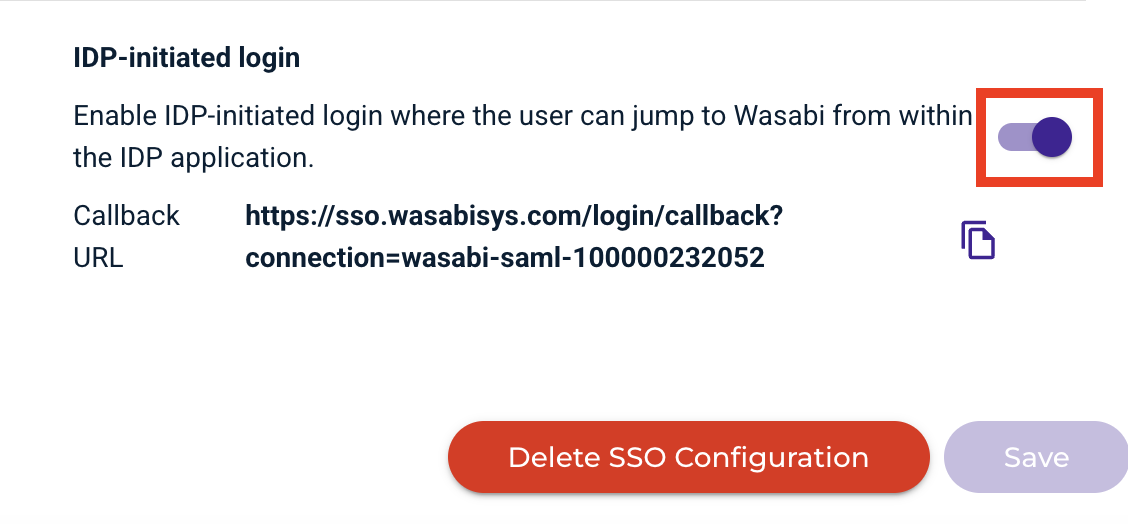
Verify that the Callback URL includes the Root ARN.
Copy the Callback URL.
Sign in to the miniOrange Admin Console.
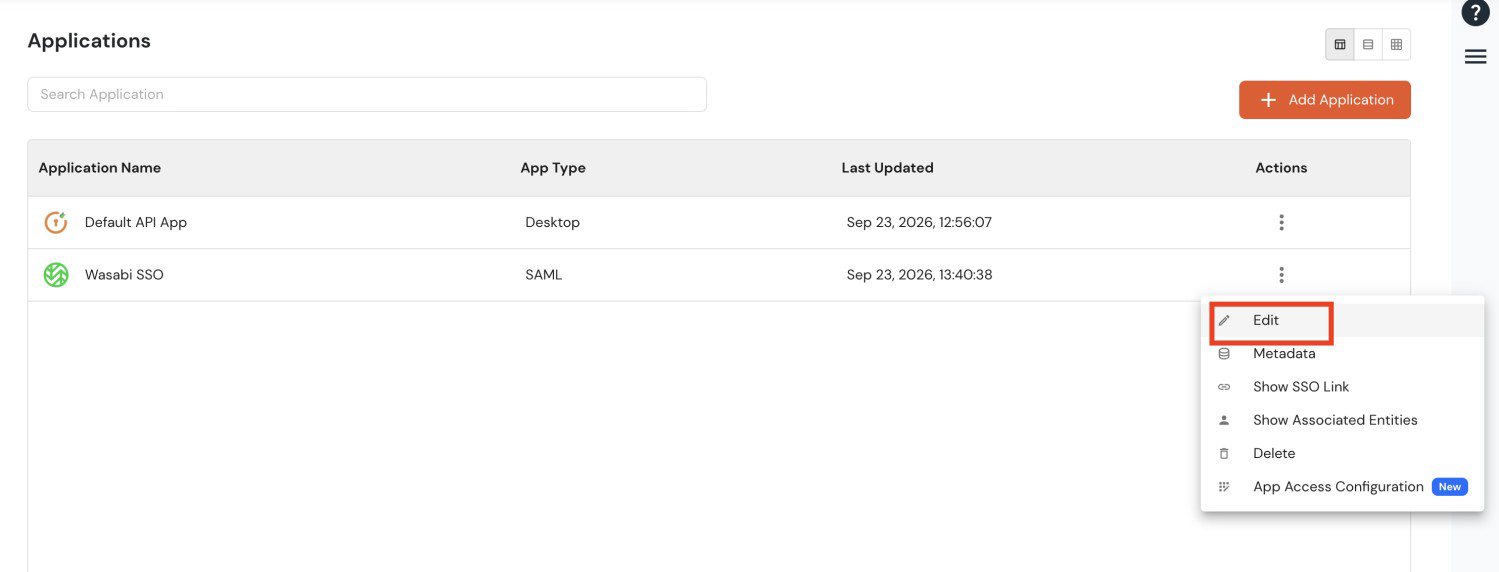
Navigate to Apps, then select the configured Wasabi SSO application.
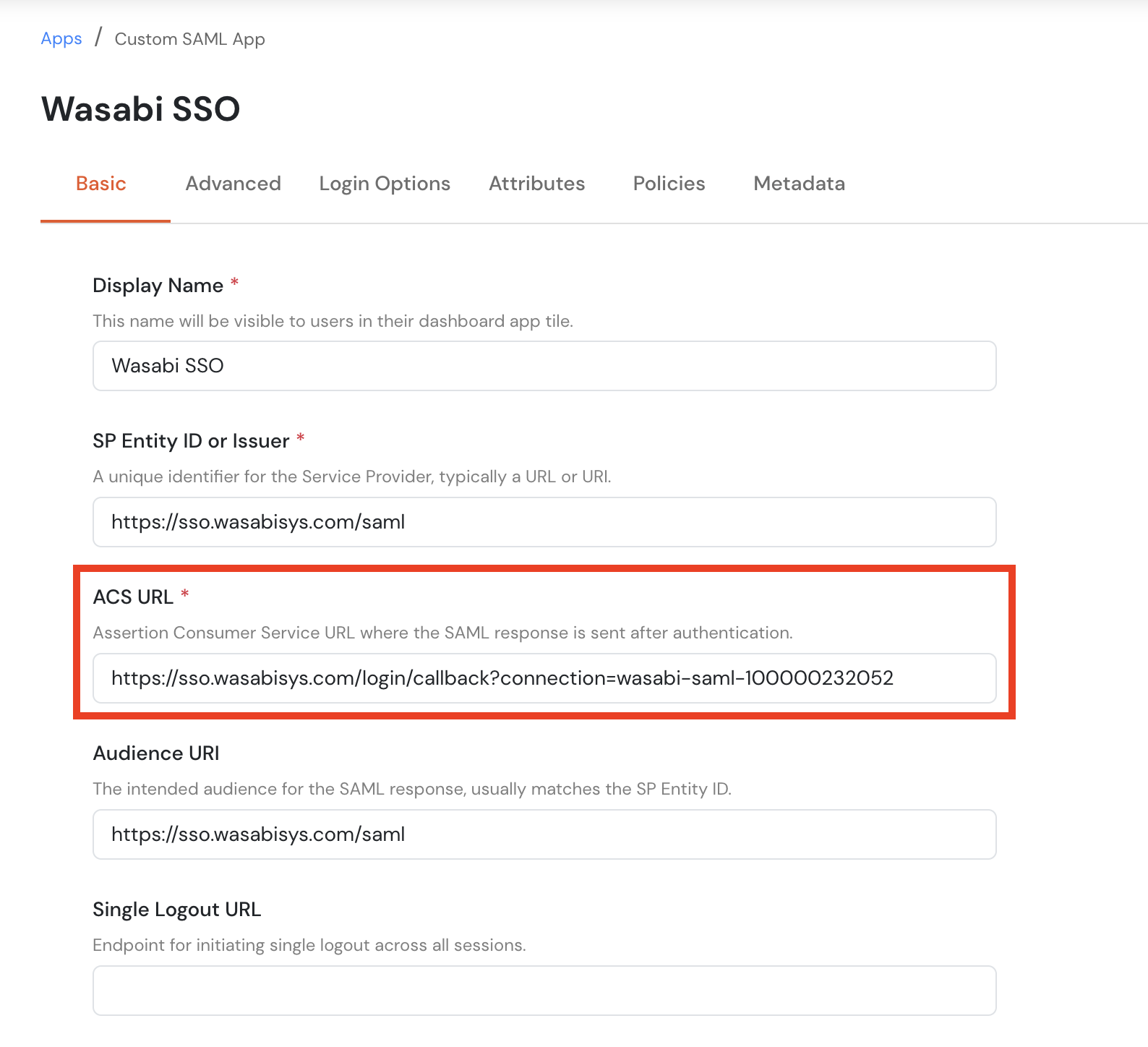
Click Edit, then navigate to the Basic tab.
Paste the copied Callback URL into the ACS URL field.
Click Save.
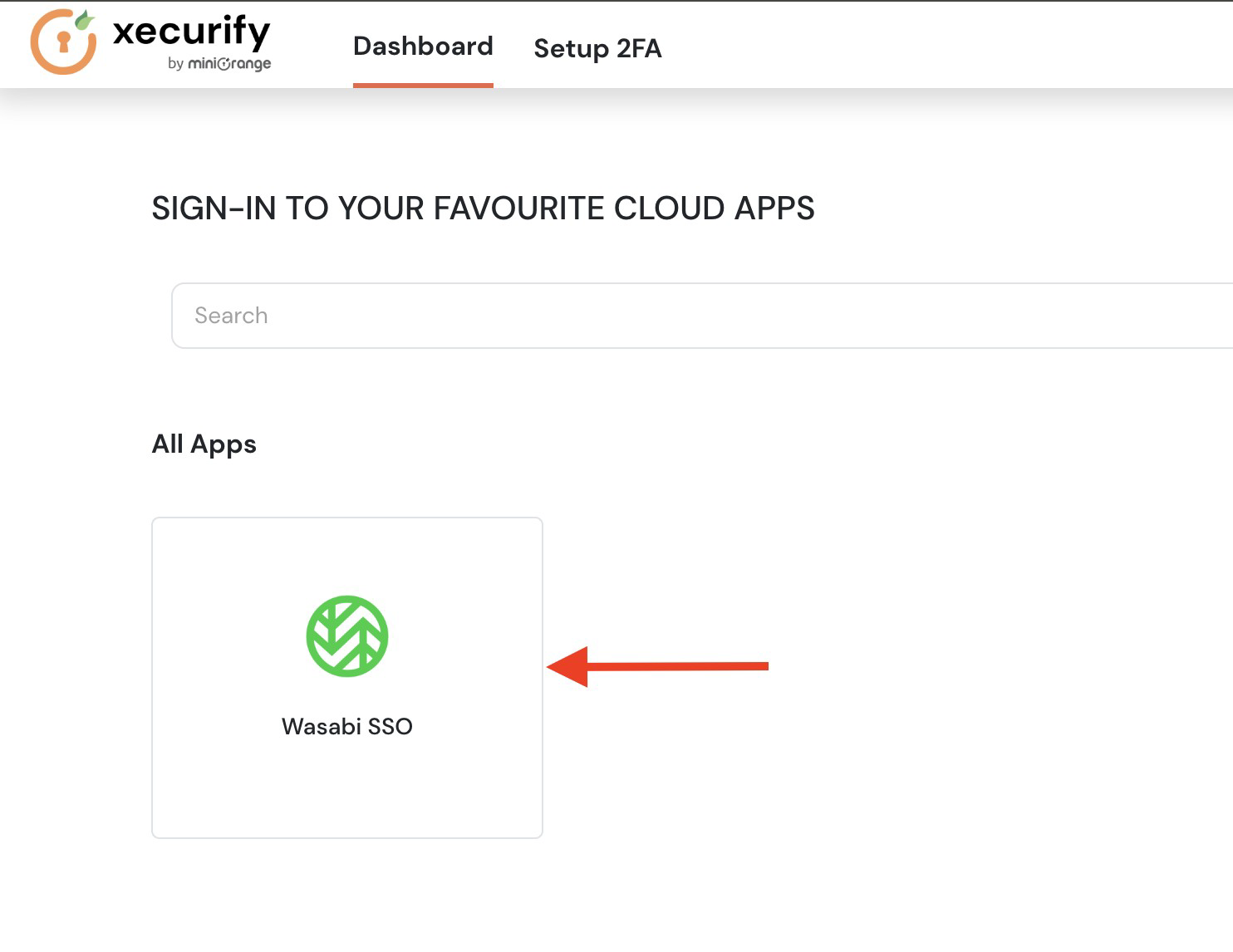
Navigate to User Dashboard, then select All Apps.
Locate the Wasabi SSO application, then click the application tile to test IdP-initiated SSO login.
Verify that you are successfully redirected to the Wasabi Console and logged in.