The Members page displays account information and settings for the selected Sub-Account. You can view and manage account details and create a Member account.
In the navigation bar, select Sub-Accounts. From the Sub-Accounts list, select a Sub-Account to manage. The Usage page is displayed by default. Select the Members tab to view the members associated with the selected Sub-Account.
Members Details
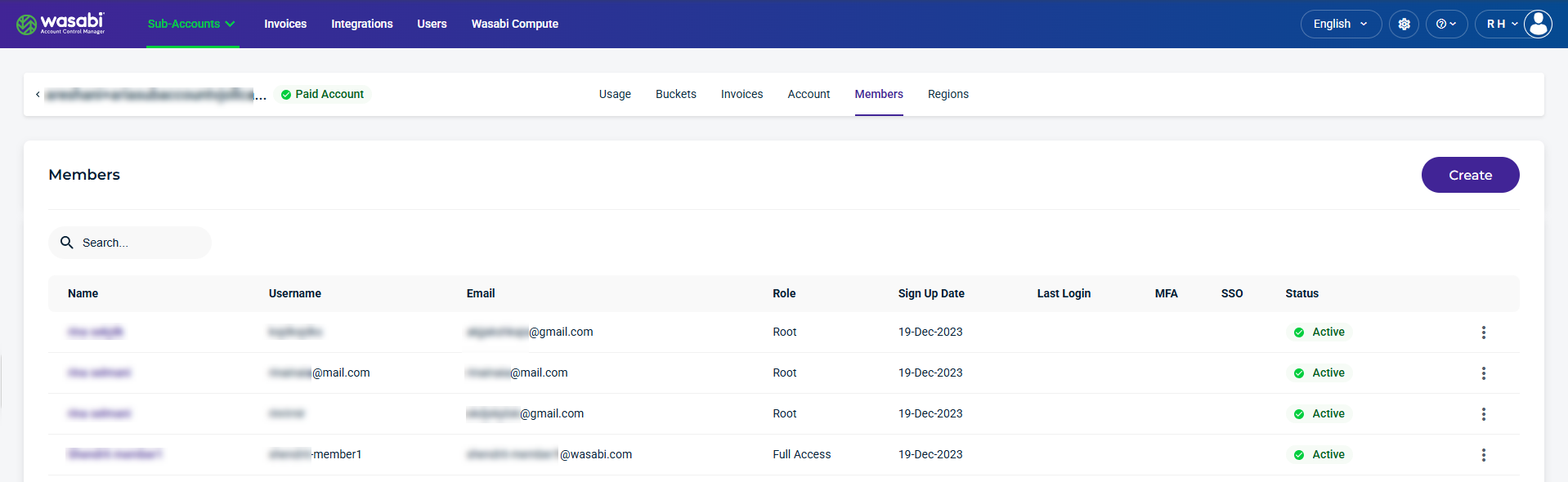
The Members page provides the following details:
Name—Name of the member account associated with the selected Sub-Account.
Username—Username for the member account.
Email—Email address for the member account.
Role—Member’s assigned role.
Sign Up Date—Date the member account was created.
Last Login—The last date the member account was accessed.
MFA (multi-factor authentication)—MFA is enabled when the icon is present.
SSO (Single Sign-On)—SSO is used at sign-in when the icon is present.
Status—Account status is Active or Deactivated.
Kebab menu—Select an option on a user account.
Create a Member
For information on creating a Member, see Creating a Member in Sub-Accounts.
Members Information Settings
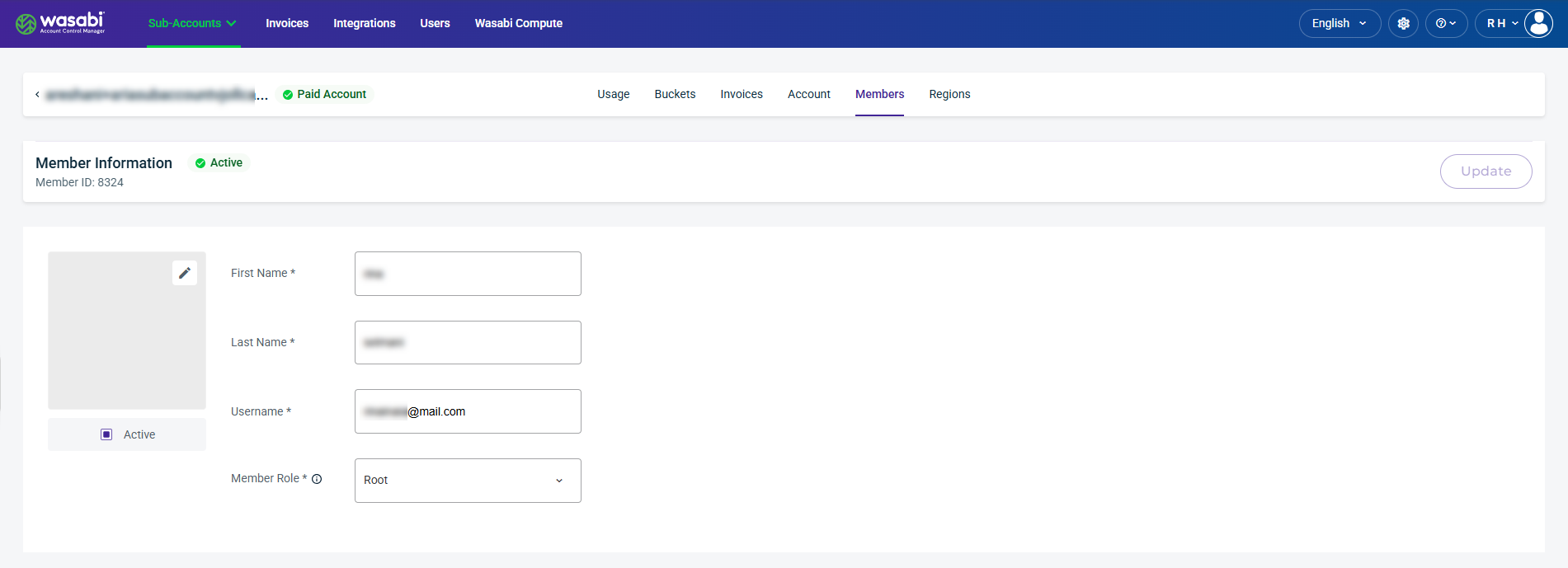
To view a member’s information and settings, select a member from the Members list. The Member Information page is displayed.
From the Members Information page, you can view and manage the following account information:
Member Overview—Update the account status, name, username, and member role.
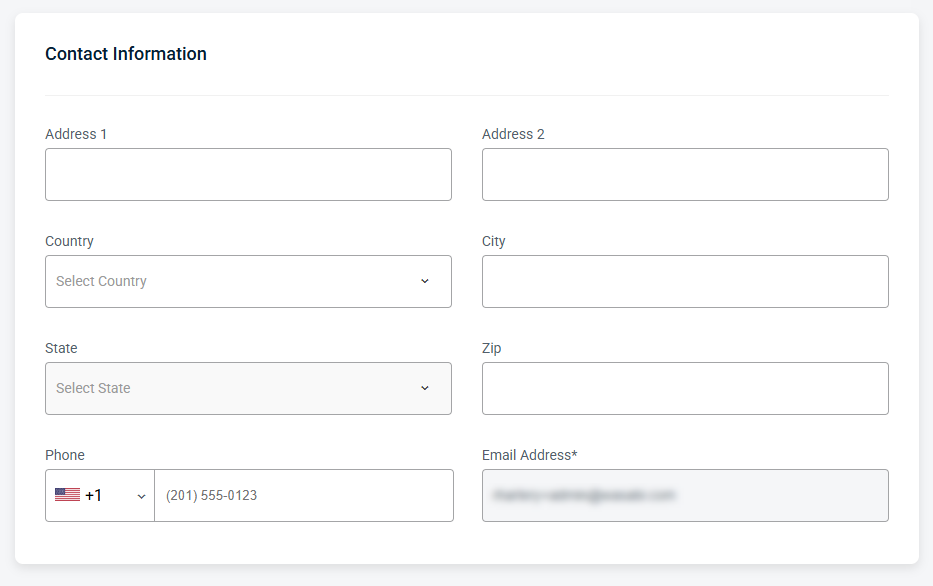
Contact Information—Add or change the address, phone, contact, or billing email.
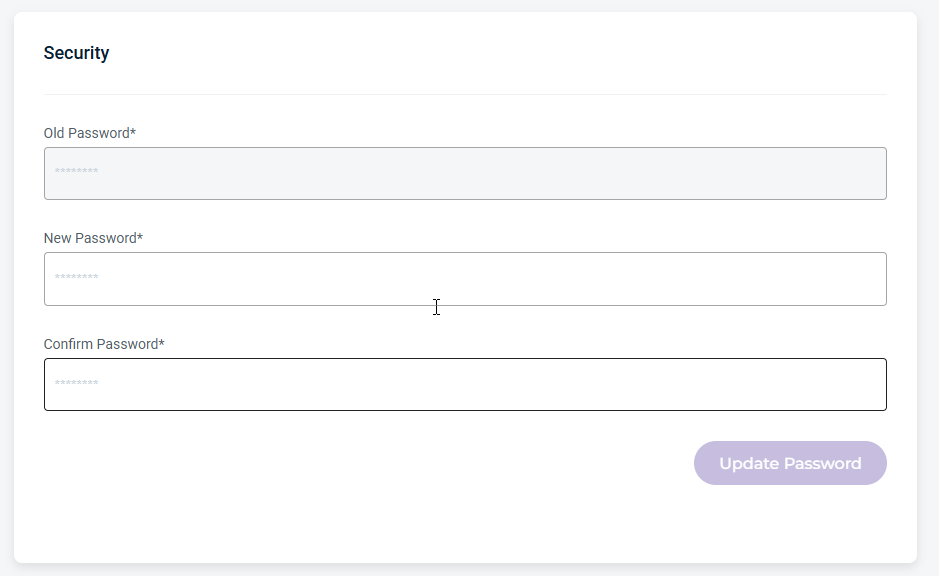
Security Information—Update the member’s password.
Be sure to click Update (in the upper-right corner) to apply any changes made on this page.
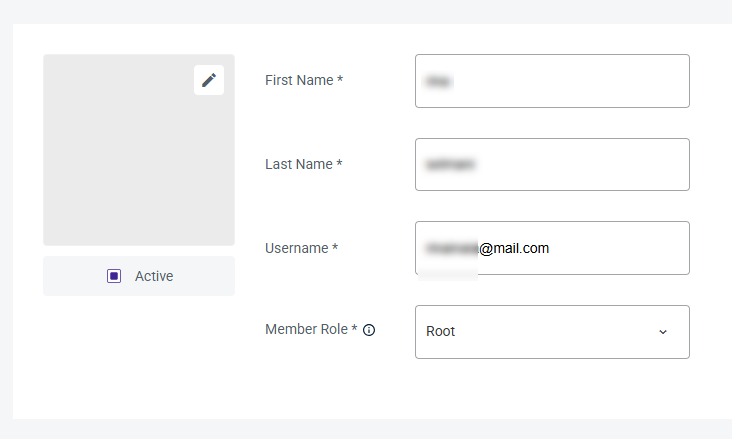
Member Overview
The Member Overview section provides essential details about the account, including the member’s name and username, member role, and status. In this section, you can update the member’s name, username, and choose a different member role.
Contact Information
The Contact Information section provides editable fields for contact and billing details for this account, including address, phone number, and email address.
Security Information
The Security section provides editable fields for managing password settings, including password resets.