Wasabi is certified for use with QNAP's VJBOD Cloud. VJBOD Cloud is a block-based cloud storage gateway that allows mapping cloud object storage to a QNAP NAS as block-based cloud volumes or LUNs, providing a flexible option for local applications, excess data storage, or secure backups.
Requirements
Active Wasabi Cloud Storage account (see Create a Wasabi Account).
Wasabi bucket. For more information, review Working With Buckets and Objects.
Access Key and Secret Key. For more information, review Creating a User Account and Access Key.
QNAP NAS with the VJBOD Cloud application. This solution was tested with VJBOD Cloud version 1.4.2960. Wasabi recommends using the latest version.
Configuration
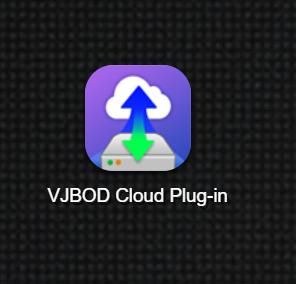
Click the VJBOD Cloud plugin to initialize the application.
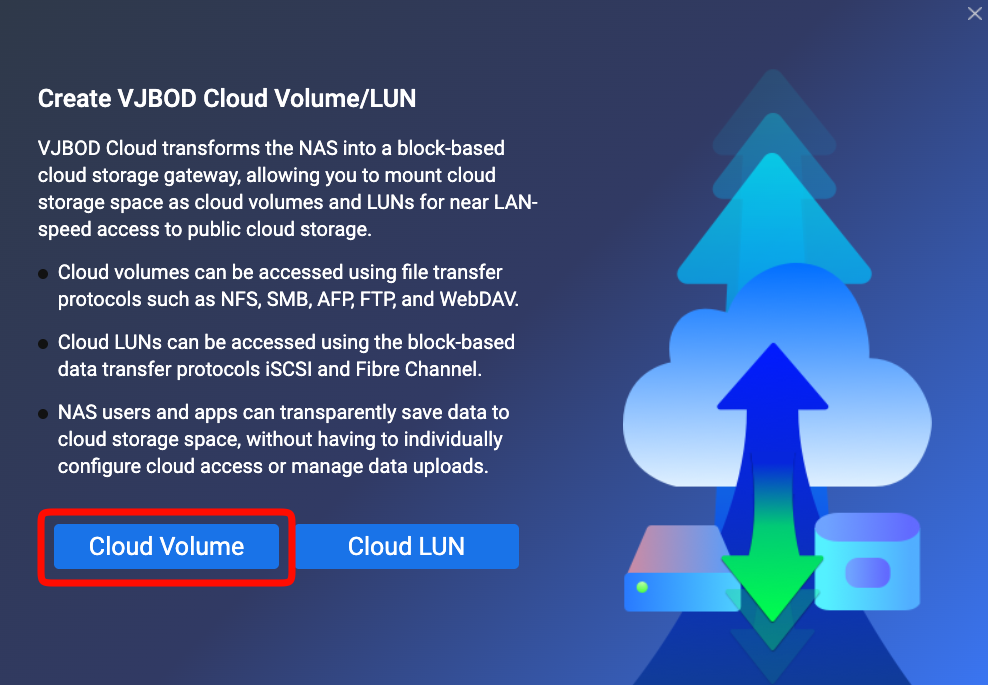
From the Overview screen, click Create VJBOS Cloud Volume/LUN.
.png)
Click Cloud Volume.
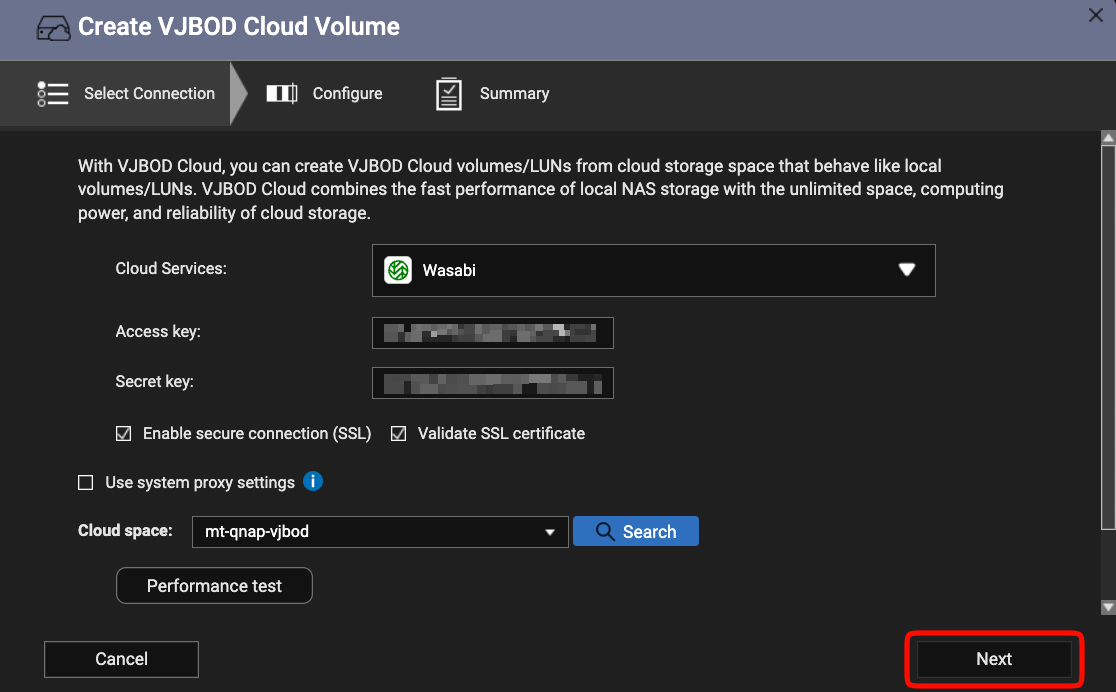
Select Wasabi from the choices shown.
Enter the access key and secret key.
Select the appropriate bucket from the Cloud space list.
Click Next.
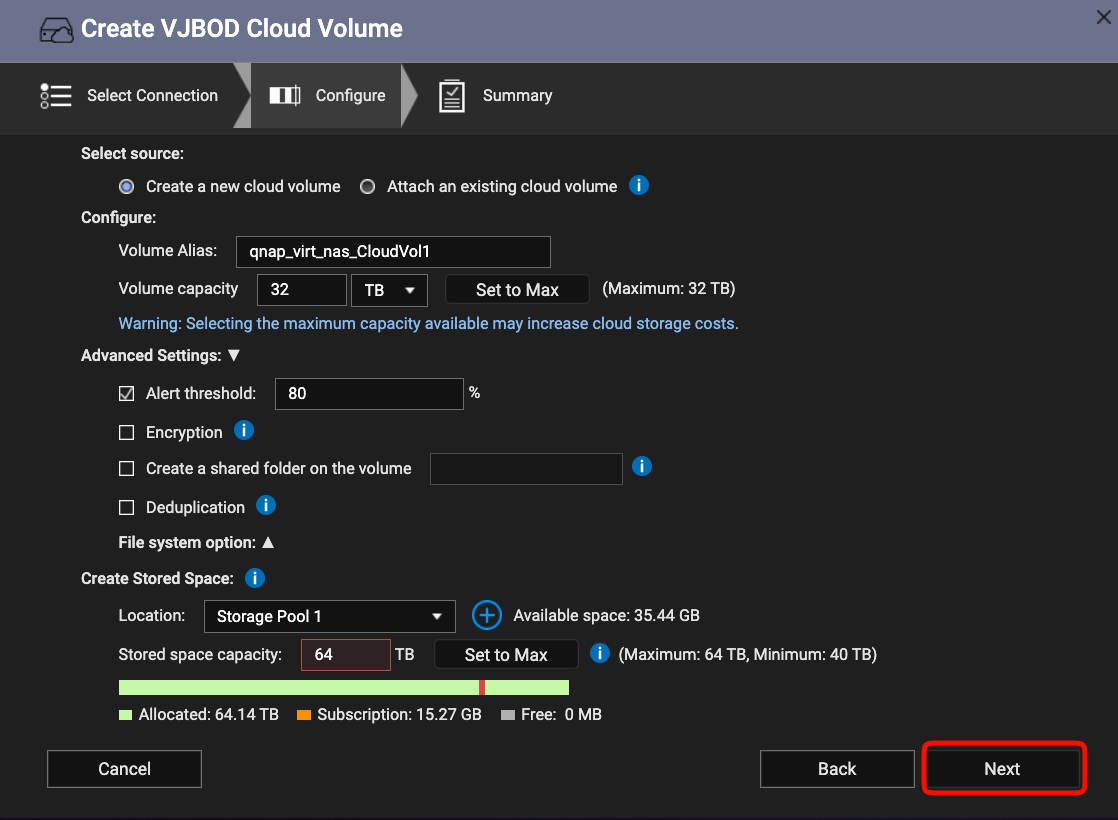
Set the appropriate Volume Alias (name), Volume Capacity, and Stored space capacity.
Click Next.
Confirm that the settings in the Summary screen are accurate. Click Finish.
Once the new volume is successfully created, it should appear with a green checkmark on the Overview tab.
.png)
The new volume is available for use with your local applications.