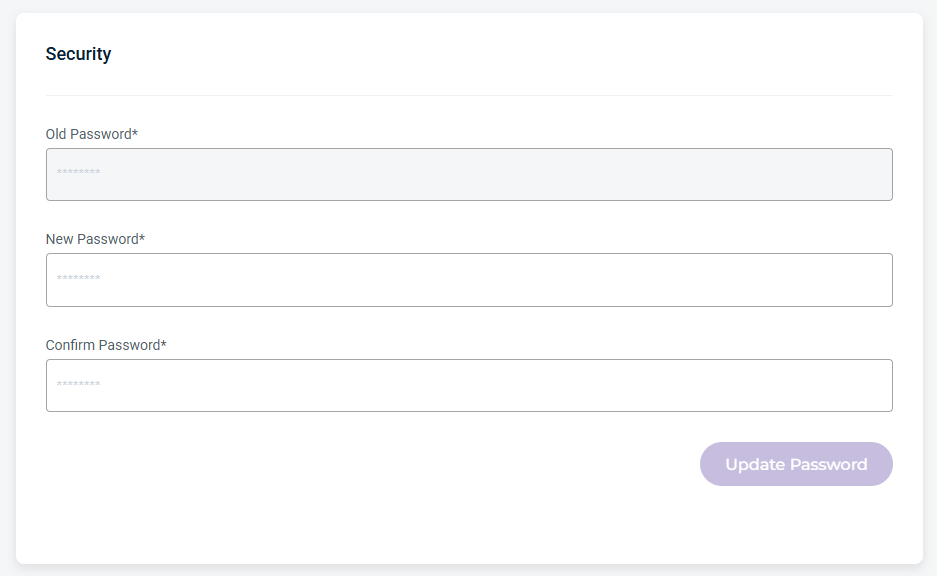
The CCC Members page, accessible from the Users tab in the navigation bar, lists all CCC member accounts and provides a centralized view of user identities, assigned roles, and security settings.
Users Details and Metrics
The Users page provides the following details and metrics:
First Name—The user’s first name used for the account.
Last Name—The user’s last name used for the account.
Username—The unique name (single string) used for the account.
Email—The user’s email used for the account.
Roles—The role assigned to the user.
Sub-Account—The member’s Sub-Account name.
Cloud Console—The member’s Cloud Console name.
Sign Up Date—The date the member account was created.
Last Login—The date the member last logged in.
MFA (multi-factor authentication)—The MFA status active
 icon, if enabled.
SSO (Single Sign On)—The SSO status
 , if enabled.
Status—The member status: Active or Deactivated.
Three-dot menu—Click to select an option.
Find and Filter Members
Use the Search and Filter By tools to find and refine member details. Use the export tool to export account data for reporting or further analysis.

Search and Filter Members
The following Filter By menu options are available:
Role—Filters by role type: Root, Admin, Full Access, Full Access Limited, or Download Only.
Sub-Account—Filters by Sub-Account name.
MFA (multi-factor authentication)—Filters by members with MFA Enabled or Disabled.
SSO (single sign-on)—Filters by members with SSO Enabled or Disabled.
Status—Filters by member account status of Active or Deactivated.
Cloud Console—Filters by the member’s Cloud Console name.
Export Data
The export tool lets you filter results and export data to CSV, JSON, or Excel.

Member Information Settings
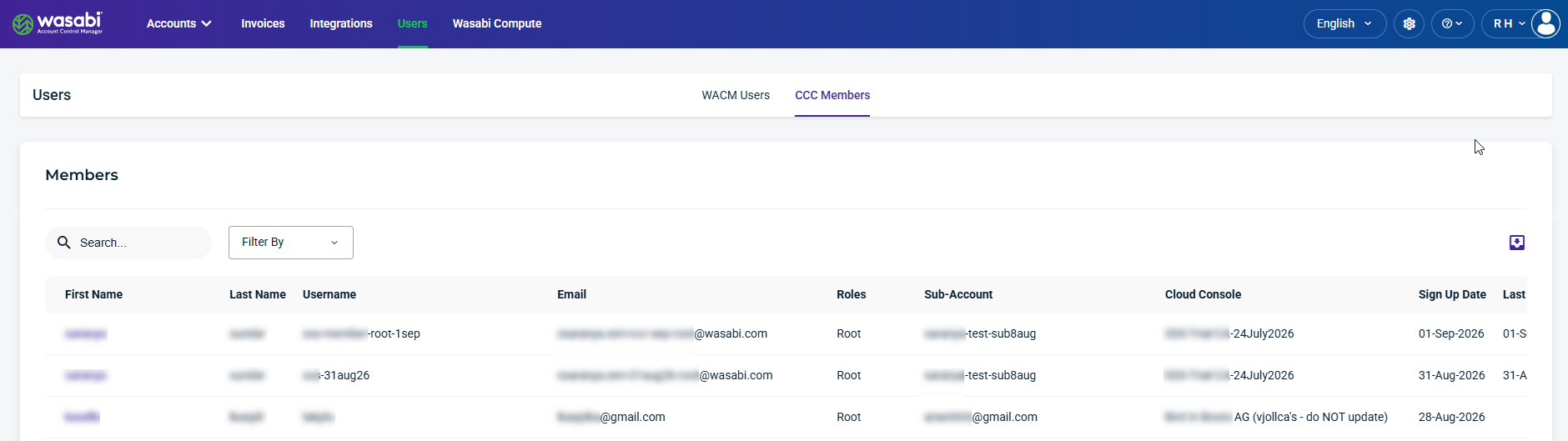
Select a Member from the list to view and update account information. Member Information displays account details, including the user’s first and last name, username, member role, and account status (Active and Verified). You can also update their contact and security information.
Be sure to click Update (in the upper-right corner) to apply any changes made on this page.
Contact Information
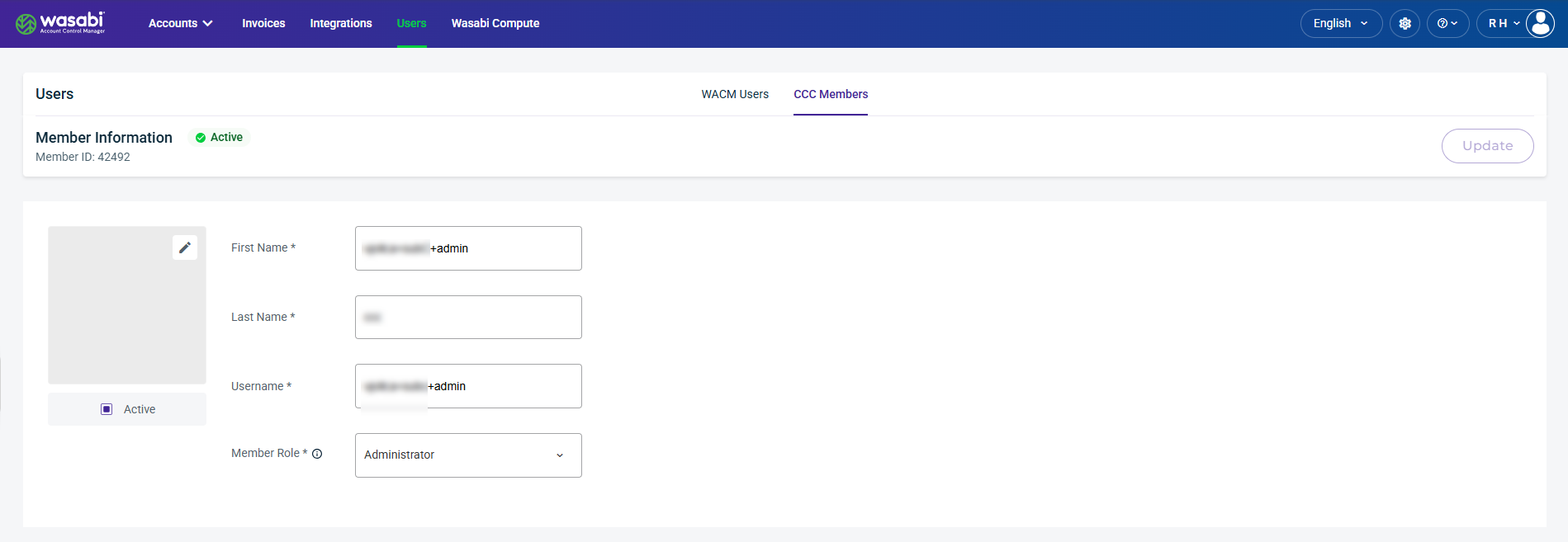
The Contact Information section provides editable fields for the member’s contact details, including mailing and email addresses, and phone number.
Security
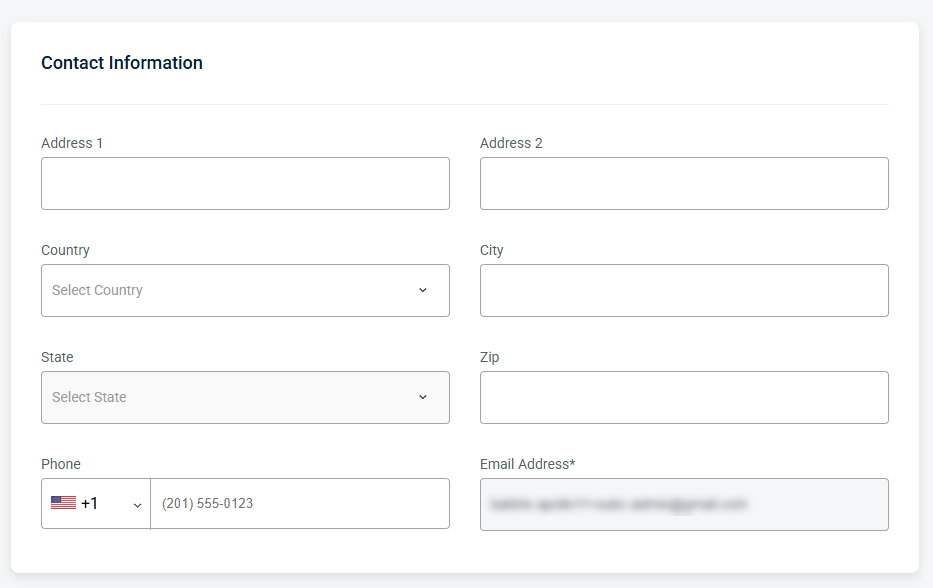
The Security section provides editable fields for managing password settings, including password resets.