Your Profile is a self-scoped view for a Wasabi Admin.
The Profile page provides a centralized view of user account settings and personal preferences. From this page, Admins can view and manage their account information, update contact details, generate and manage API keys, review security settings, update passwords, and enable multi-factor authentication (MFA).
The Profile page displays the following sections:
User Information—The account user information, including account status and the assigned user role.
WACM Connect API Key—Allows you to generate an API key for accessing the WACM Connect API.
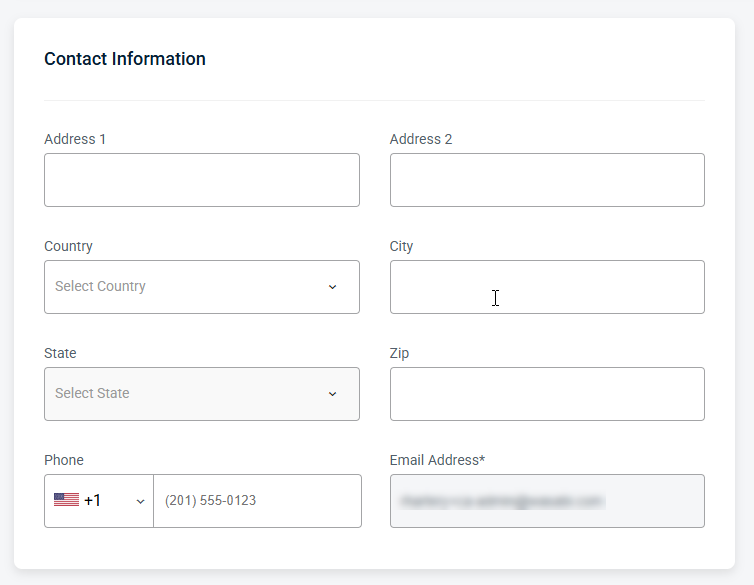
Contact Information—Allows you to update the account's address and contact information.
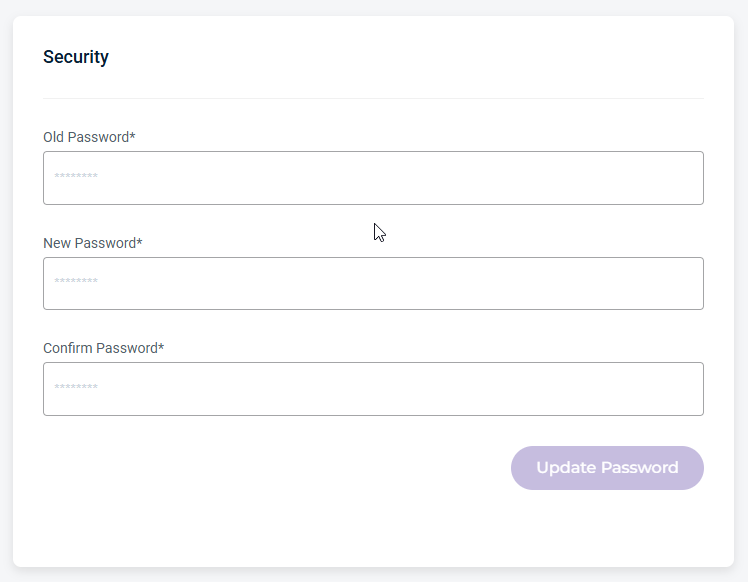
Security (password)—Allows you to update your password.
MFA (multi-factor authentication)—Enables the multi-step account login process.
Be sure to click Update (in the upper-right corner) to apply any changes made on this page.
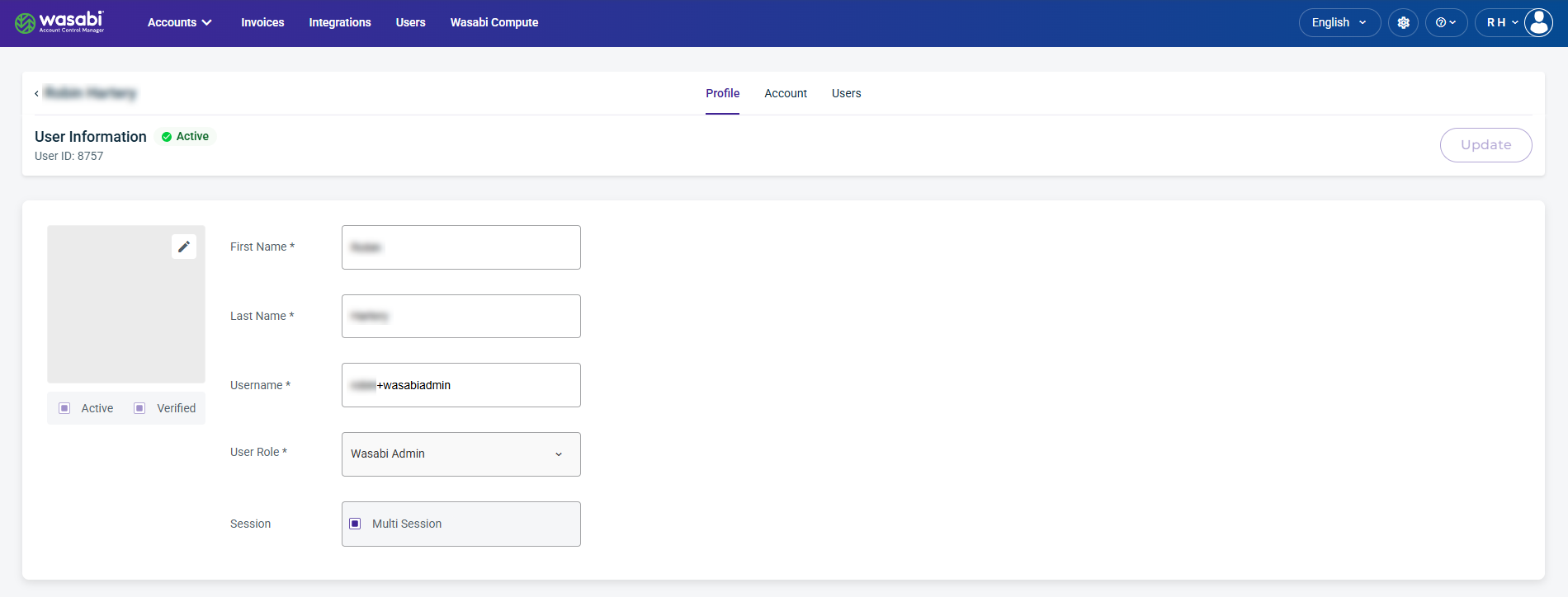
User Information
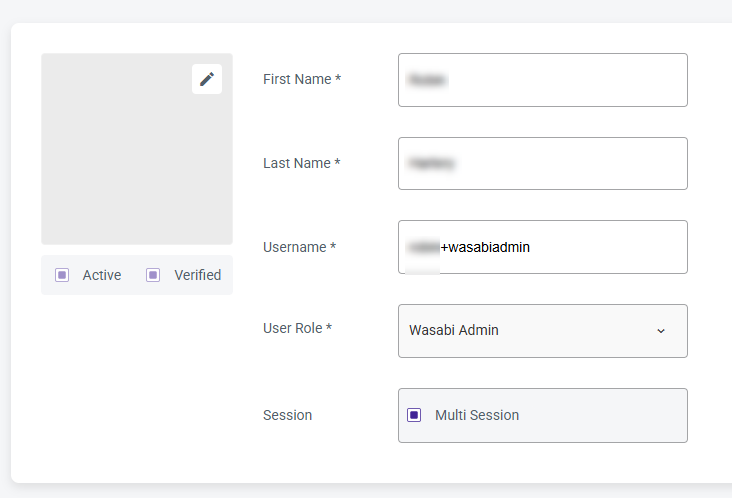
Displays the user’s basic account details and profile information, including account status. From this page, you can update the name and username fields and change the user role.
WACM Connect API Key
The WACM Connect API key lets you access WACM data for automation and can be rotated or deleted as needed for security purposes.

Contact Information
Provides editable fields for the user’s contact details, including the email address and other associated contact information.
Security Information
Allows you to manage password settings, including resets.
MFA (Multi-Factor Authentication)
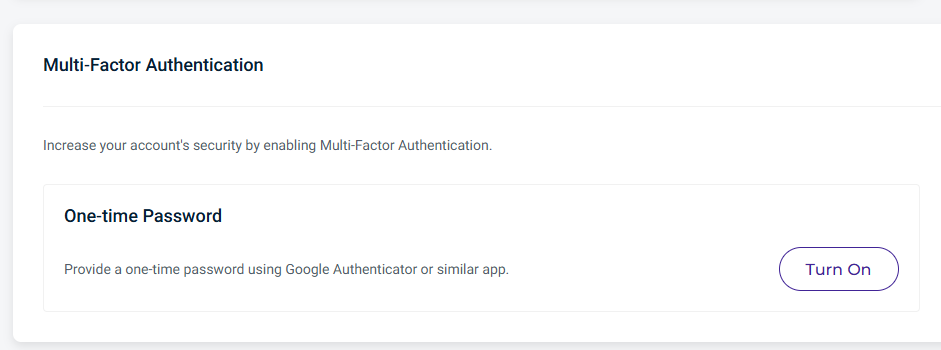
MFA increases your account's security. You can enable this feature using a one-time password.
Click Turn On to enable the one-time password as your authentication method.
Scan the displayed QR code using an authenticator app, such as Google Authenticator.
Enter the generated verification code into the Confirmation Code field, then click Register.
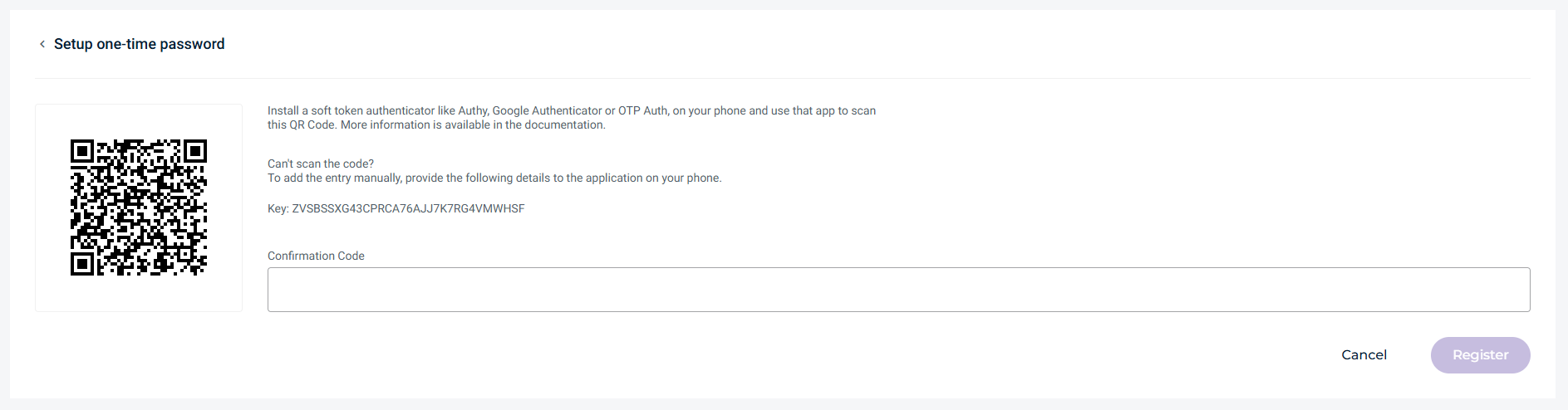
Going forward, you must enter a new verification code every time you log in to your Wasabi account.