If you receive a message indicating your account cannot be found:
You may not have logged in as the appropriate user type: Root or Subuser.
Your browser may have cached old information.
Log In as a Root or Subuser Account
Be sure to log in as a Root user or Subuser, as appropriate for your account. When you log in as a Root user, you will use this form:
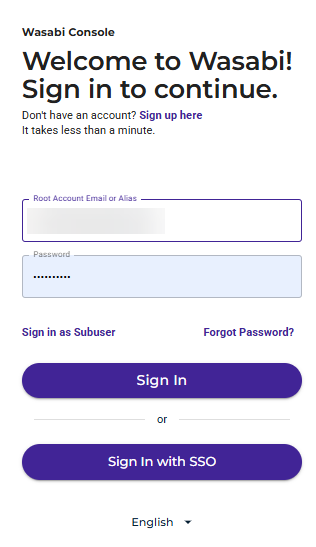
Notice that you can click Sign in as Subuser to change to the Subuser form:
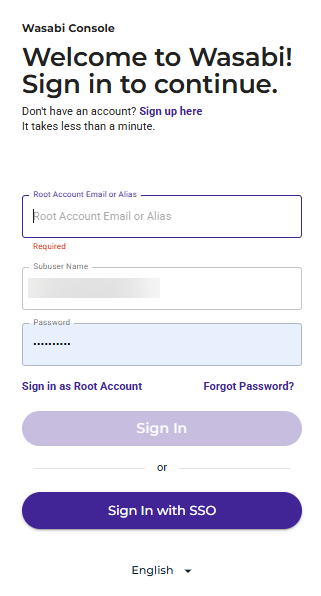
Similarly, you can click Sign in as Root Account to change to the Root form.
Avoid Cached Information
You may have old information cached in the browser. Try to fix this by:
Clearing your browser cache (preferred)
Using an incognito window
Using a different browser
With the first option (clearing your cache), the problem should not recur in the future. If none of the options listed above solve the problem, contact Wasabi Support.