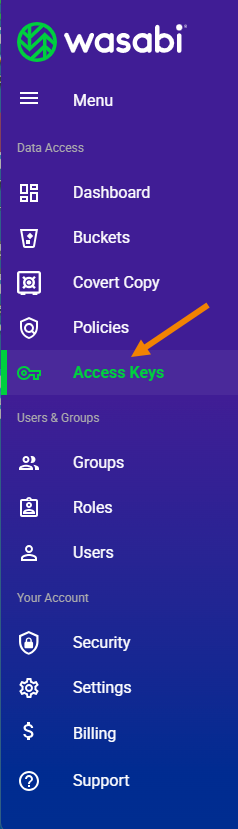
Click Access Keys in the Wasabi menu on the left of the screen.
The Access Keys panel is displayed. Here is an example of the display with two keys assigned, one for the root account and another for a sub-user named Arthur:
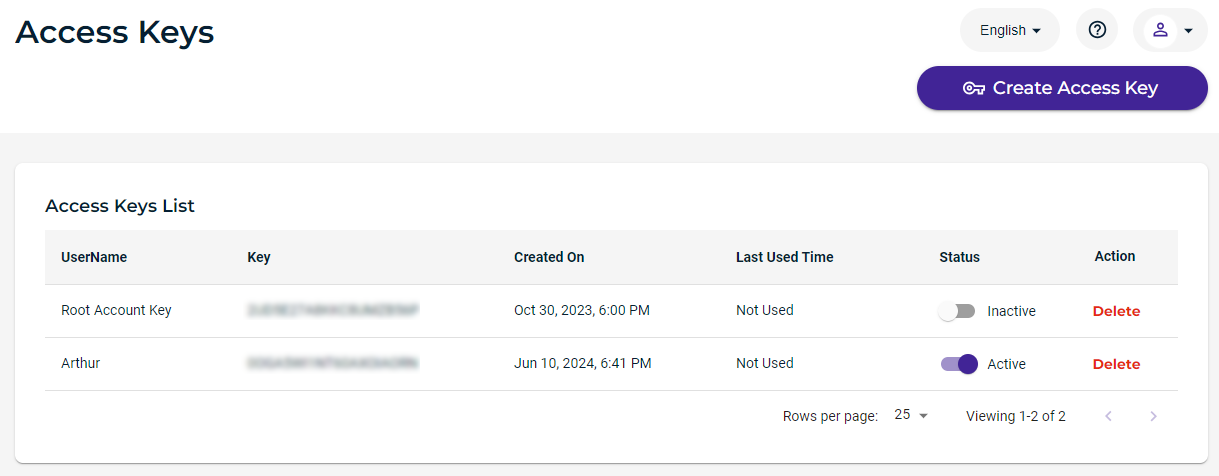
The Access Keys panel displays the access keys, each with this information:
User name
Key, which is the access key code
Date/time when the access key was created
Status of the access key
Option to delete the access key
Tools are provided for:
Information in this chapter relates to access keys for the account. Refer also to the description of Creating an Access Key for a User.