Wasabi is certified for use with QNAP’s HybridMount application. HybridMount integrates NAS with cloud services, enabling low-latency access to cloud resources via local caching. A NAS with limited capacity can mount cloud storage to expand NAS storage capacity.
HybridMount runs on various QNAP NAS platforms, including the QNAP TS-AI642 6-Bay Tower AI NAS.
Requirements
Active Wasabi Cloud Storage account (see Create a Wasabi Account).
Wasabi bucket. For more information, review Working With Buckets and Objects.
Access Key and Secret Key. For more information, review Creating a User Account and Access Key.
QNAP NAS with the HybridMount application. In our testing, we have used version 1.17.5530 of the HybridMount application. Wasabi recommends using the latest version.
Configuration
Click the HybridMount application icon on your QNAP NAS dashboard to initialize the application.
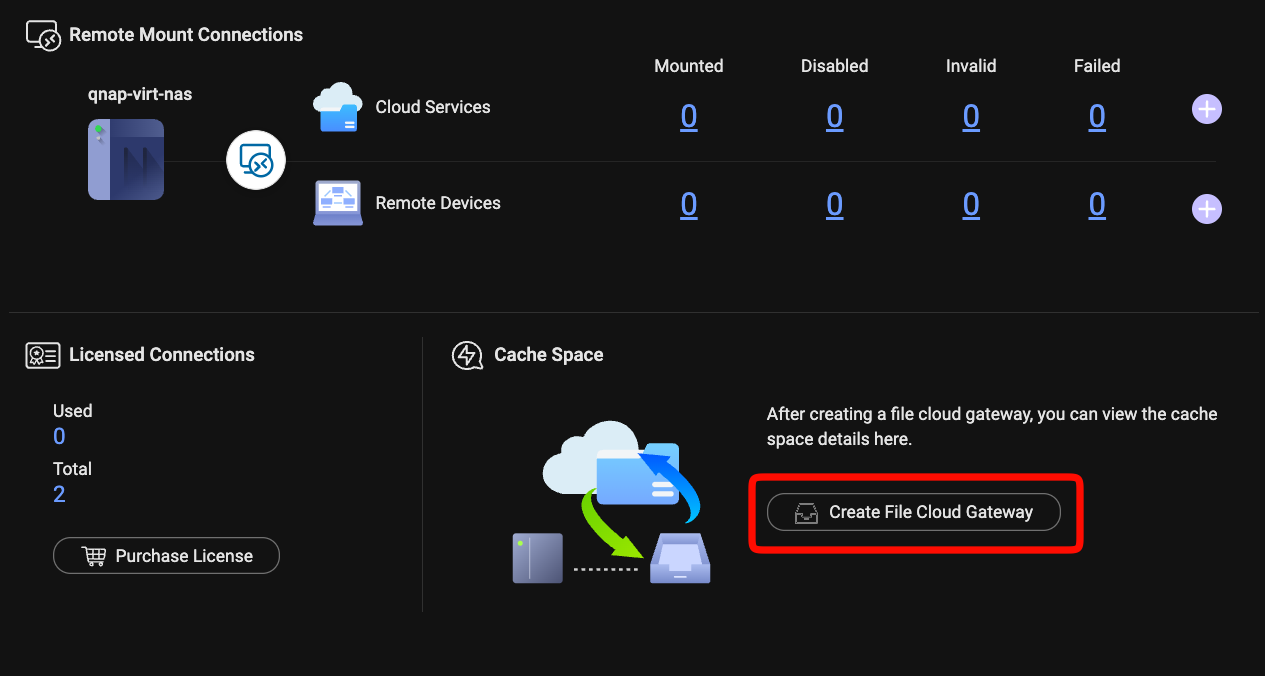
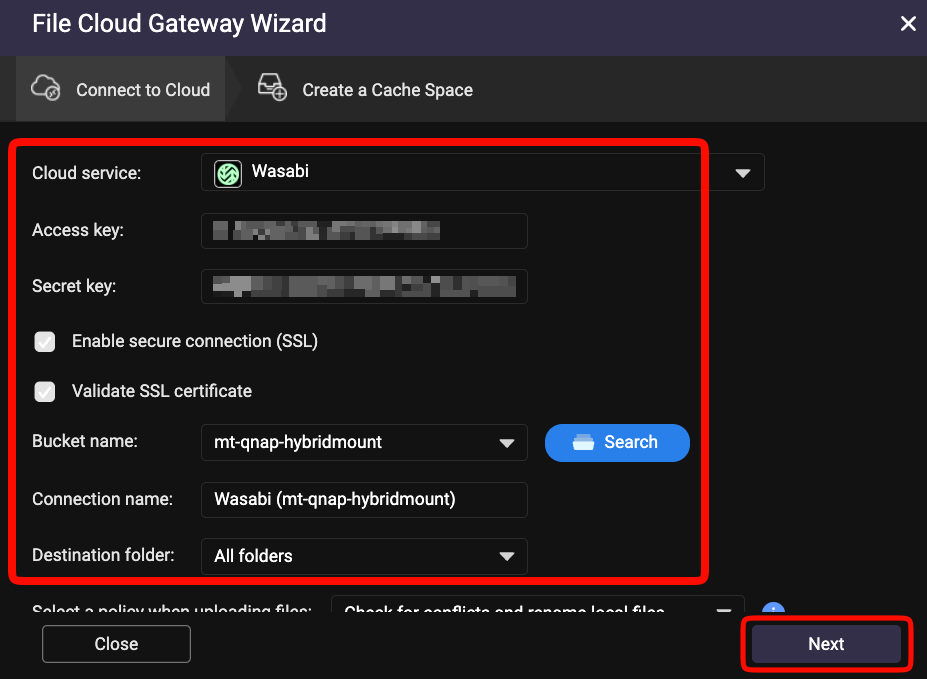
Click Create File Cloud Gateway to add Wasabi storage.
Select Wasabi from the Cloud service drop-down.
Enter your access key and secret key.
Click Search.
Select the appropriate bucket.
Click Next.
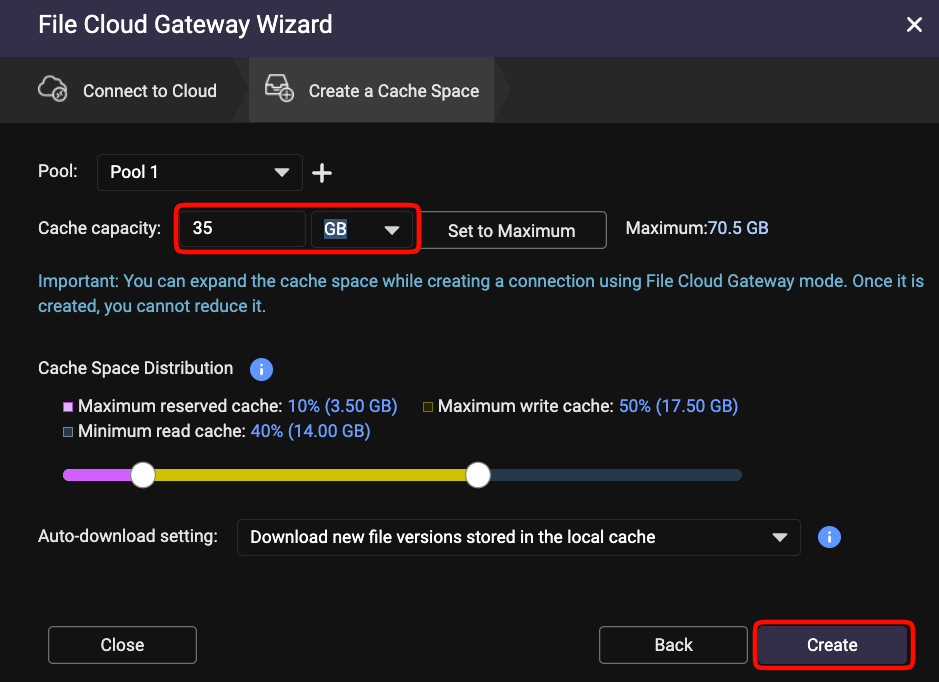
You can adjust the cache capacity settings for read and write operations (per your requirements and specifications). Click Create.
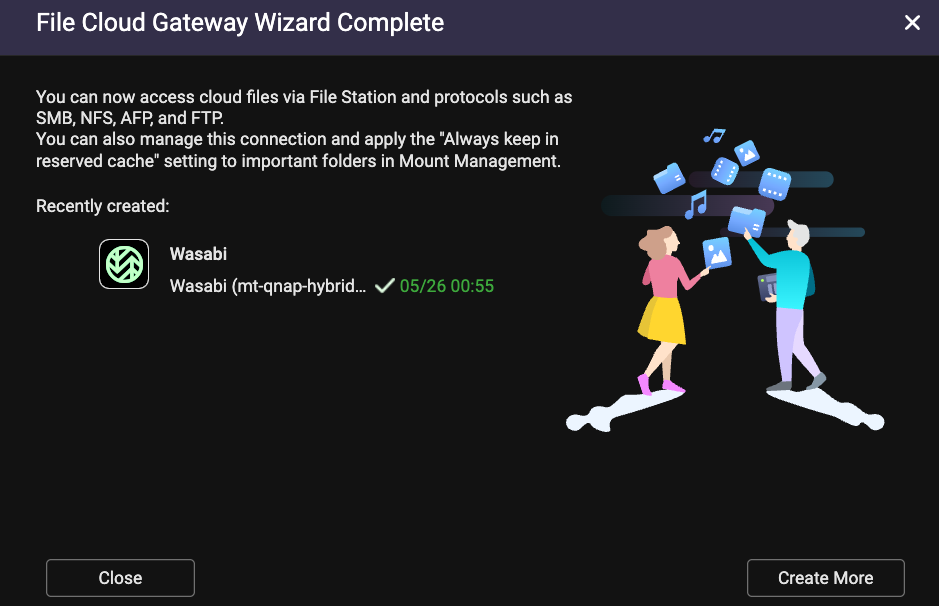
Once the file cloud gateway creates a mount, you will see the screen below with a green checkmark indicating that the mount was created successfully.
Click Mount Management to confirm that the new Wasabi mount is ready.
.png)
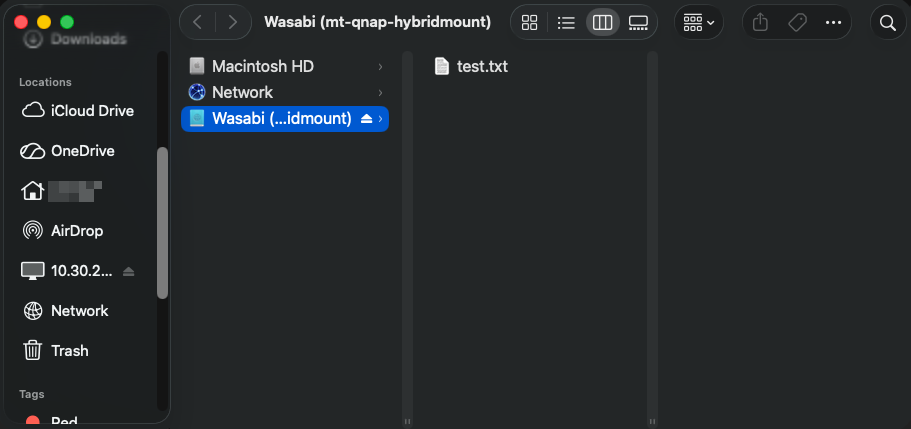
Your new Wasabi mount will appear as a drive within the QNAP NAS.
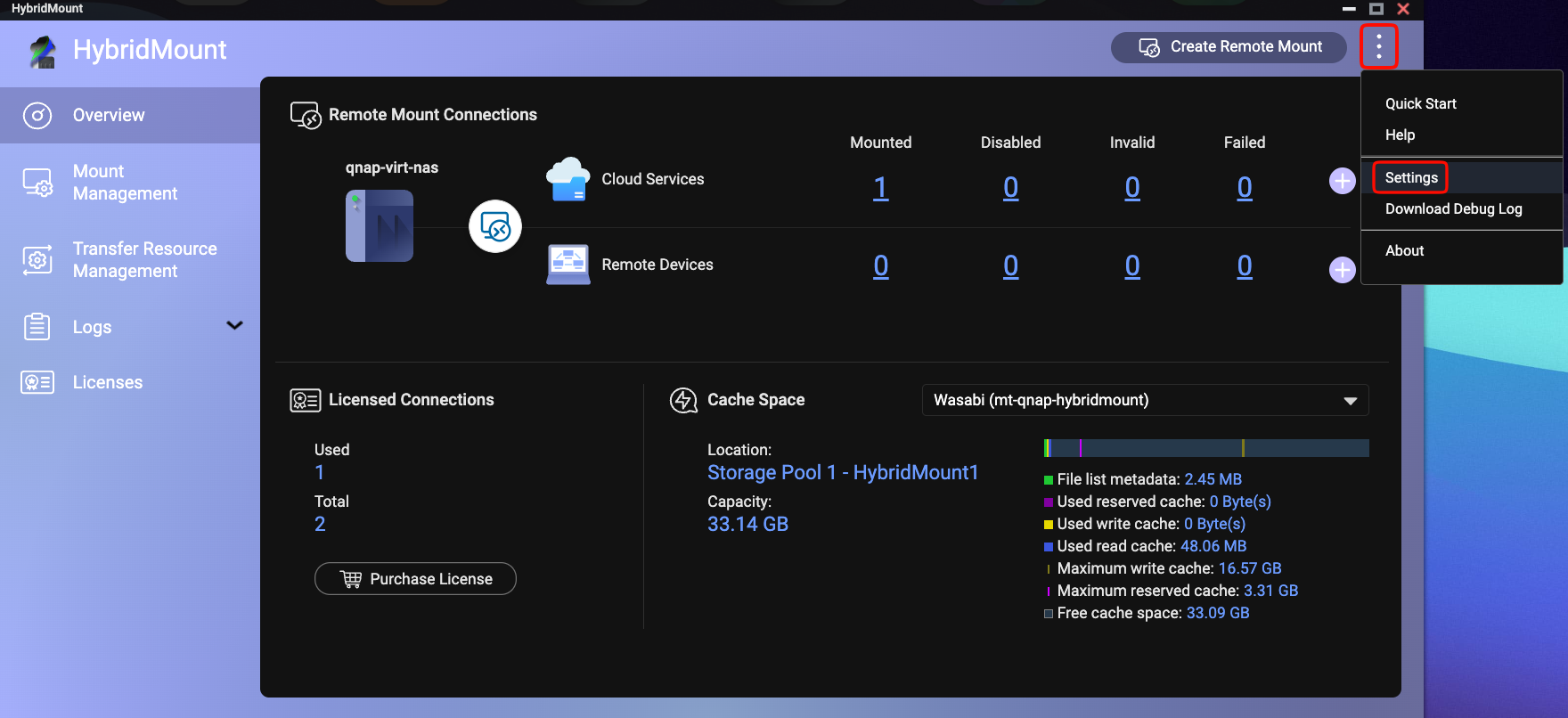
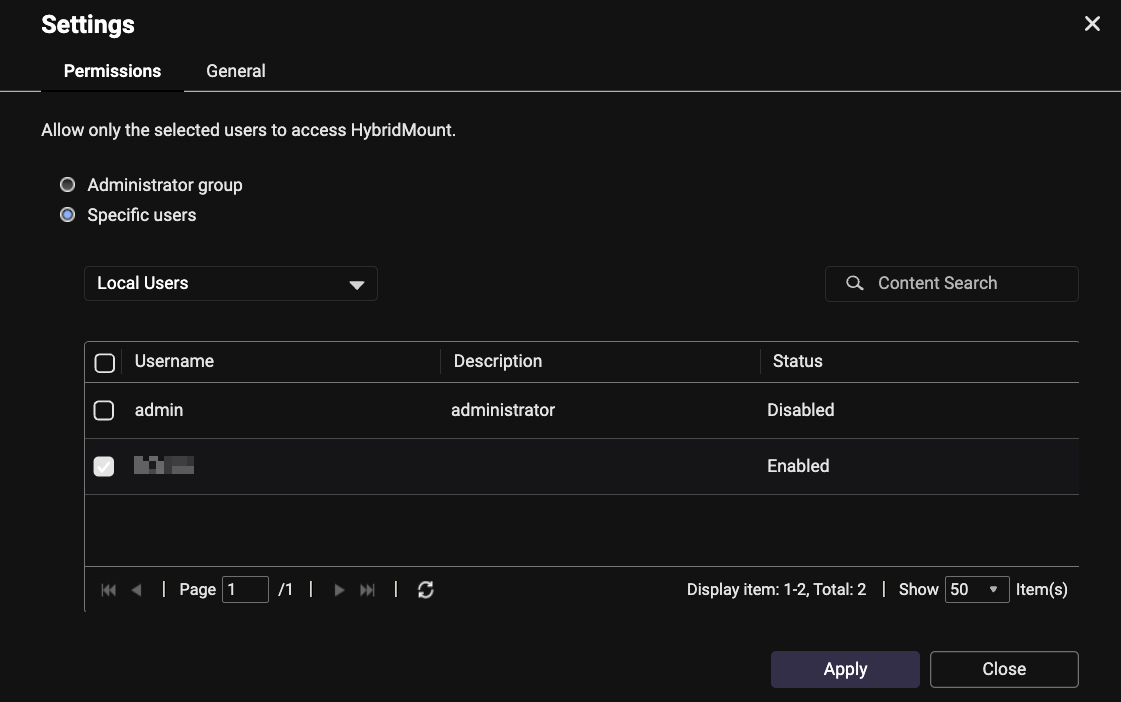
To allow only specific users to access and use the Hybrid Mount, you can set those permissions on the Hybrid Mount application. Click the 3 vertical dots.
Click Settings.