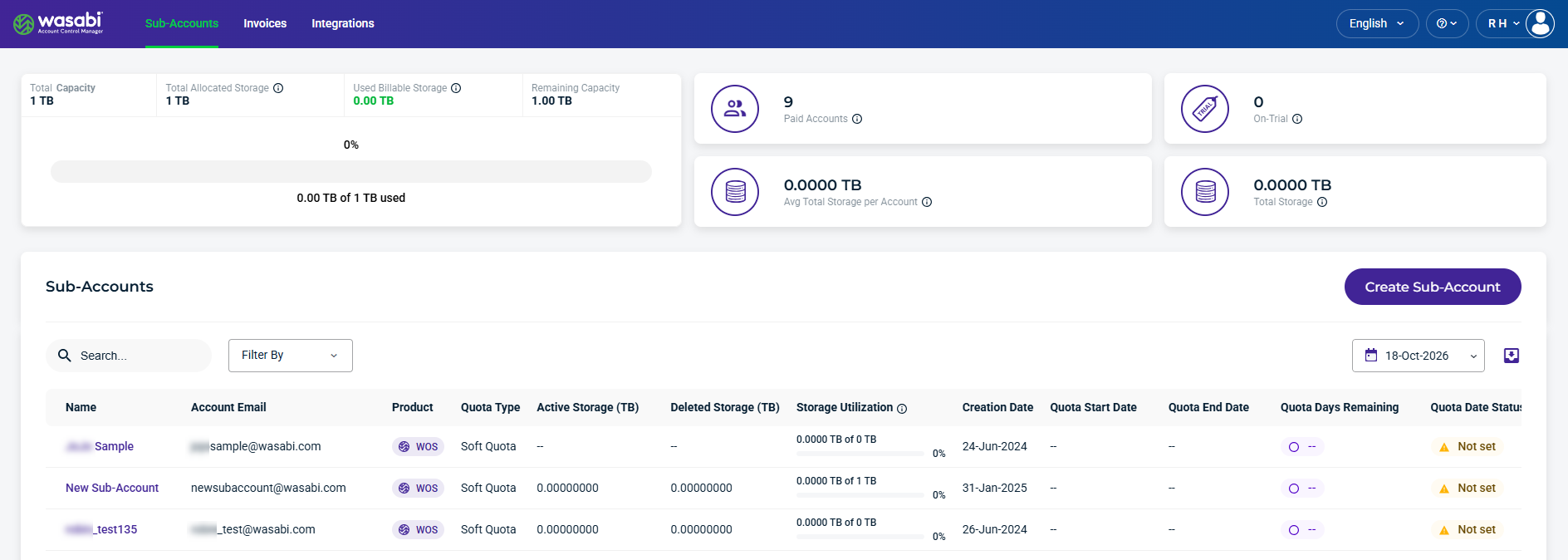
WACM Admins can access individual Sub-Accounts from Channel Accounts to view storage usage information and manage account settings.
Whether you sign in as a Wasabi Admin or a WACM Admin, the Sub-Account components link to the same details tabs.
Select a Sub-Account from the list to open the Details page to view and manage the following Sub-Account components:
Data Storage Usage (Usage, Buckets, and Invoices)