When you sign in to the WCSM Portal, you will be presented with the Dashboard. The Dashboard is your “landing page” and provides information about your active and historical migration jobs.
.png)
Hover over the left navigation panel to expand the navigation menu (shown below).
Dashboard
Jobs
Policies
Storage
Agents
Credentials
At this time, WCSM does not support creating and managing agents within the WCSM Portal.

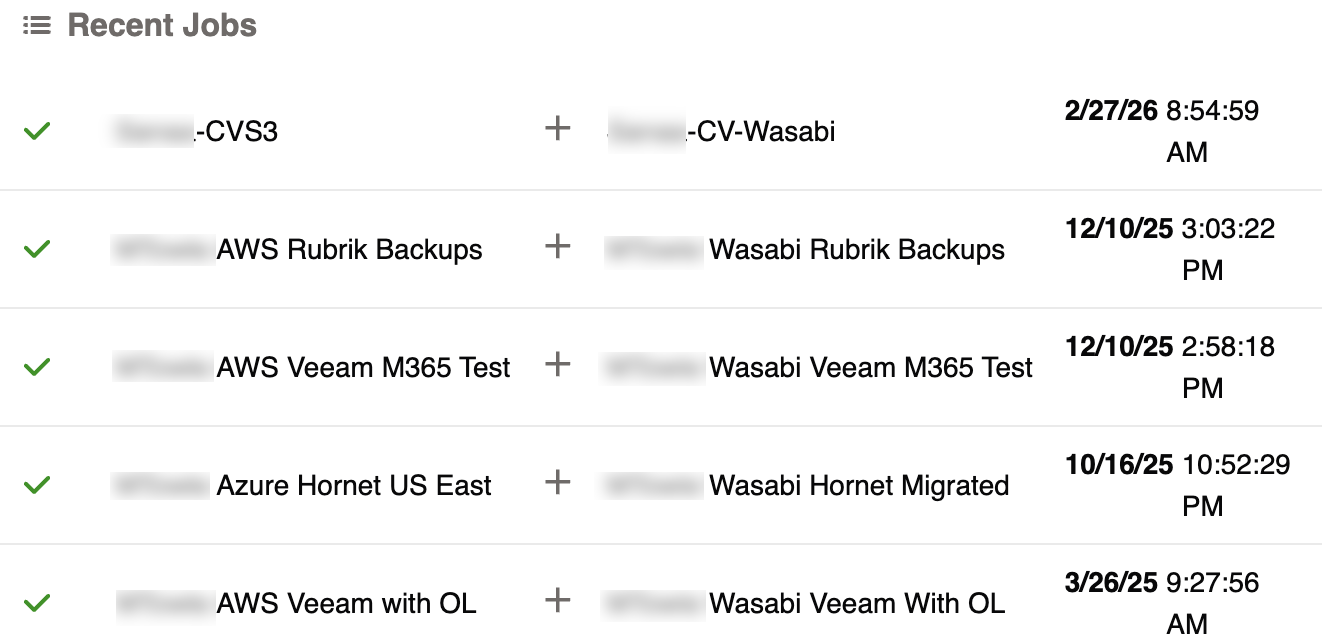
Recent Jobs
The Recent Jobs panel reports the active job(s) that Wasabi is running. Select a job in the list to view more details. For more information on jobs or to view all active and historical jobs, refer to Jobs With Wasabi Cloud Sync Manager (WCSM).
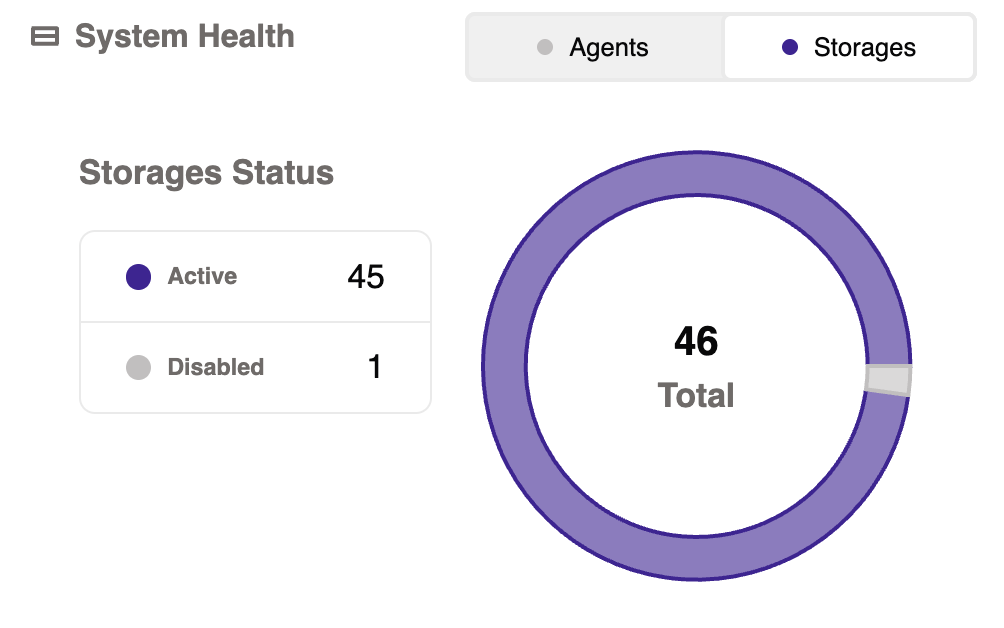
System Health
On the System Health widget, click the Storages tab to view a summary of your storage objects. For more information about viewing and managing storage objects, refer to Storage With Wasabi Cloud Sync Manager (WCSM).