Summer 2026
Reference the News Archives for Console for previously published updates.
Covert Copy Incremental Support: Resynchronizing a Covert Copy With Its Source Bucket
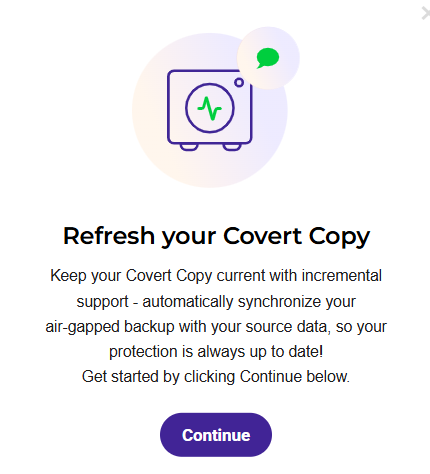
Data environments change constantly. New objects are written, existing objects are updated, and backup jobs run on a regular cadence. With Incremental Support, your covert copy keeps pace with those changes.
Incremental Support enhances the Covert Copy feature by allowing an existing covert copy to be resynchronized with its source bucket. This feature explicitly tells the system to rescan the source, compute differences, and update the covert copy so that it matches the current state of the source. Rather than representing a single point in time, a covert copy with incremental support becomes a continuously current air-gap—evolving alongside your data while preserving the security guarantee that makes Covert Copy Wasabi’s gold standard for data protection.
The Covert Copy feature with Increment Support:
Keeps your air-gapped protection current without sacrificing the immutability and invisibility that covert copy provides.
Reduces risk over time by ensuring your covert copy never becomes stale, even as your source bucket grows and changes.
Retains all existing Covert Copy protections such as MFA and MUA.
Refer to Covet Copy: Using Incremental Support for more information.
S3 Inventory
Additional filtering is available for S3 Inventory, such as Replication status and Object Lock configuration data.

Security Center Enhancements
The Security Center has been improved. Notably, the MFA form is simpler and Administration Logging no longer requires an opt-in.
User Password Settings (Security Center)
The User Password Settings option in the Security Center enables you to define a password policy for your users by configuring settings that align with your organization’s security standards.

Multi-Factor Authentication (MFA) for Trial Accounts
For security control, MFA is required for a new Trial account. A virtual MFA device (such as a smartphone) uses a software application to generate an authentication code. Account access is granted only after a user successfully provides this code—as identity evidence—during Wasabi sign-in. Security and MFA are further detailed in the Wasabi Security Center.