The Billing portal provides three tabs of information:
If you are a Trial user, the tabs you will see are:

If you want to become a paid user, click Trial Upgrade and refer to Upgrading to a Paid Plan.
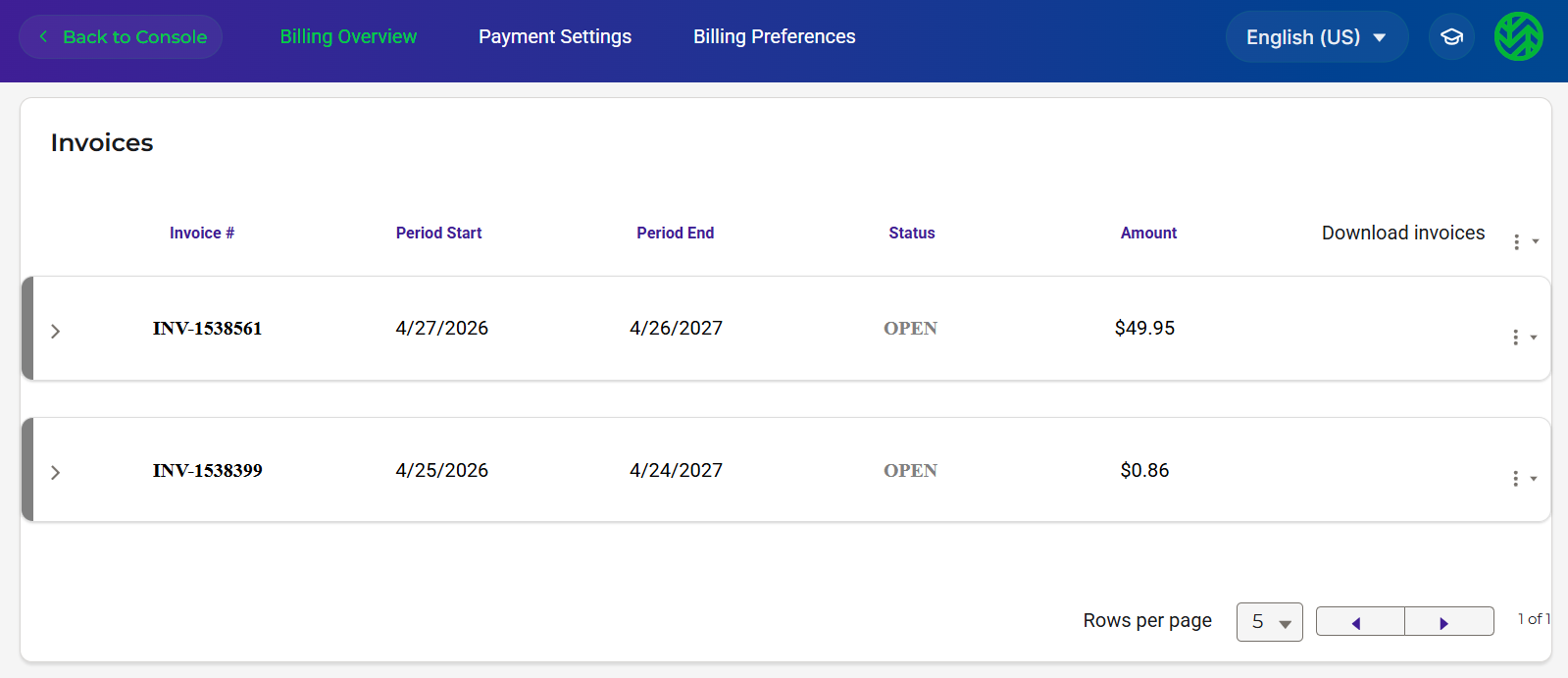
If you are an RCS customer, you will see a Billing portal such as:
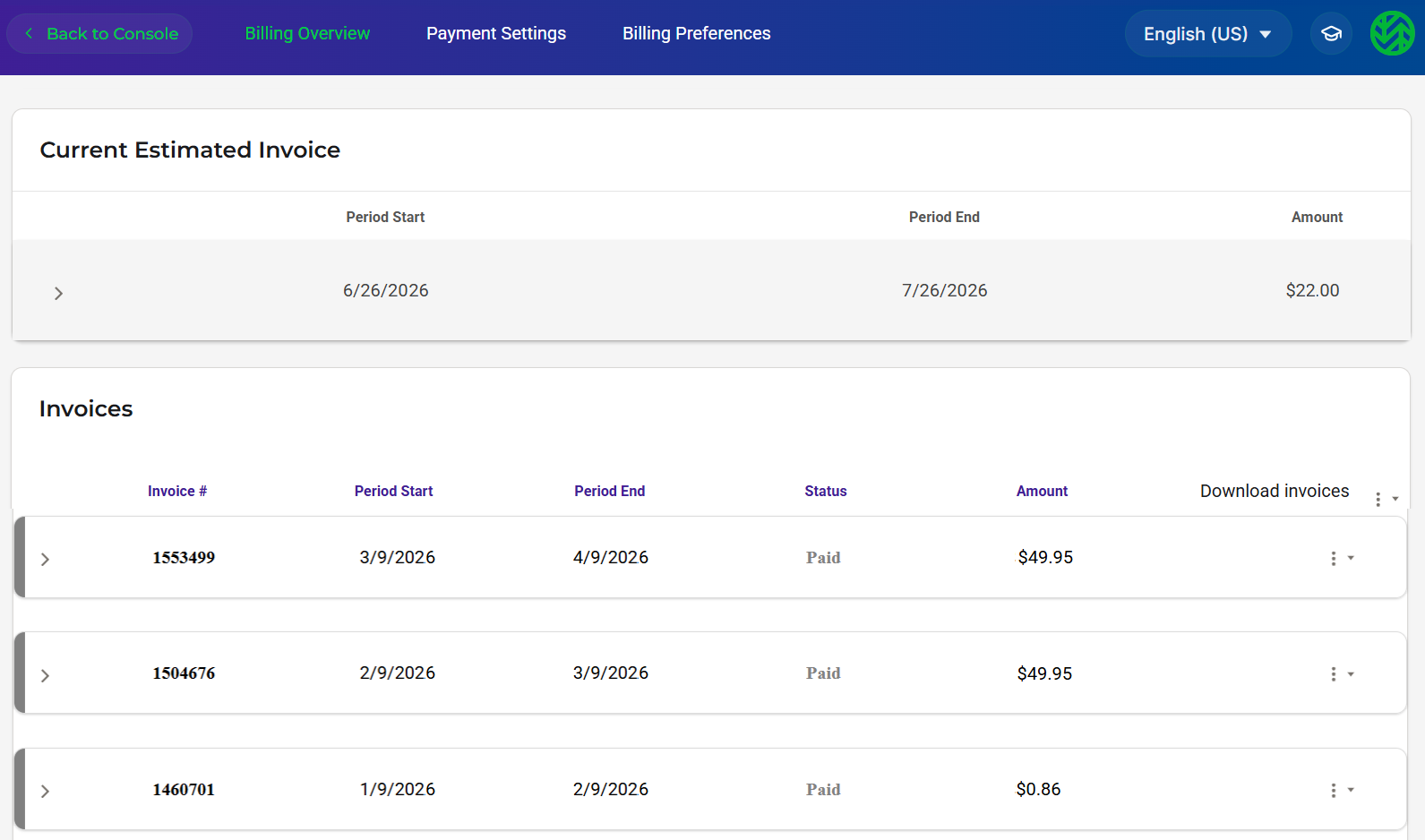
If you are a Pay-Go customer, you will see an additional area estimating your next invoice. For example:
Providing Billing Access With a Wasabi Policy
Wasabi provides predefined policies that you can attach to a user, group, and/or role. The following predefined policies enable billing permissions for a sub-user:
AdministratorAccess and WasabiAdministratorAccess—Give the user full access to all resources (IAM and S3) with no limitations. This gives the user permission to modify the billing access portal.
WasabiModifyBillingAccess—Gives the user permission to modify the billing access portal.
WasabiViewBillingAccess—Gives the user permission to only view (not modify) the billing access portal.
Learn about creating Policies in Wasabi Hot Cloud Storage.
Returning to the Wasabi Console
Click Back to Console in the upper left corner of your screen.