Wasabi’s Covert Copy is an effortless way to safeguard your data by creating a locked copy of your S3 bucket. Covert Copy is easy to implement without configuration requirements or technical knowledge. The Covert Copy feature:
Replicates all or filtered content of your source bucket as an immutable and indestructible copy.
Ensures that the copied bucket cannot be modified in any way. This provides a secure long-term backup to prevent data loss.
Completely isolates the copied bucket from all programmatic and user interface access without MFA (Multi-Factor Authentication) and MUA (Multi-User Authorization) approval. This stops internal data leaks and unauthorized access.
Only a paid account (not a trial account) Root user can manage the covert-copied bucket, and implementation requires the use of:
The feature described in this article enables you to quickly list all covert copies. For details about setting up, creating, reviewing status, accessing, restoring, and deleting covert copies, refer to Covert Copy: Safeguarding Your Data.
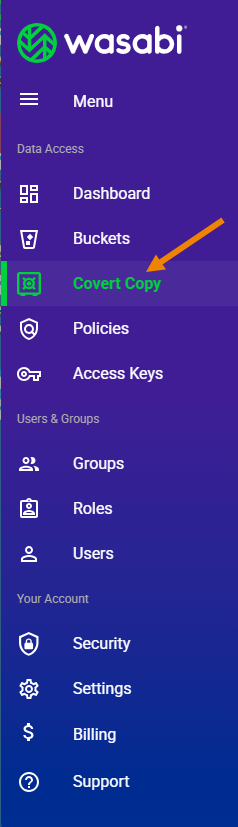
Click Covert Copy in the Wasabi menu on the left of the screen.
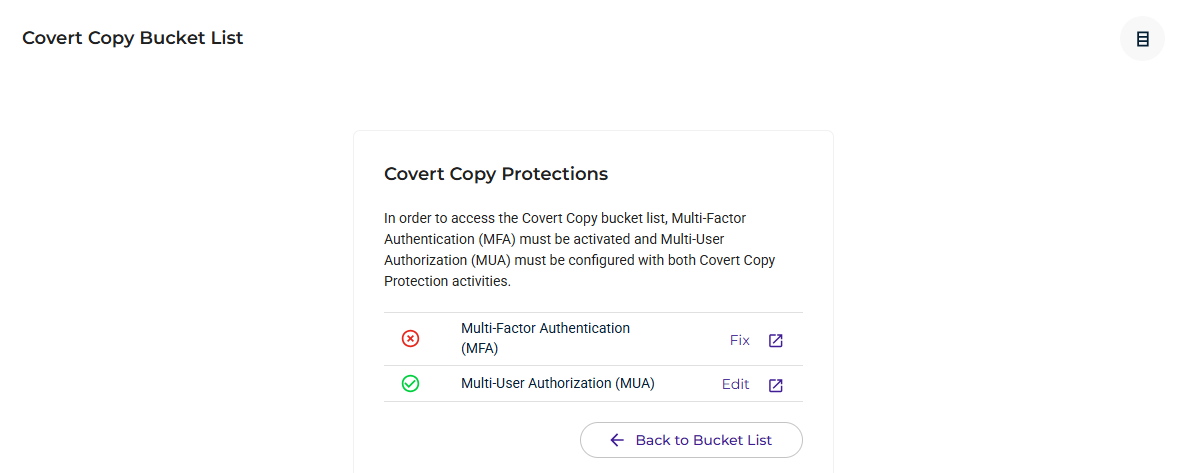
If you have not met all of the requirements for the Covert Copy feature, a window displays the needed features. In this example:
Multi-Factor Authentication (MFA) is not enabled. You can click Fix to establish MFA.
Multi-User Authorization (MUA) is enabled, though you can click Edit to change the settings.
Once you meet the Covert Copy requirements, you will see the Covert Copy Bucket List. For example:
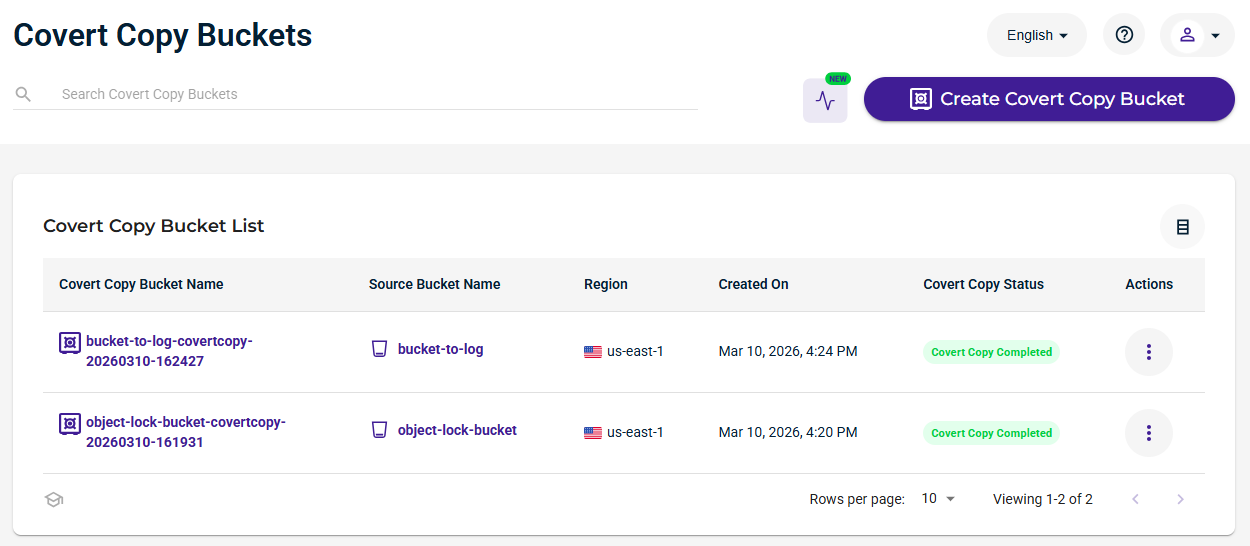
From here, you can: